

Configure R2 Keys
Store your Cloudflare R2 API token here. Add a credential before you can use anything else.
Open it from: Cloudflare R2 → Credential
The credential page
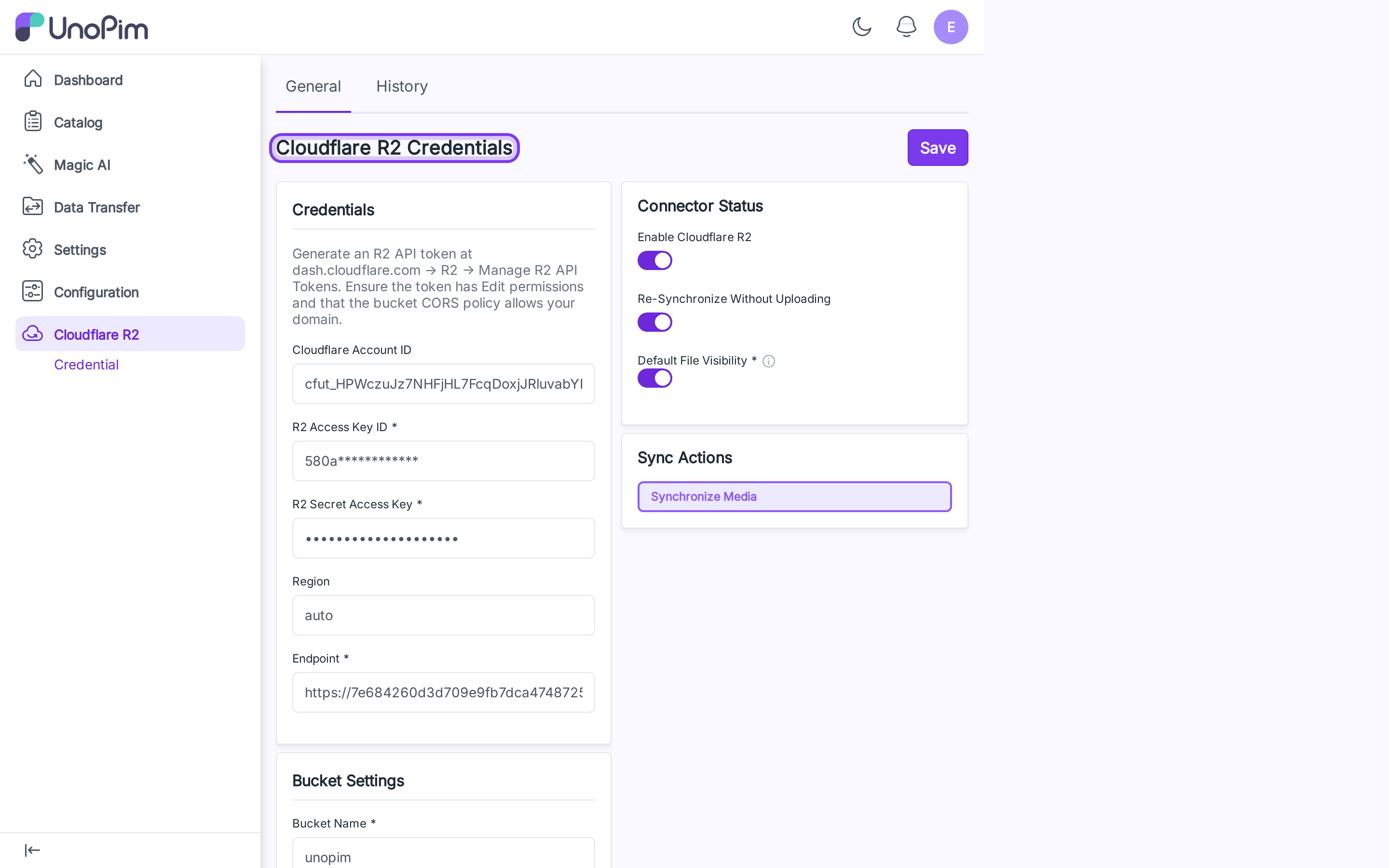
The page is one form with two columns:
- Left — Credentials, Bucket Settings, Cache Control Rules.
- Right — Connector Status (toggles) and Sync Actions.
A General tab and a History tab sit at the top. Save is in the top-right corner.
Get an R2 API token
- Sign in to the Cloudflare dashboard.
- Go to R2 → Manage R2 API Tokens.
- Create a token with Edit permission for your bucket.
- Copy the Account ID, Access Key ID, and Secret Access Key.
Make sure your bucket's CORS policy allows requests from your UnoPim domain — otherwise images won't render in the admin.
Fill in the form
Credentials
| Field | What it is |
|---|---|
| Cloudflare Account ID | Your account ID. The endpoint is auto-derived from this when Endpoint is empty. |
| R2 Access Key ID | The token's access key. Required on first save; leave blank later to keep the saved one. |
| R2 Secret Access Key | The token's secret. Hidden after saving — leave blank to keep the saved one. |
| Region | Defaults to auto for R2. |
| Endpoint | Required. Auto-filled to https://<account_id>.r2.cloudflarestorage.com if you leave it blank but provide an Account ID. |
Bucket Settings
| Field | What it is |
|---|---|
| Bucket Name | The bucket you created. Required. |
| Bucket URL | Public CDN URL or custom domain. Required for public buckets. |
| Environment Update Time | Optional YYYY-MM-DD HH:MM:SS — bumps the cache key when you swap buckets. |
Connector Status (right column)
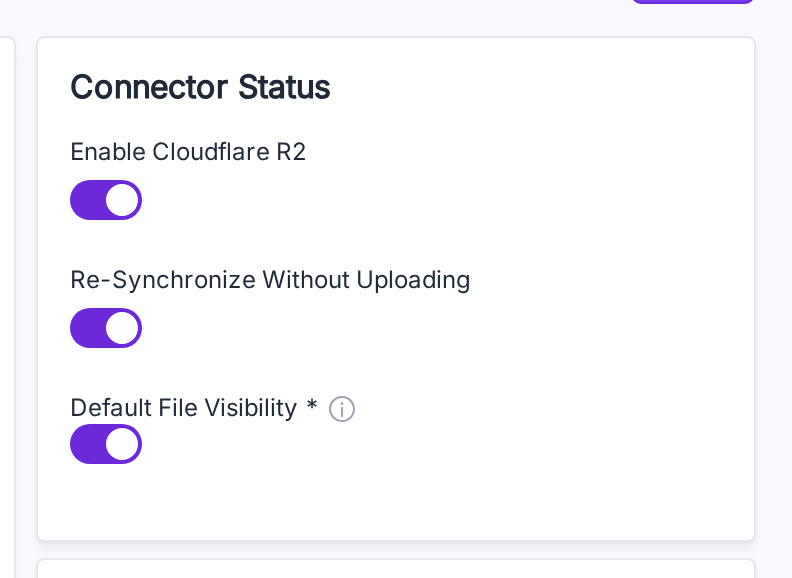
| Toggle | What it does |
|---|---|
| Enable Cloudflare R2 | Master switch. New uploads go to R2 only when this is on. |
| Re-Synchronize Without Uploading | Skip the upload step on Synchronize Media — only verifies the file exists on R2 and writes the mapping row. Use this when files are already on R2. |
| Default File Visibility | On = Public (CDN URL). Off = Private (short-lived presigned URLs). |
Cache Control Rules
Per-extension max-age for newly uploaded objects. With no rules, a default 7-day cache is used.
| Extension | Max age (seconds) | Effect |
|---|---|---|
jpg | 2592000 | 30 days |
png | 2592000 | 30 days |
pdf | 86400 | 1 day |
Click Add Rule to add one, fill the extension and seconds, click Save. Rules apply to new uploads — change a rule and re-sync to apply it to old files.
Save = test + save
Click Save. The form runs a live ListObjects against your bucket first. If the credentials work, the form is saved. If not, you see the error and nothing is stored.
TIP
No separate Test Connection step exists — Save is the test. Bad keys never reach the database.
Edit later
The next time you open the page:
- Access Key shows masked (
580a************). - Secret Key shows fully masked (
********************).
Leave both blank to keep the stored values. Type a new value to replace one.
Change history
Click the History tab to see every change made to the credential — toggles flipped, fields edited, rules added.
Access keys and secret keys are never written to history.