

Watch progress
Background translation jobs show up in Settings → Data Transfer → Tracker.
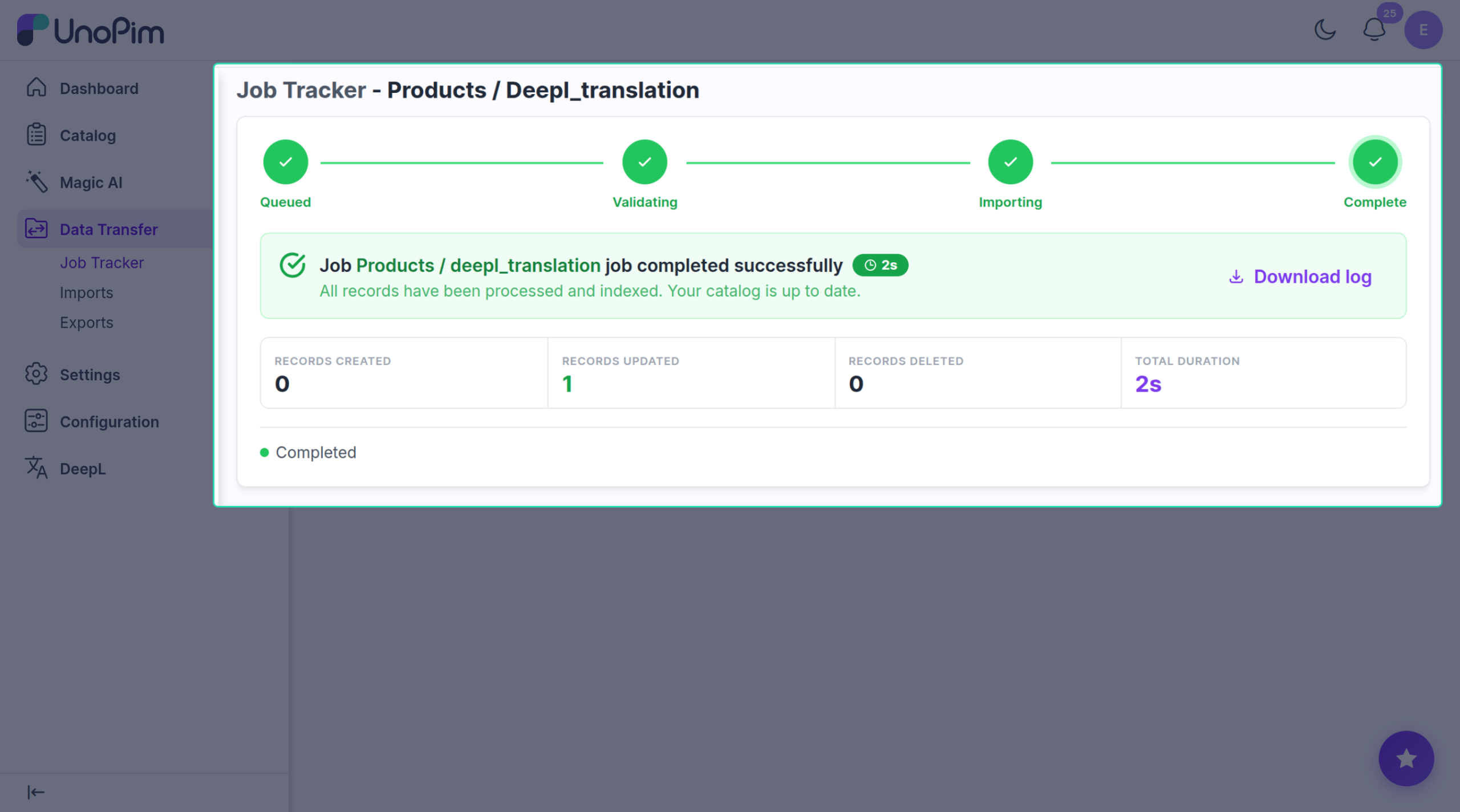
Each row shows:
- Status — queued / running / done / failed.
- A progress counter (e.g. 3 of 10 products updated).
- A short summary when it finishes.
What creates a row
| Translation flow | Rows it creates |
|---|---|
| Translate many products | One row for the whole run. |
| Translate one product | One row per target channel. |
| After import | One row per imported product. |
| AI agent | One row per source field. |
Notifications
You'll see two kinds of message in the admin:
- ✅ DeepL translation completed — X product(s) updated.
- ❌ DeepL translation failed — with the error message.
When jobs are stuck on queued
The background worker isn't running. Ask your developer to start it (php artisan queue:work) or to check Supervisor / Horizon in production. Without it, no translation job ever runs.