

Sync Profiles
A Sync Profile is the binding between a Credential and a DAM directory. It decides what the WebDAV user sees as their root folder, and in which direction files flow.
List
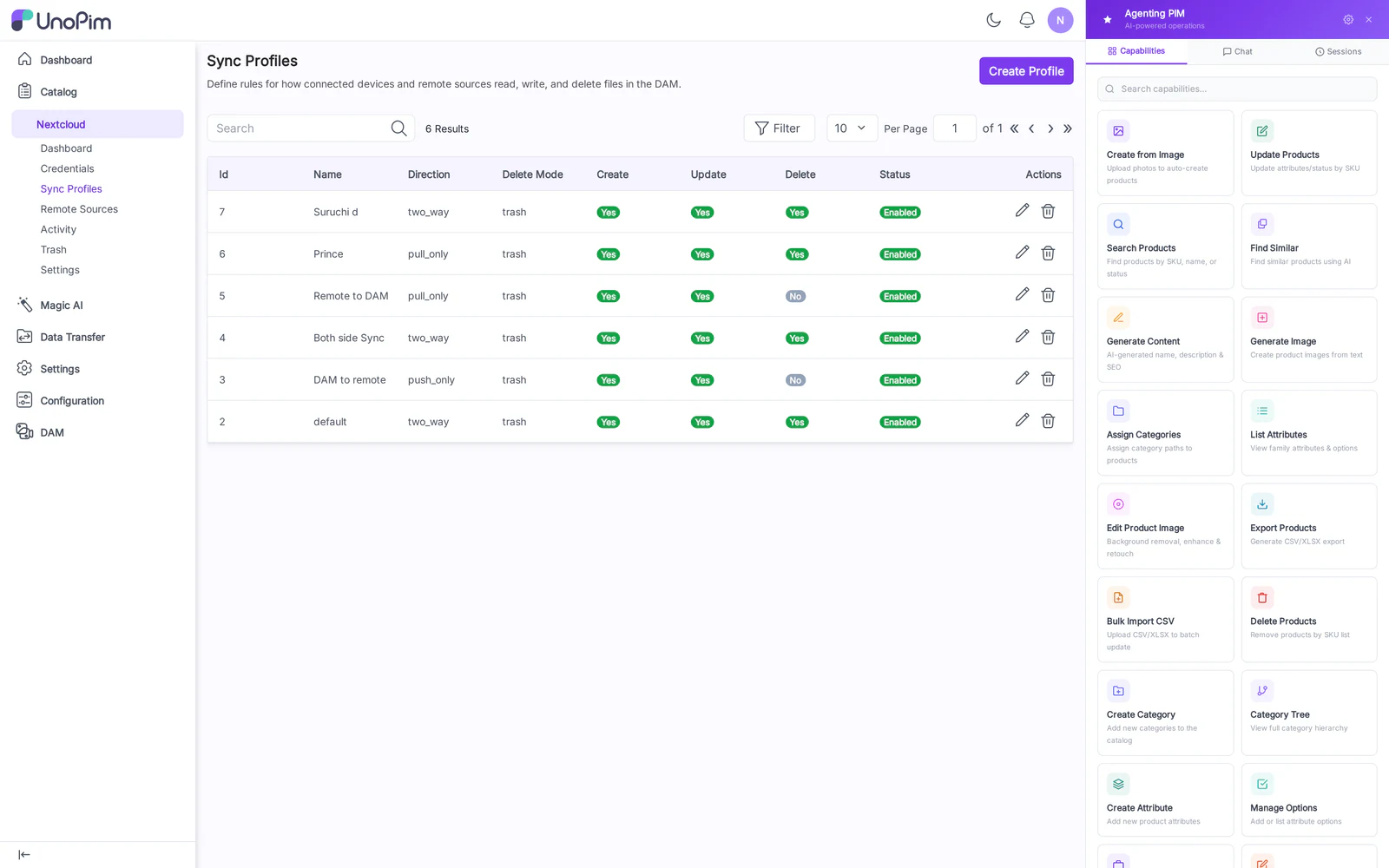
Columns:
- Label
- Credential — owning user.
- Directory — DAM directory this profile exposes.
- Direction — Two-way / Push only / Pull only.
- Enabled — toggle without deleting.
- Last Sync — timestamp of the most recent event.
- Actions — Edit, Delete.
Create
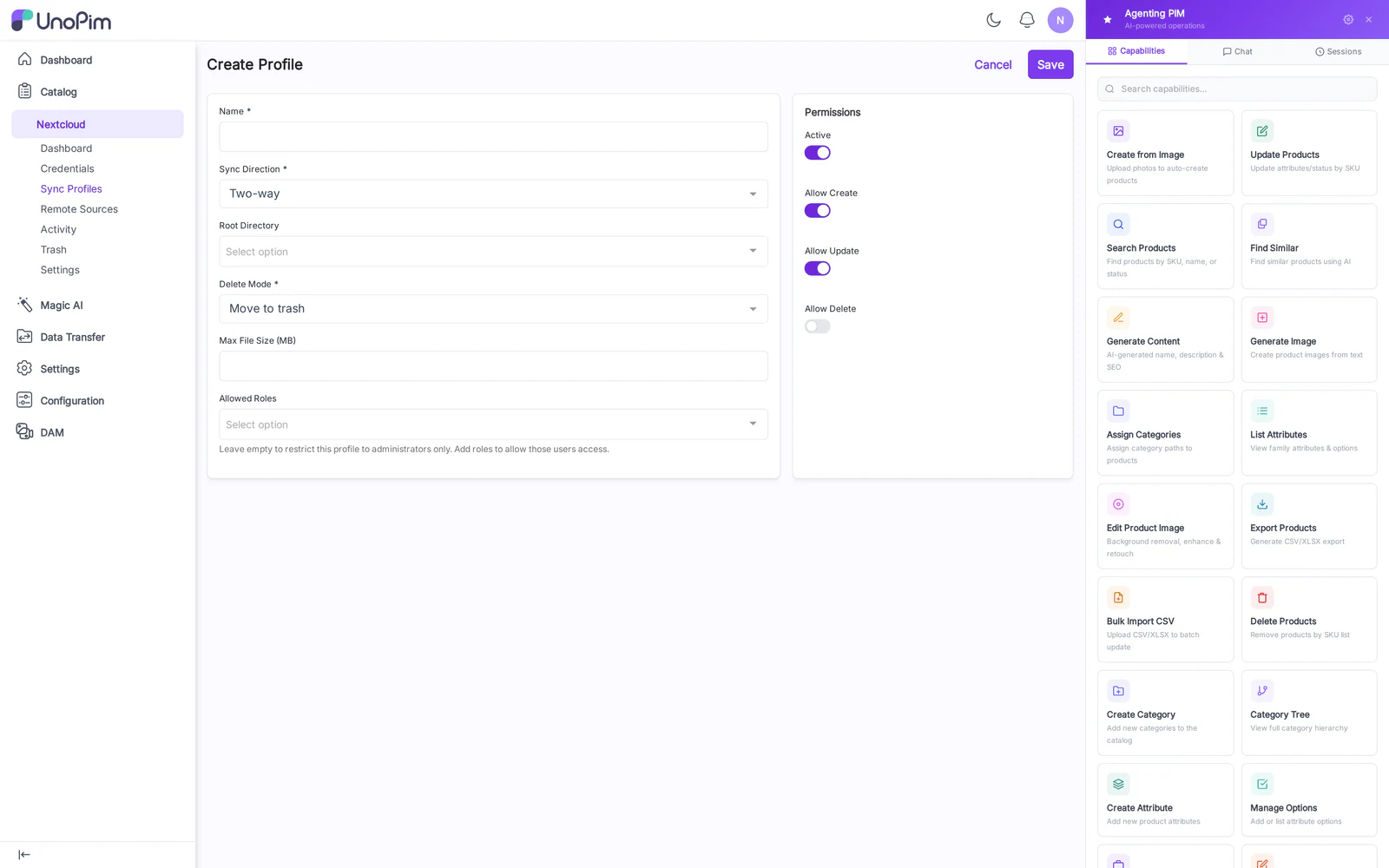
Fields:
- Label — display name.
- Credential — pick from existing credentials.
- Directory — searchable picker over the DAM tree.
- Direction — see below.
- Conflict policy — Overwrite remote / Overwrite local / Keep both (rename loser with
.conflict-<timestamp>suffix). - Enabled — defaults on.
Direction
| Mode | Behavior |
|---|---|
| Two-way | Default. Changes from either side propagate. |
| Push only | Client → DAM. Files added/changed locally land in DAM; deletes from DAM do not propagate to the client. |
| Pull only | DAM → Client. Read-only mount; client cannot create/modify/delete. |
How to use
- Create a Credential first.
- Click Add Sync Profile.
- Pick the Credential, choose a Directory in the picker, set Direction.
- Save. The mount becomes immediately accessible to that credential's clients.
Tips
- One profile per credential — the WebDAV root for that user is the profile's Directory.
- Switch a noisy profile to Pull only during cleanup work to prevent accidental overwrites from client caches.