

UnoPim Job Scheduler
Store Link: View on Webkul Store
The UnoPim Job Scheduler lets you automate your import and export jobs so they run on their own - no need to manually trigger them every time. Set a schedule once and the system handles the rest.
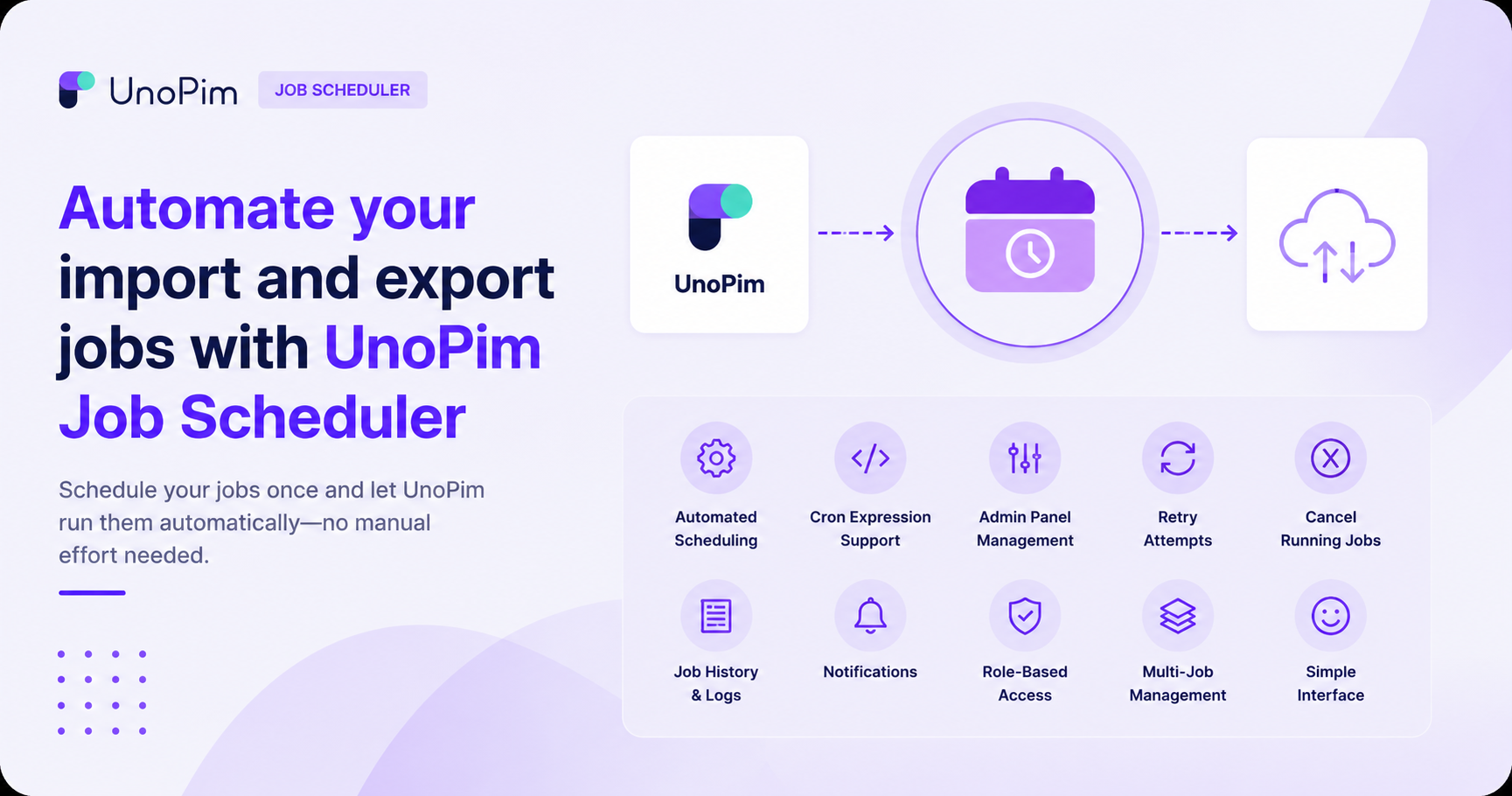
Whether you need products exported to your store every morning, categories synced weekly, or a custom task running at a specific time, the Job Scheduler gives you full control from a simple admin panel inside UnoPim.
What Can It Do?
Instead of logging in and running export or import jobs by hand, you define when they should run - daily, weekly, monthly, or at a custom time using a cron expression - and the scheduler fires them automatically at the right moment.
Features
| Feature | Description |
|---|---|
| Automated Scheduling | Run import and export jobs automatically based on a configured schedule |
| Cron Expression Support | Create custom schedules using standard cron syntax for precise timing control |
| Admin Panel Management | Create, edit, and manage all scheduled jobs directly from the UnoPim admin panel |
| Retry Attempts | Set how many times a job should retry automatically if it fails |
| Cancel Running Jobs | Stop all active jobs instantly when needed |
| Job History & Logs | View a full history of past job executions and download logs for each run |
| Notifications | Get notified when a job completes successfully or fails |
| Role-Based Access | Control who can create or manage scheduled jobs using UnoPim's permission system |
| Multi-Job Management | Manage multiple scheduled jobs from one centralised place |
| Simple Interface | Easy to set up and use - no technical expertise required for common schedules |
When Should You Use It?
The Job Scheduler is ideal when:
- You need to export products to your store automatically at a set time each day.
- You want to import updated data from an external platform on a regular schedule without manual effort.
- Your team handles large catalogs and running jobs manually is time-consuming.
- You want peace of mind that syncs are happening in the background even when no one is logged in.
Requirements
| Requirement | Version |
|---|---|
| PHP | ^8.3 |
| UnoPim | 2.0.1 or newer |
| webkul/data-transfer | Bundled with UnoPim core |
| Queue Driver | Any (database, redis, sqs, etc.) |