

DeepL Translation
Translate your product content into other languages with one click.
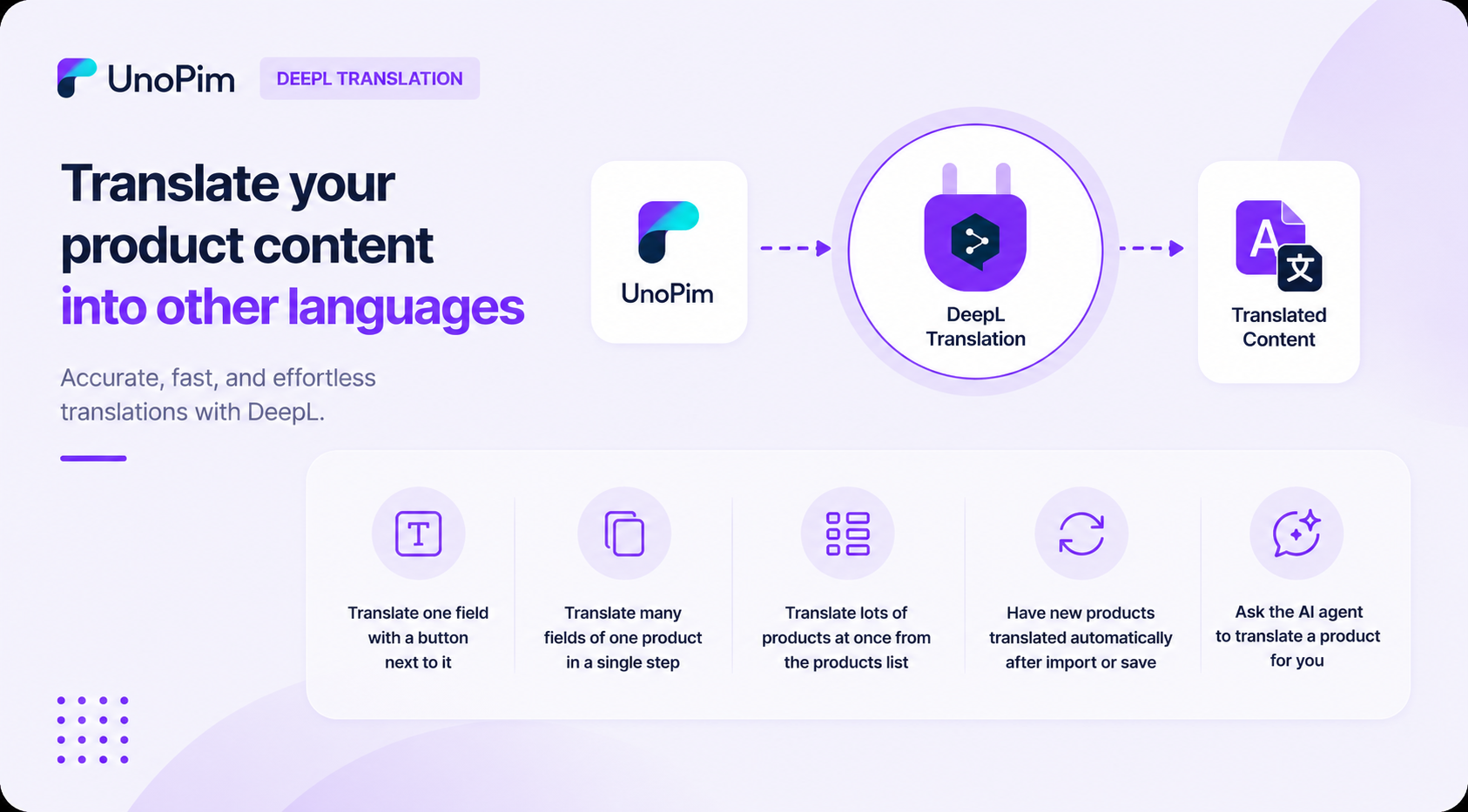
What you can do
- Translate one field with a button next to it.
- Translate many fields of one product in a single step.
- Translate lots of products at once from the products list.
- Have new products translated automatically after import or save.
- Ask the AI agent to translate a product for you.
Requirements
| Requirement | Details |
|---|---|
| UnoPim | 2.0.0 or higher |
| PHP | 8.2 or higher |
| DeepL API | Active DeepL API key (Free or Pro) |
Before you start
You need:
- A working UnoPim installation.
- A DeepL API key — get one from deepl.com/pro-api. Free or Pro both work.
- The DeepL Translation extension installed — see Installation.