

CS-Cart Connector
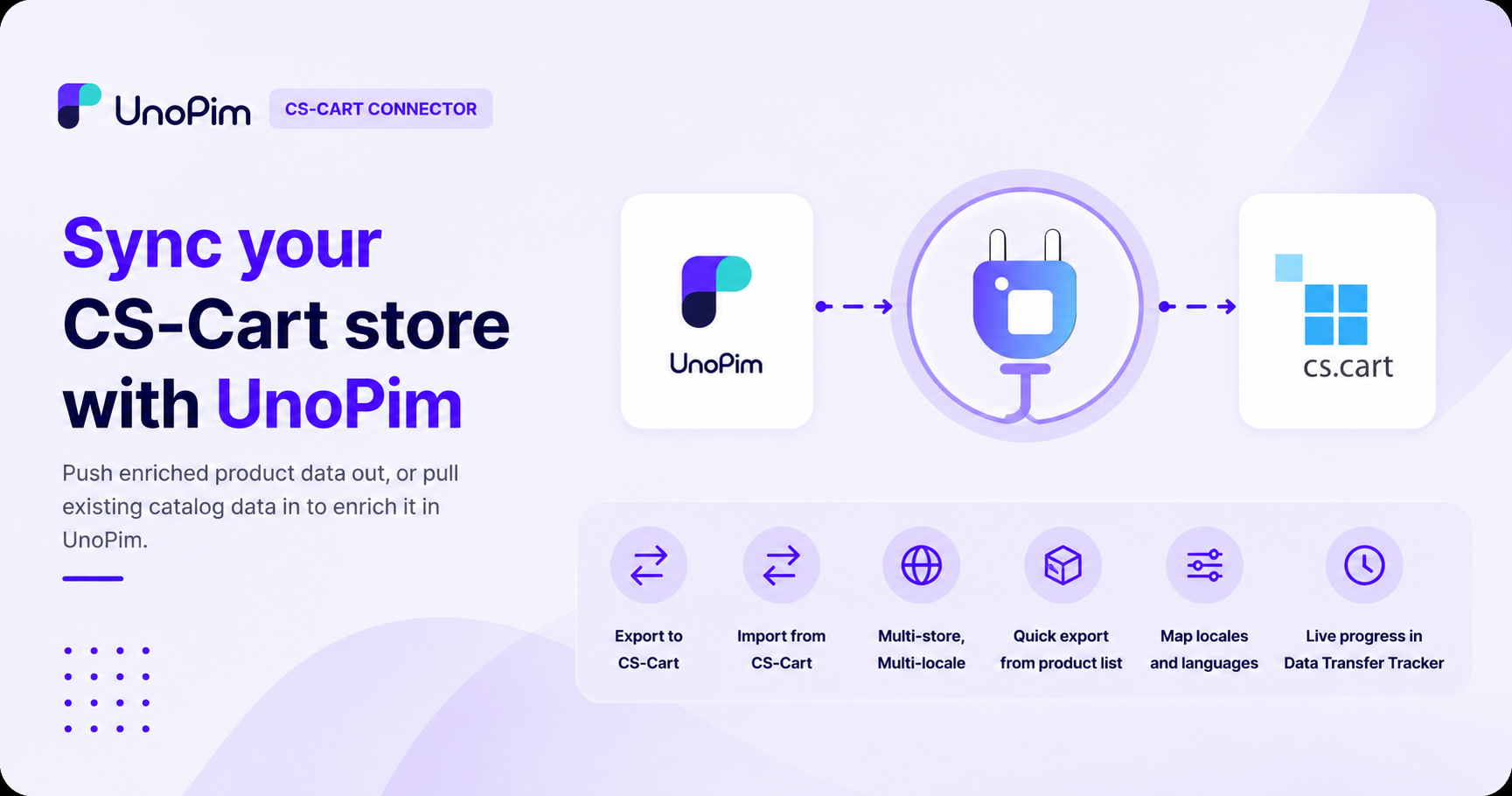
Sync your CS-Cart store with UnoPim. Push enriched product data out, or pull existing catalog data in to enrich it in UnoPim.
What you can do
- Export to CS-Cart - push UnoPim attributes, categories, and products (with prices, stock, statuses, and images) into your CS-Cart store.
- Import from CS-Cart - pull existing CS-Cart features, categories, and products into UnoPim to enrich them.
- Multi-store, multi-locale - sync to multiple CS-Cart storefronts and map every UnoPim locale to a CS-Cart
lang_code. - Quick export from the product list - push a few selected products in one click.
- Watch progress - every import or export shows up live in the Data Transfer Tracker.
Requirments
| Requirement | Details |
|---|---|
| UnoPim | 2.0+ |
| PHP | 8.3+ |
| CS-Cart API Account | API account with Products and Information & Settings scopes (read or read/write depending on whether you're importing only or also exporting) |
Before you start
You need:
- A working UnoPim 2.0+ installation.
- A CS-Cart store (4.x or higher) with admin access.
- A CS-Cart API key from User Profile → API on your CS-Cart admin.
- The CS-Cart Connector extension installed - see Installation.