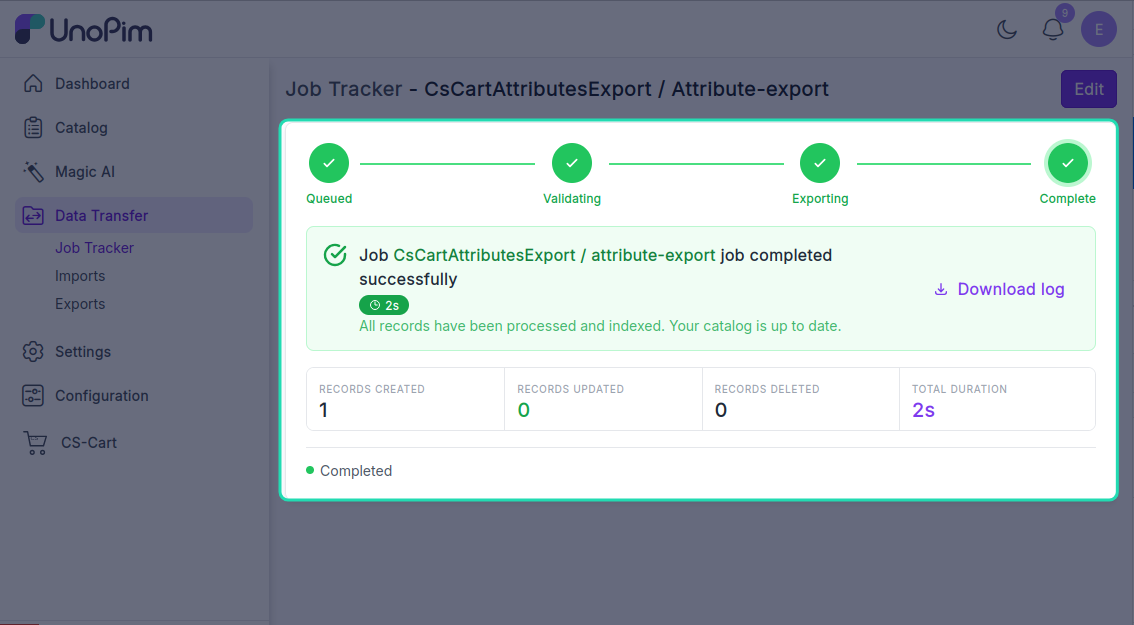
Export attributes
Push UnoPim attributes to CS-Cart as features. Run this once before exporting products that use those attributes - otherwise CS-Cart has no field to store the values in.
Before you start. Add a CS-Cart credential and map every locale you plan to export - see Map locales.
Open it from: Data Transfer → Export
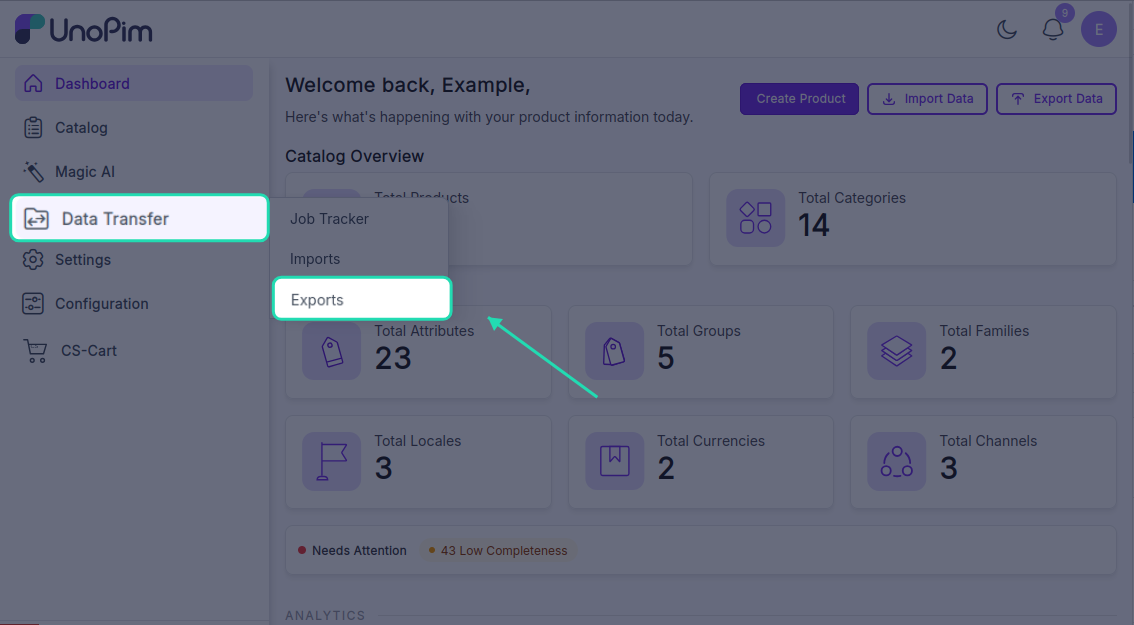
Steps
1. Create the profile
- Open Data Transfer → Export → + Create Export.
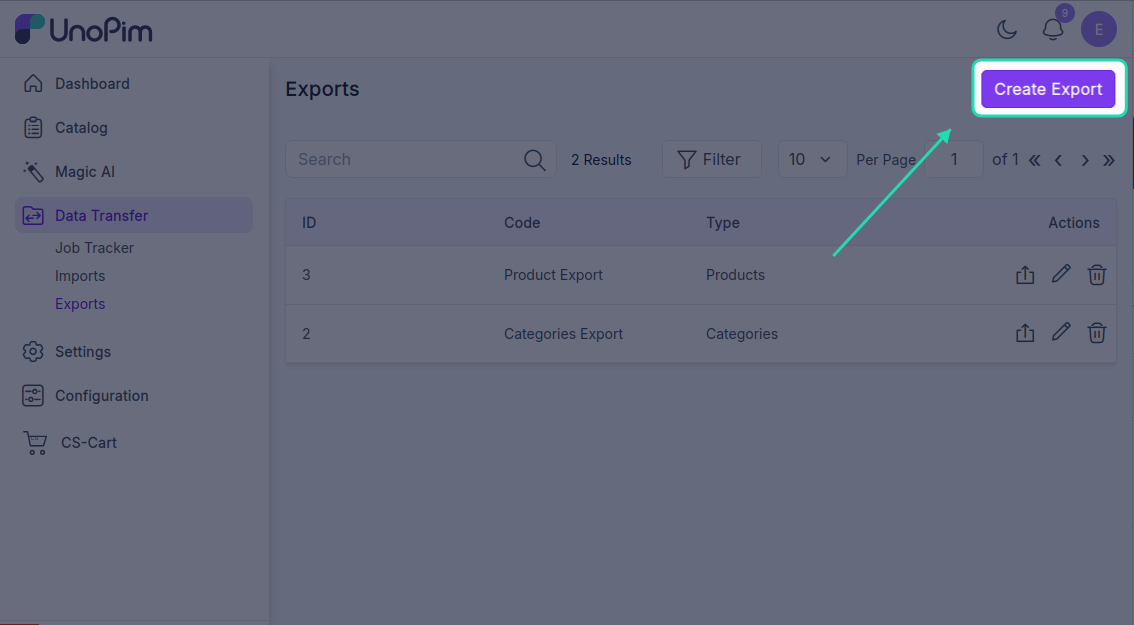
- Type - pick CsCart Attributes Export.
- Code - any short identifier, e.g.
cscart_attributes_daily.
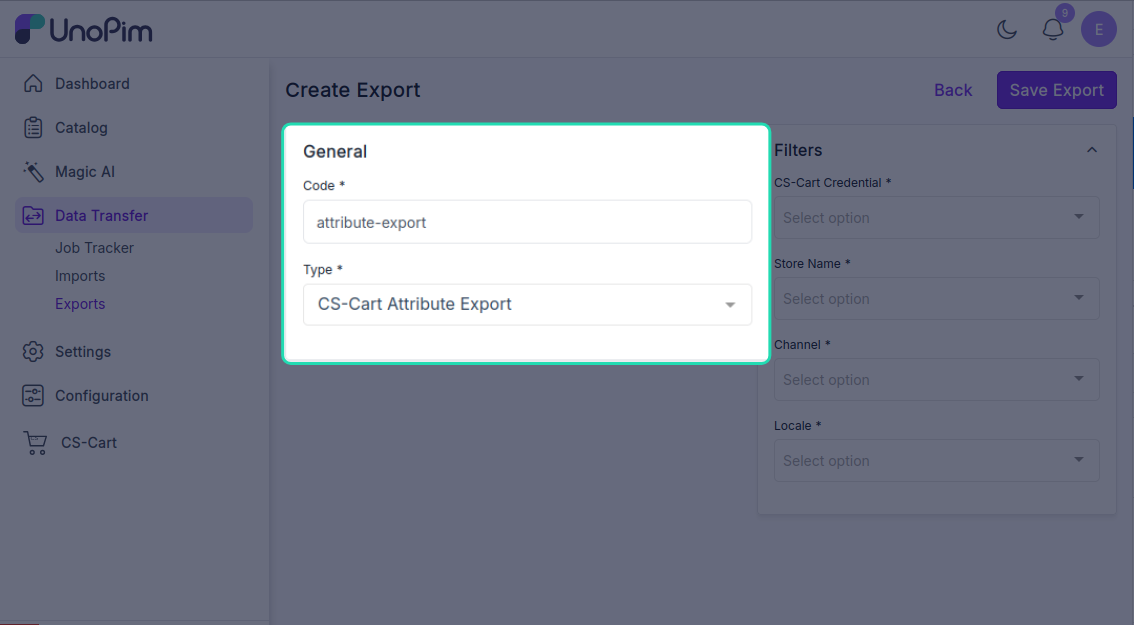
2. Fill the filters
The export needs:
| Filter | What it does |
|---|---|
| Credential | Which CS-Cart store to export to. |
| Store | Which CS-Cart storefront inside that store. (Multi-Vendor / multi-storefront only.) |
| Channel | The UnoPim channel whose attribute values you're exporting. |
| Locale | One or more UnoPim locales to push translations for. Each must be mapped - see Map locales. |
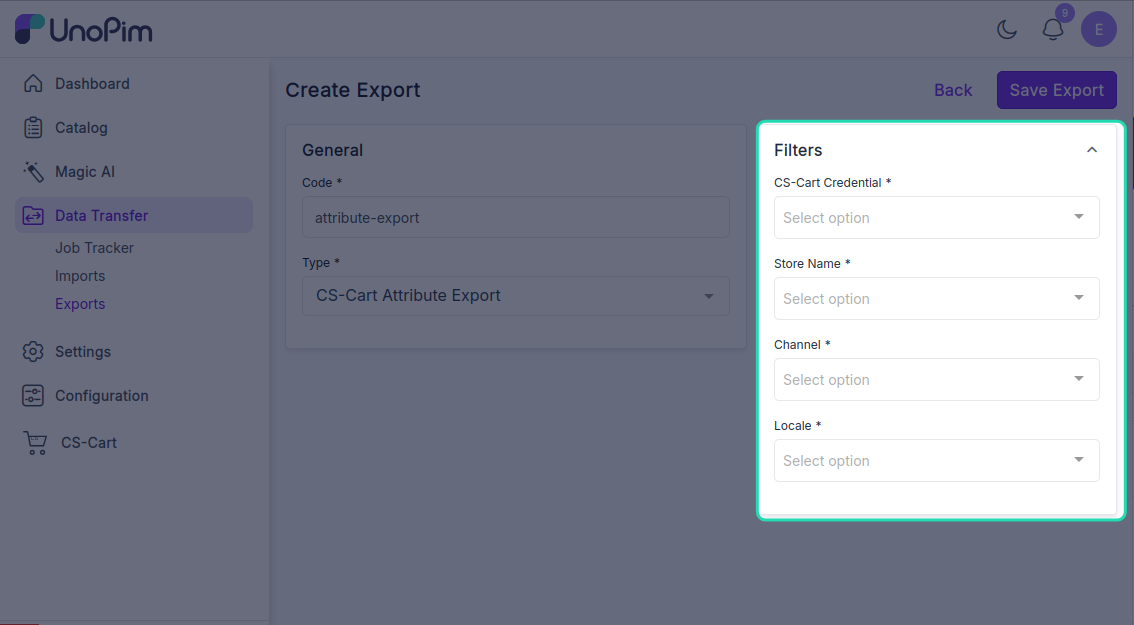
Click Save.
3. Run it
Open the profile and click Export Now.
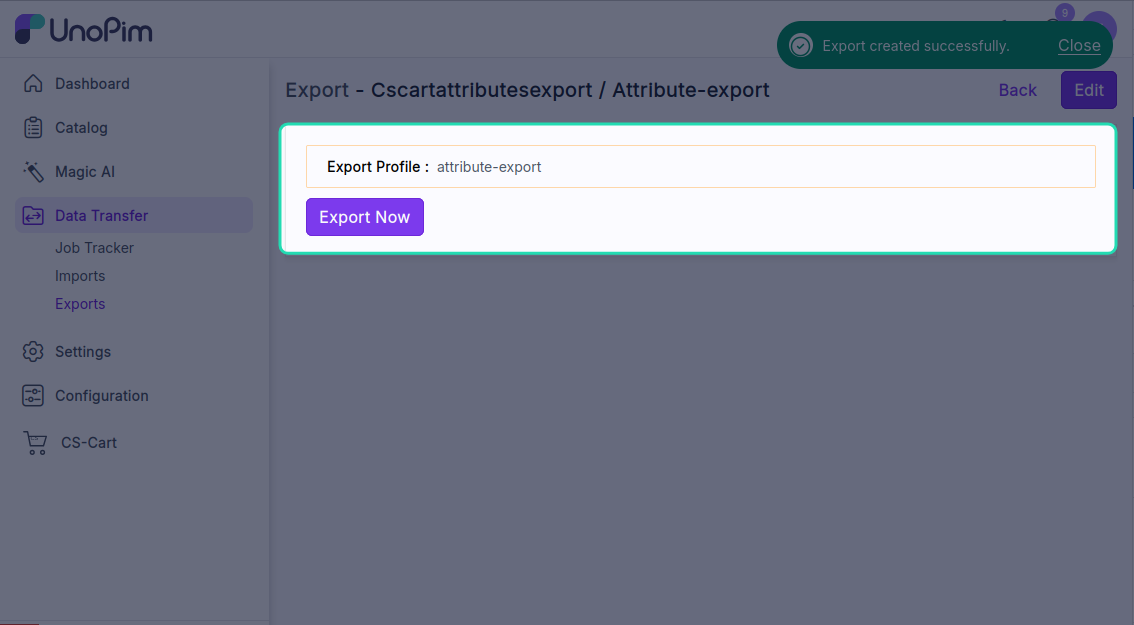
The job is queued. Watch it on Settings → Data Transfer → Tracker.