Import attributes
Pull CS-Cart features into UnoPim as attributes, so you can enrich them in UnoPim and push them back out later.
Before you start. Add a CS-Cart credential and map locales.
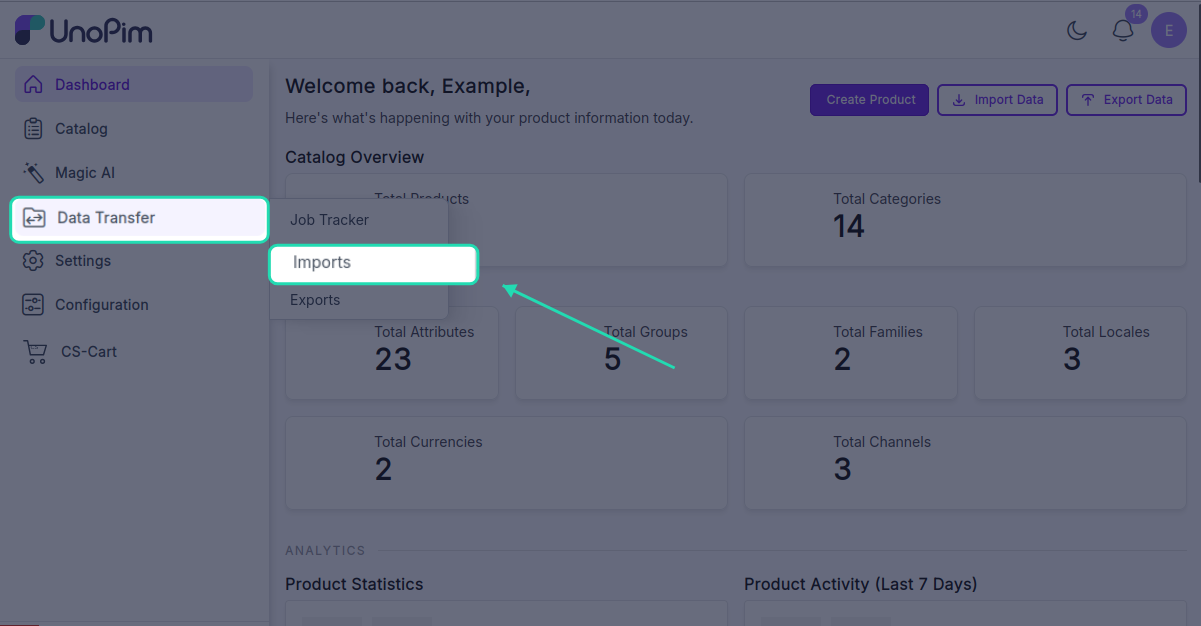
Open it from: Data Transfer → Import
Steps
1. Create the profile
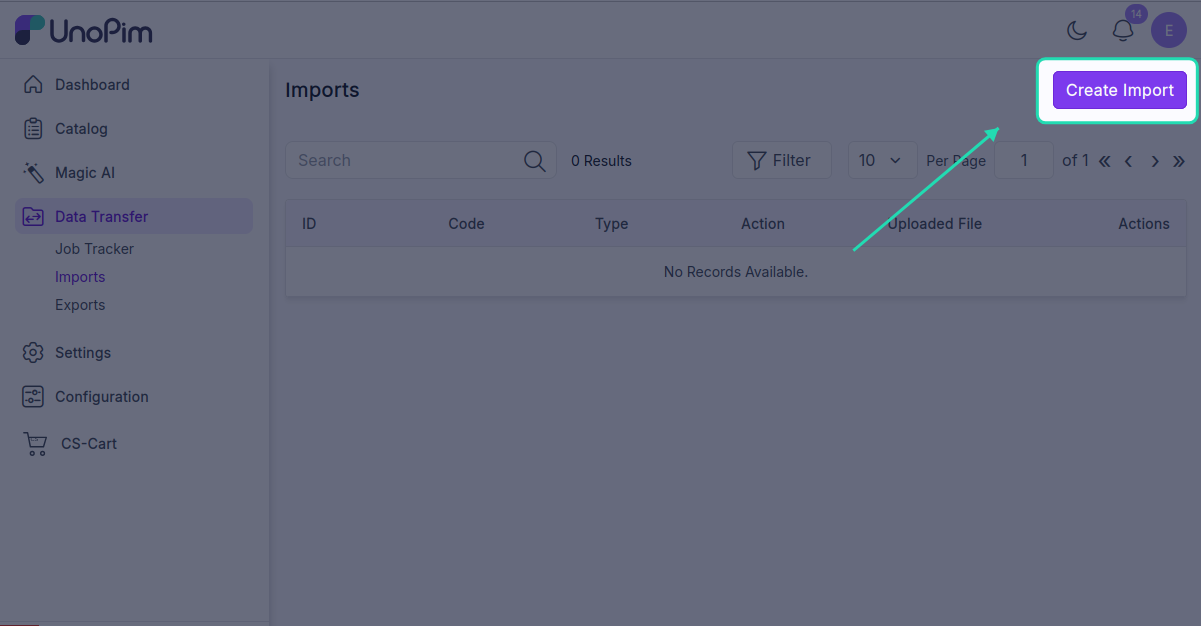
- Open Data Transfer → Import → + Create Import.
- Type - pick CsCart Attributes Import, Code - any short identifier, e.g.
cscart_attributes_import.
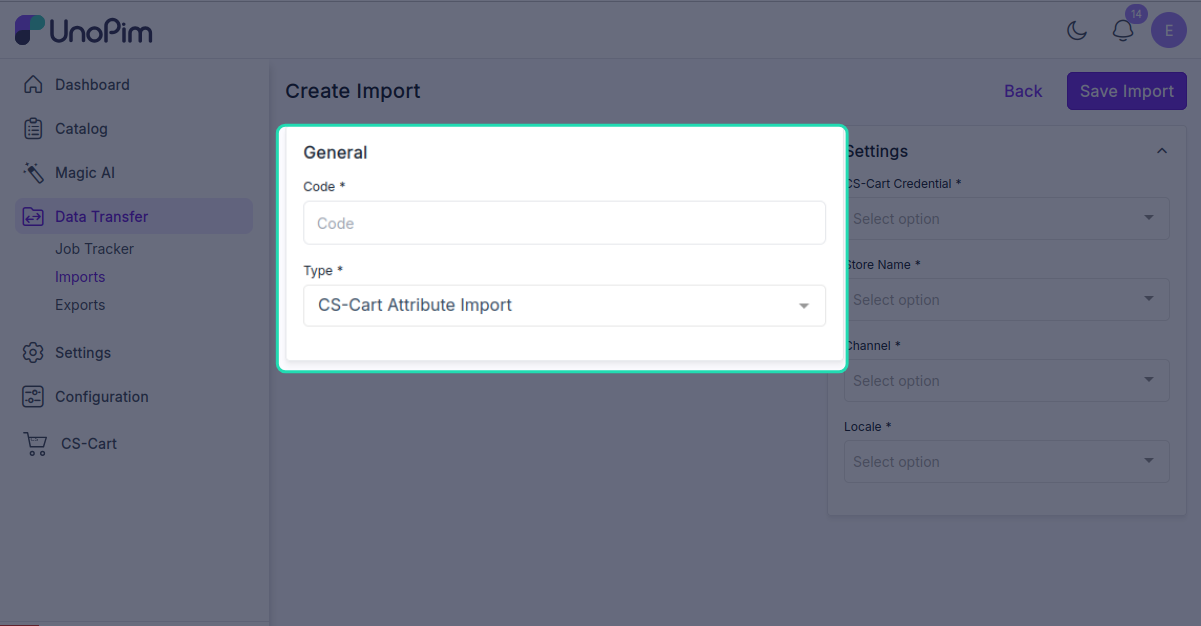
- Fill the filter
| Filter | Required | What it does |
|---|---|---|
| Credential | ✓ | Which CS-Cart store to pull from. |
| Store | ✓ | The source CS-Cart storefront. |
| Channel | ✓ | The UnoPim channel to write imported attributes into. |
| Locale | ✓ | One or more UnoPim locales to import translations for. |
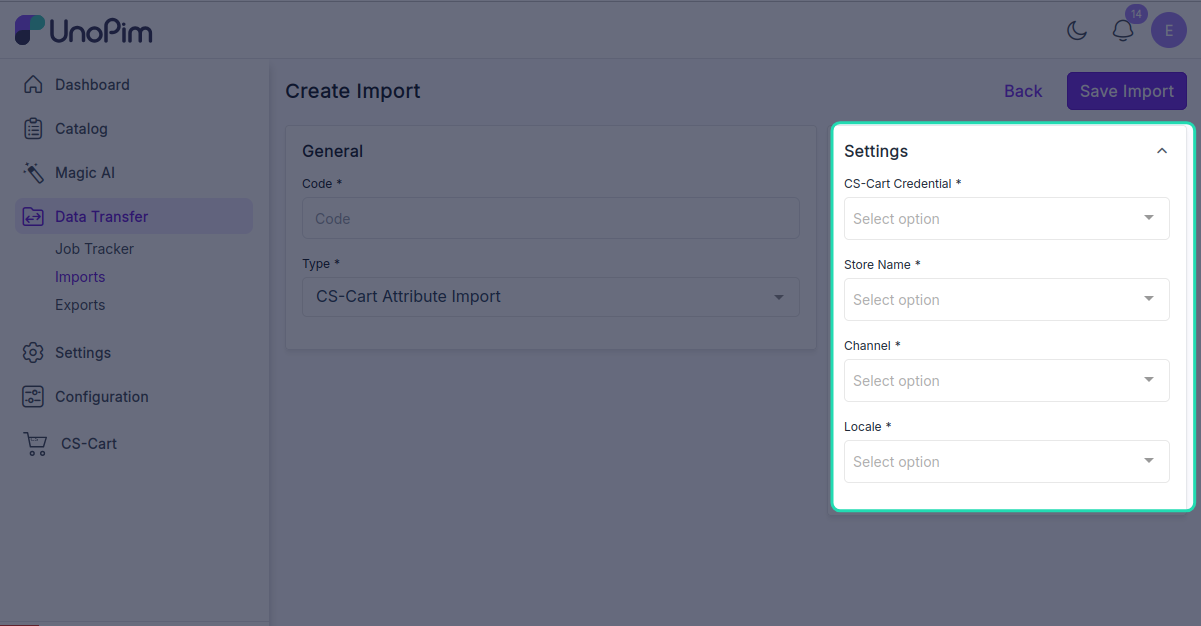
Click Save.
- Run it
Open the profile and click Start Import.
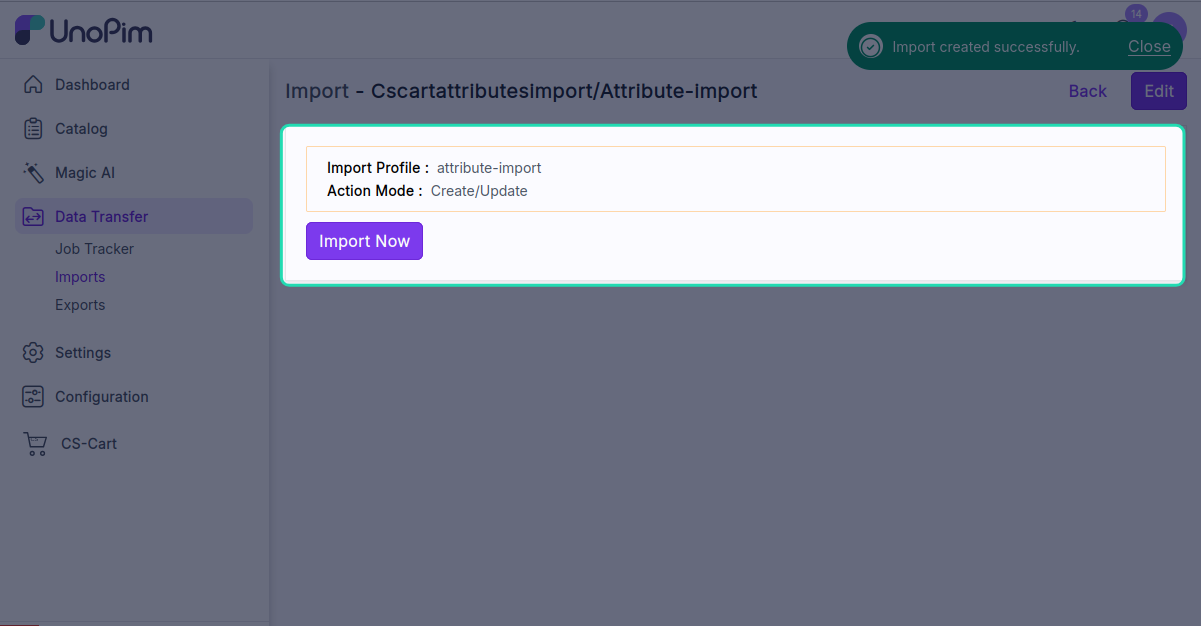
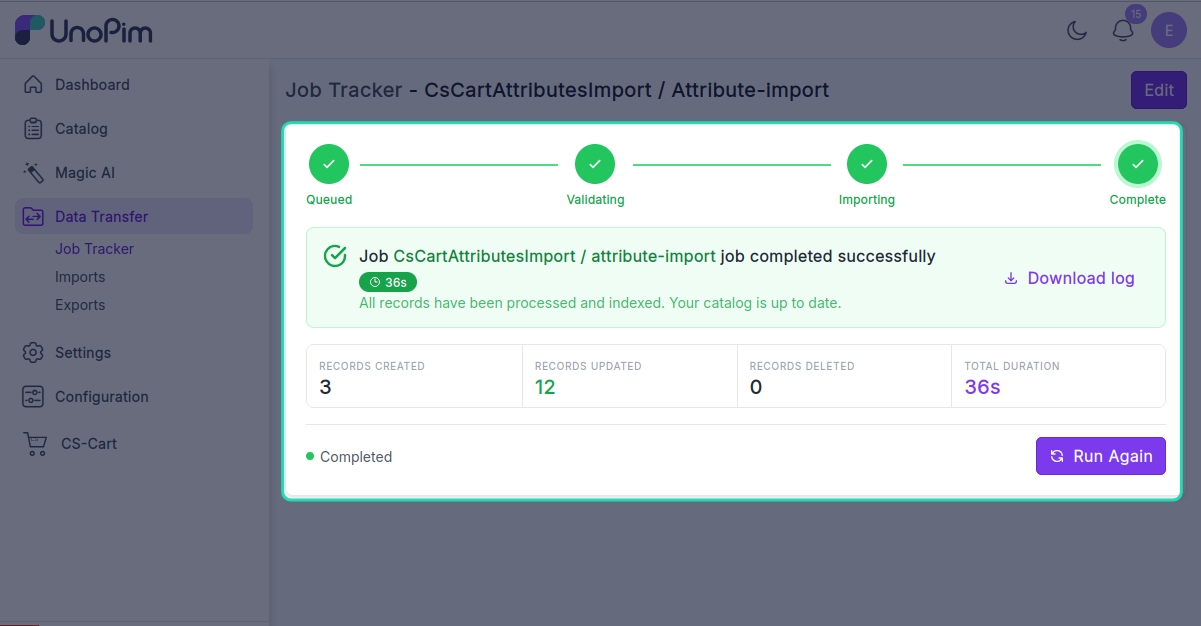
The job is queued. Watch progress in the Data Transfer Tracker.