

Cloudflare R2 Integration
Store and deliver your UnoPim media faster with secure, scalable Cloudflare R2 cloud storage.
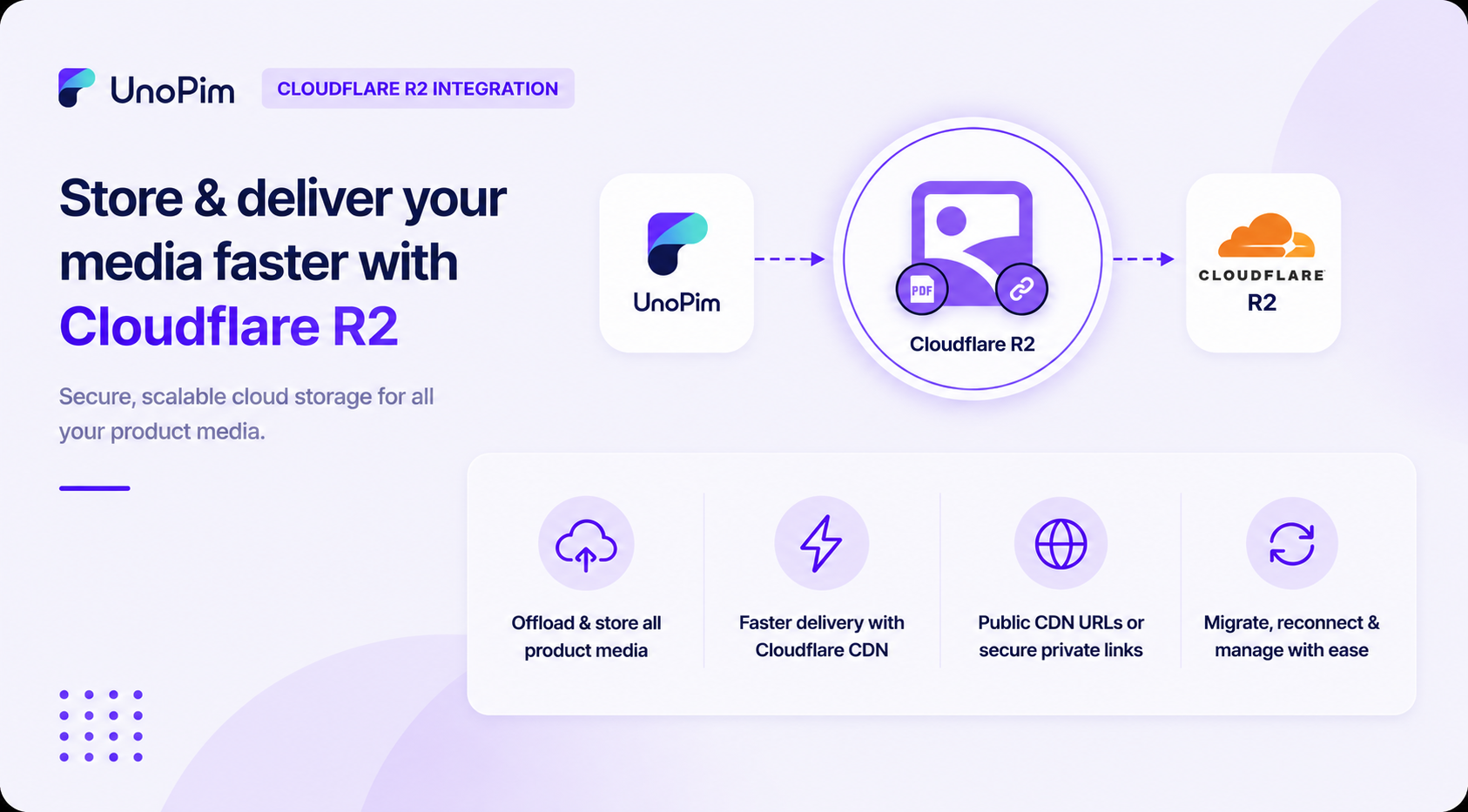
Why use Cloudflare R2 with UnoPim?
- Offload product images, category banners, documents, galleries, and asset files from your local server.
- Improve media delivery speed using Cloudflare’s global CDN.
- Reduce server storage costs and simplify media management.
- Serve files publicly through CDN URLs or securely with expiring private links.
- Migrate existing local media to R2 in a single click or via CLI.
- Reconnect previously uploaded R2 files without uploading them again.
- Configure smart cache rules for different file types like JPG, PNG, WEBP, PDF, and more.
- Track every credential and configuration change with built-in history logs.
Requirements
| Requirement | Details |
|---|---|
| UnoPim | 2.0.0 or higher |
| PHP | 8.2 or higher |
| Cloudflare R2 | Active R2 bucket and an R2 API token (Access Key + Secret Key) |
Before You Start
Make sure you have:
- A working UnoPim 2.0 installation.
- An active Cloudflare account with R2 enabled.
- An R2 bucket created in your Cloudflare dashboard.
- An R2 API token with Edit access to the bucket.
- The Cloudflare R2 Integration extension installed. See Installation.