

BigCommerce Connector
Store Link: View on Webkul Store
Sync your BigCommerce storefront with UnoPim. Push enriched products and categories out, or pull existing catalog data in to enrich it in UnoPim.
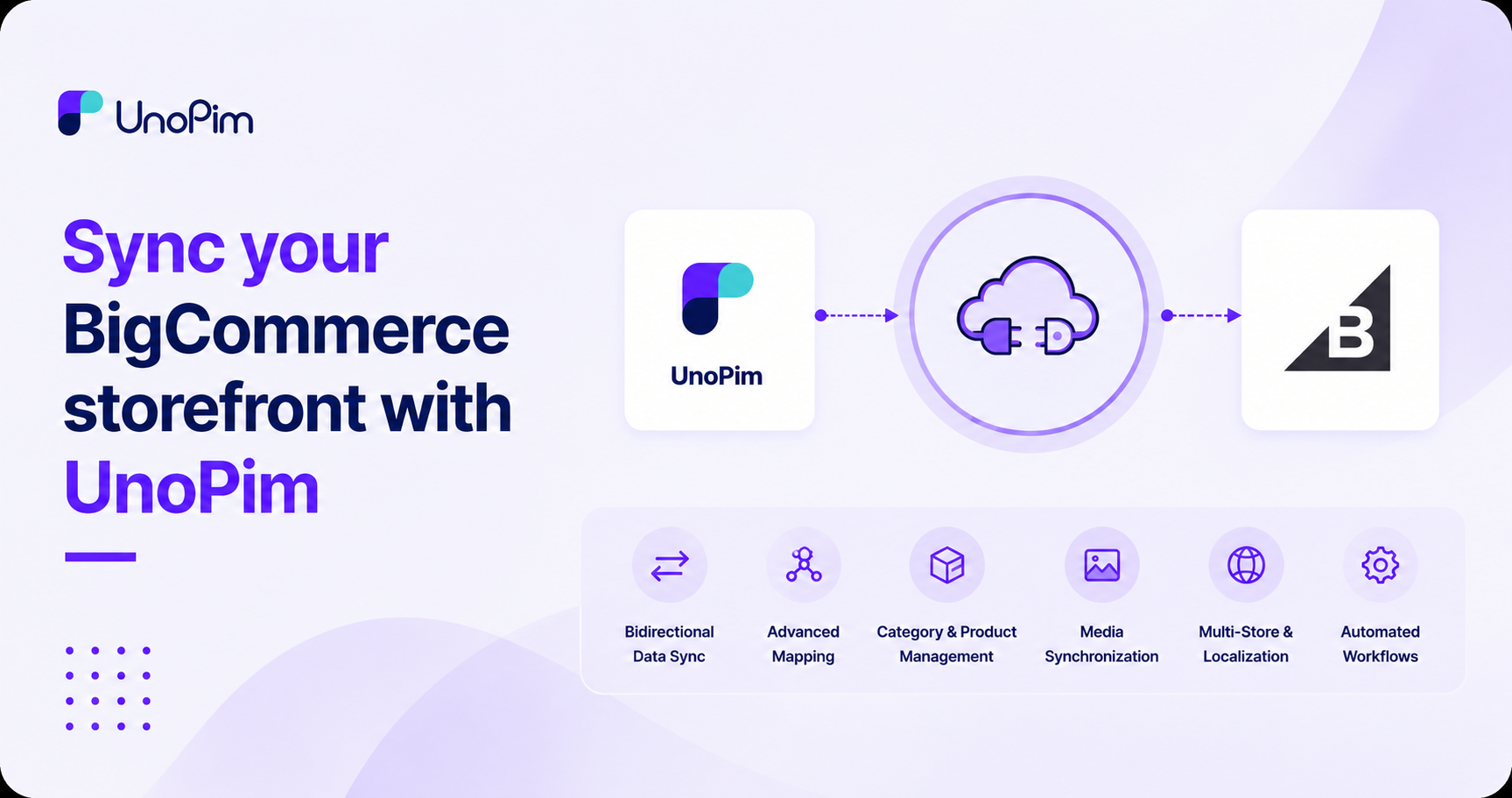
What you can do
- Manage multiple stores - store any number of BigCommerce credentials and switch between them per export / import.
- Export to BigCommerce - push UnoPim categories, simple products, and configurable products (with variants) into your store.
- Import from BigCommerce - pull existing categories, simple products, and configurable products into UnoPim.
- Three mapping modes:
- Attribute mapping - wire UnoPim attributes to BigCommerce product fields.
- Custom mapping - map UnoPim attributes to BigCommerce custom fields.
- Other mapping - variant axes, category mappings, and modifier configuration.
- Per-credential locale + currency mapping - drive multi-storefront catalogs from a single UnoPim instance.
- Mapping history - every change to a mapping is logged.
- Job tracker - every export / import shows up live in the Data Transfer Tracker.
Before you start
You need:
- A working UnoPim 2.0+ installation.
- A BigCommerce store on the v3 Storefront / Catalog API with API access.
- A BigCommerce API account - go to Settings → API → API accounts → Create API account in your BigCommerce admin and create one with at least Products and Information & Settings scopes. You'll need the API URL, Client ID, Client Secret, and Access Token.
- The BigCommerce Connector extension installed - see Installation.
- A running queue worker - every export and import is a background job.
Requirements
| Requirement | Details |
|---|---|
| UnoPim | 2.0+ |
| PHP | 8.3+ |
| BigCommerce API Account | API account with Products and Information & Settings scopes (read or read/write depending on whether you're importing only or also exporting) |