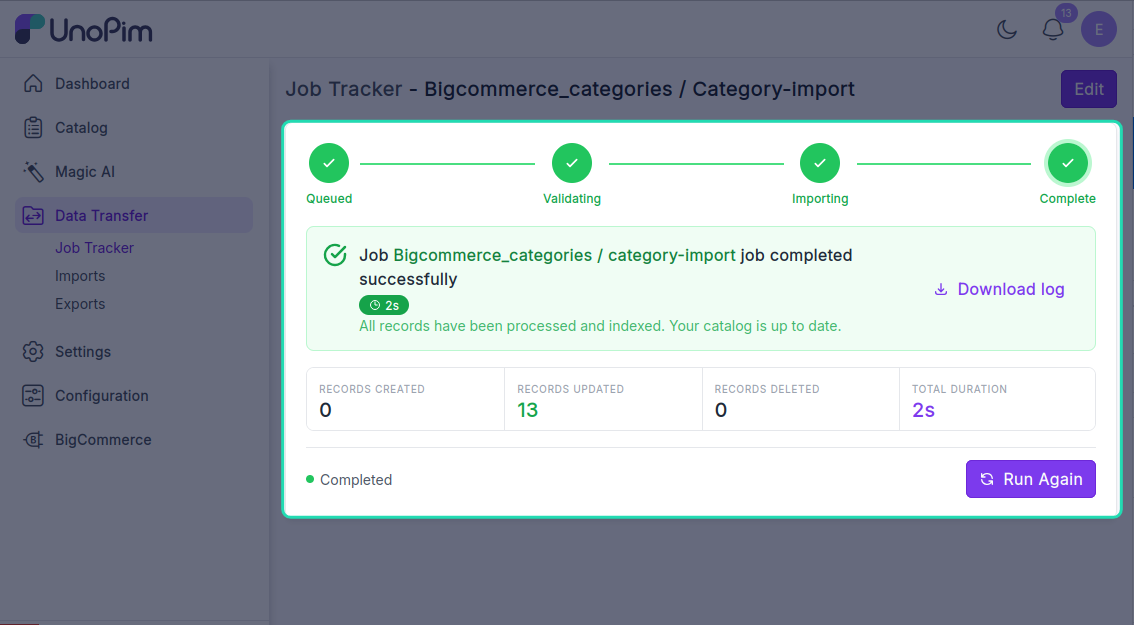
Import categories
Pull your BigCommerce category tree into UnoPim, keeping the parent / child hierarchy intact.
Before you start. Add a BigCommerce credential.
Open it from: Data Transfer → Import
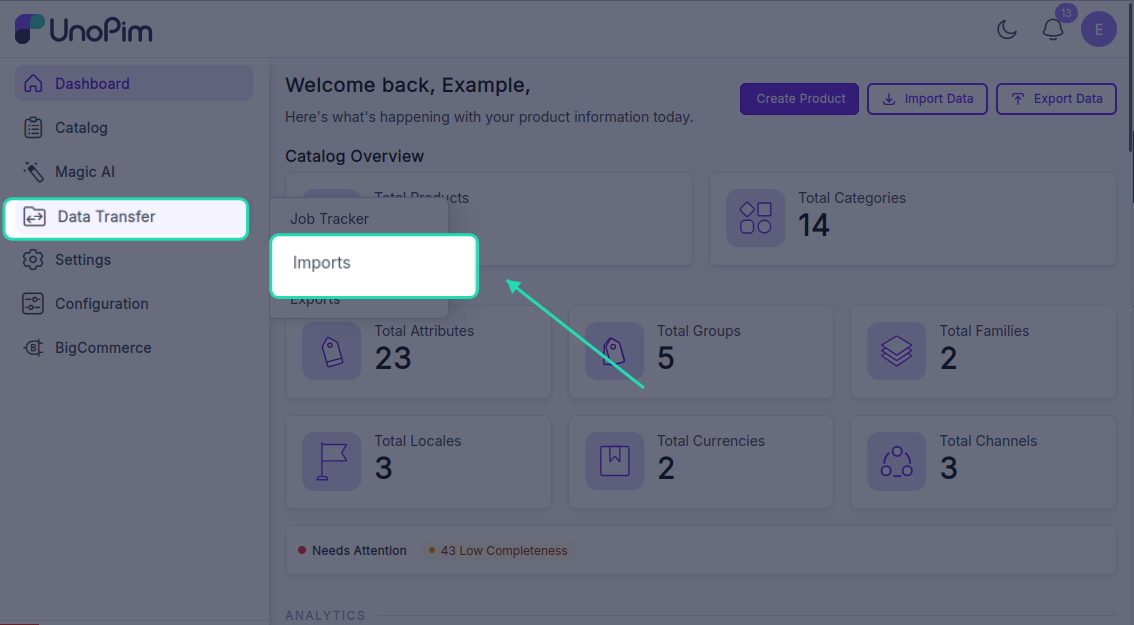
Steps
1. Create the profile
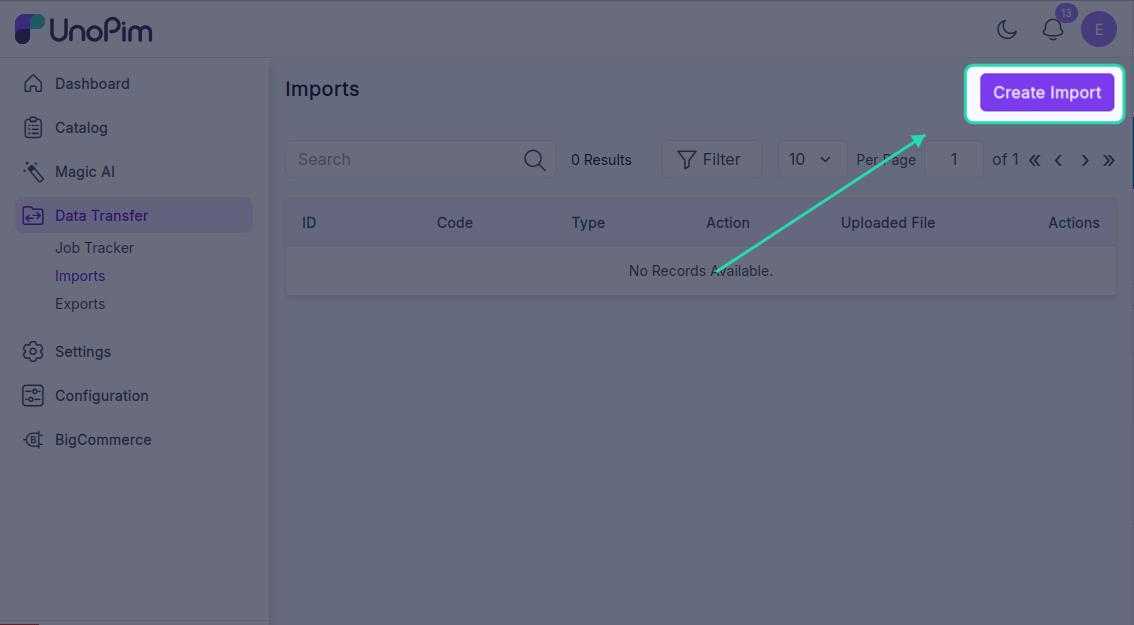
- Open Data Transfer → Import → + Create Import.
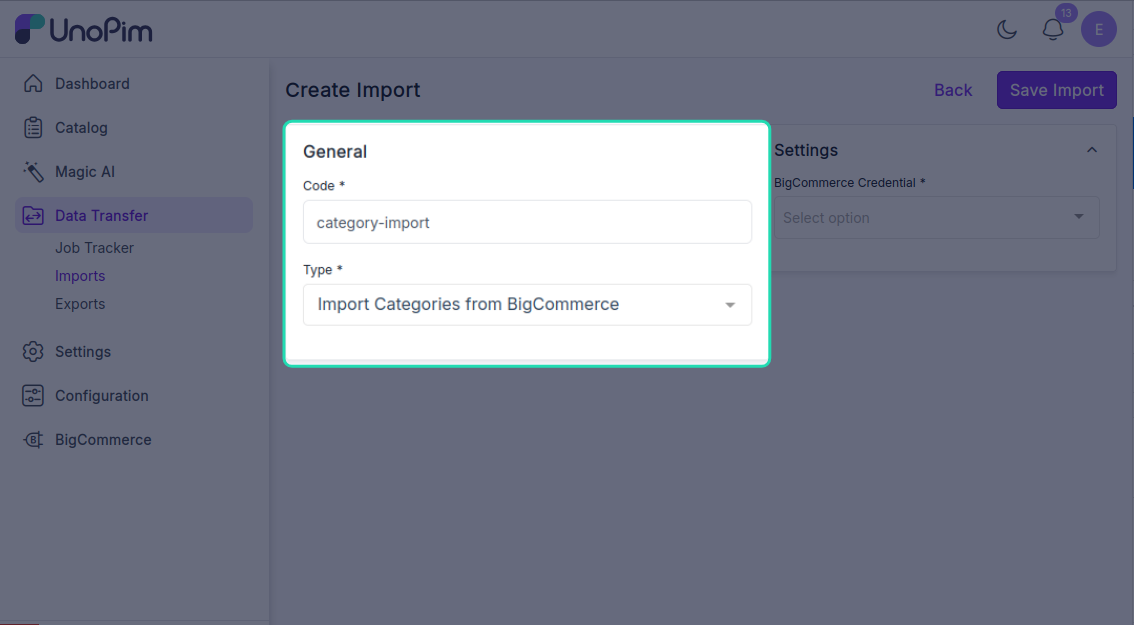
- Type - pick Import Categories from BigCommerce, Code - any short identifier, e.g.
bigcommerce_categories_import.
- Fill the filter
| Filter | Required | What it does |
|---|---|---|
| Credential | ✓ | Which BigCommerce store to pull from. Only active credentials appear. |
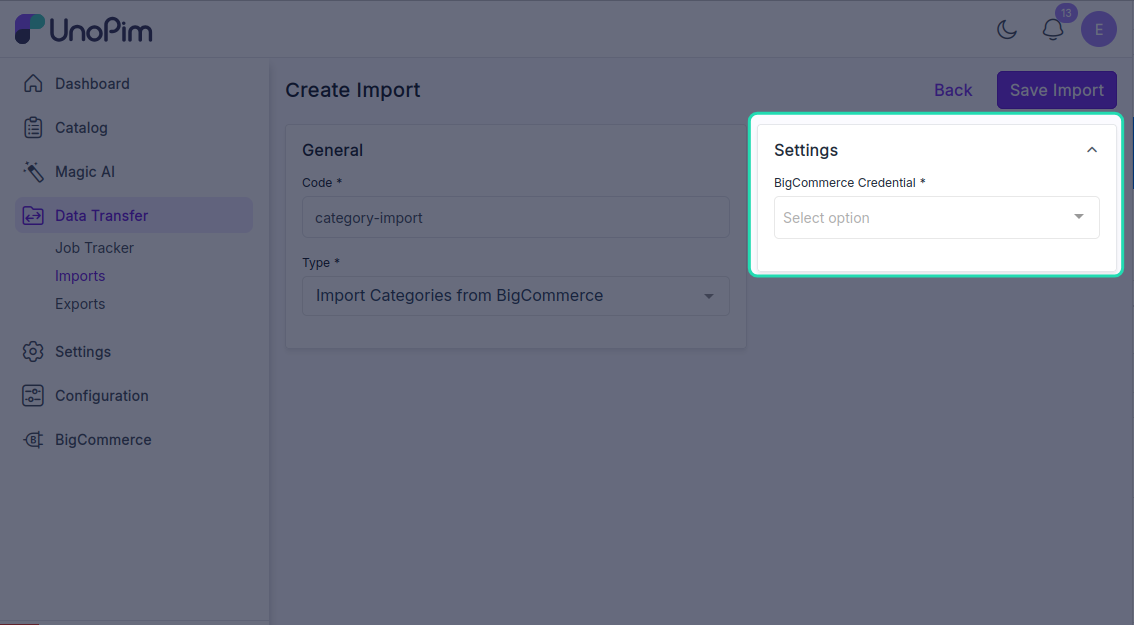
There are no other filters - the job pulls every available category from the selected BigCommerce store.
Click Save.
- Run it
Open the profile and click Start Import.
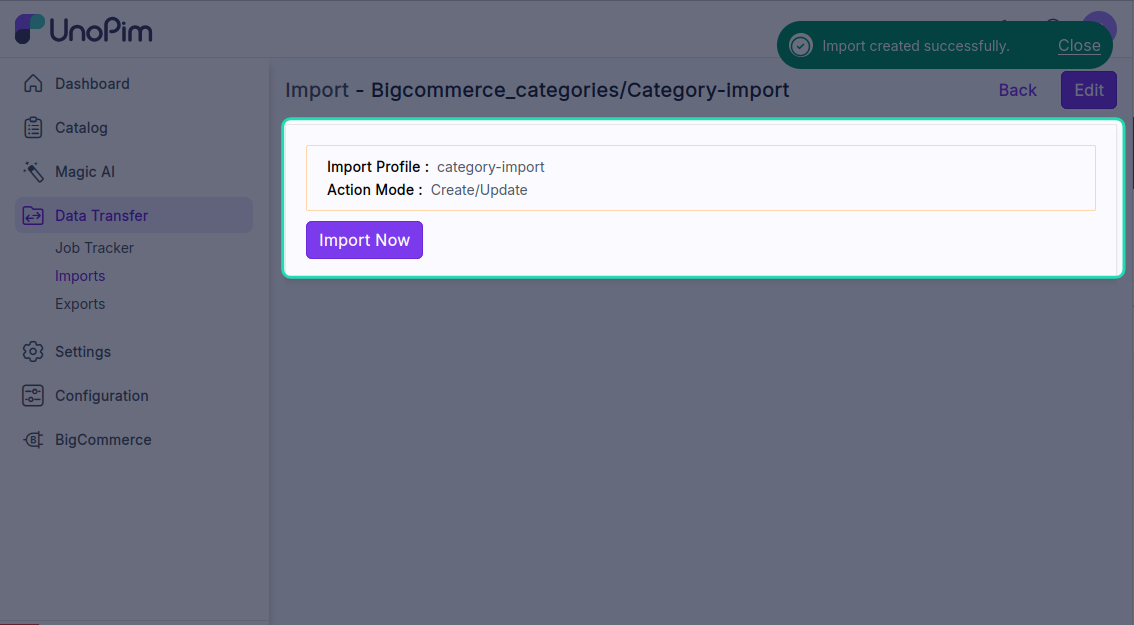
The job is queued. Watch progress in the Data Transfer Tracker.