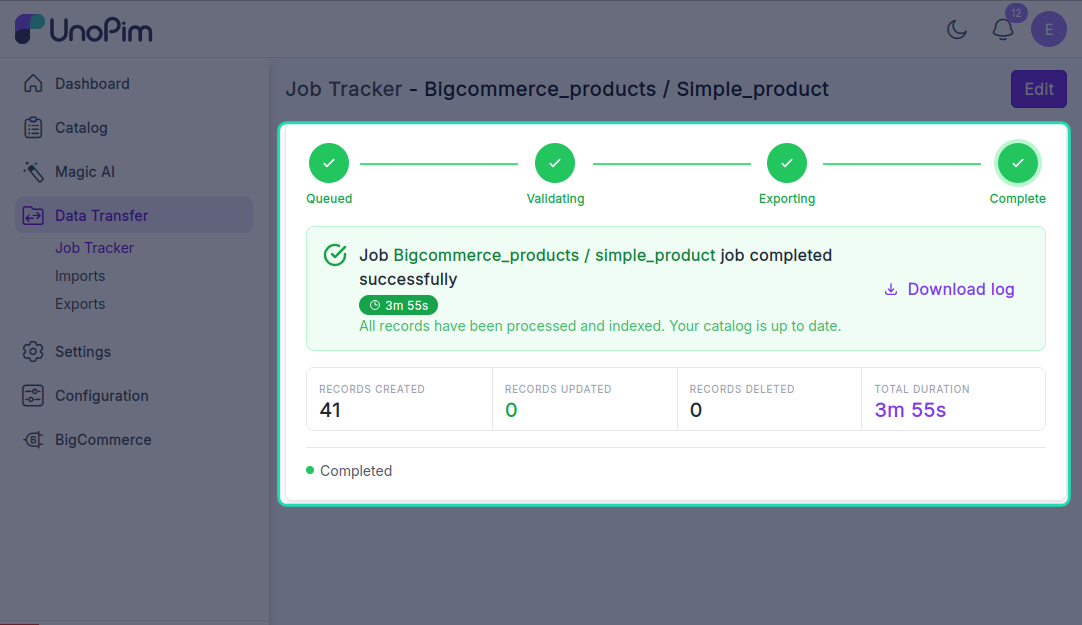
Export products
Push simple products from UnoPim to BigCommerce - with attribute values, prices, stock, statuses, custom fields, and images.
For configurable products with variants, use Export configurable products.
Before you start. Add a BigCommerce credential, configure Attribute mapping, and run Export categories so the categories the products reference already exist in BigCommerce.
Open it from: Data Transfer → Export
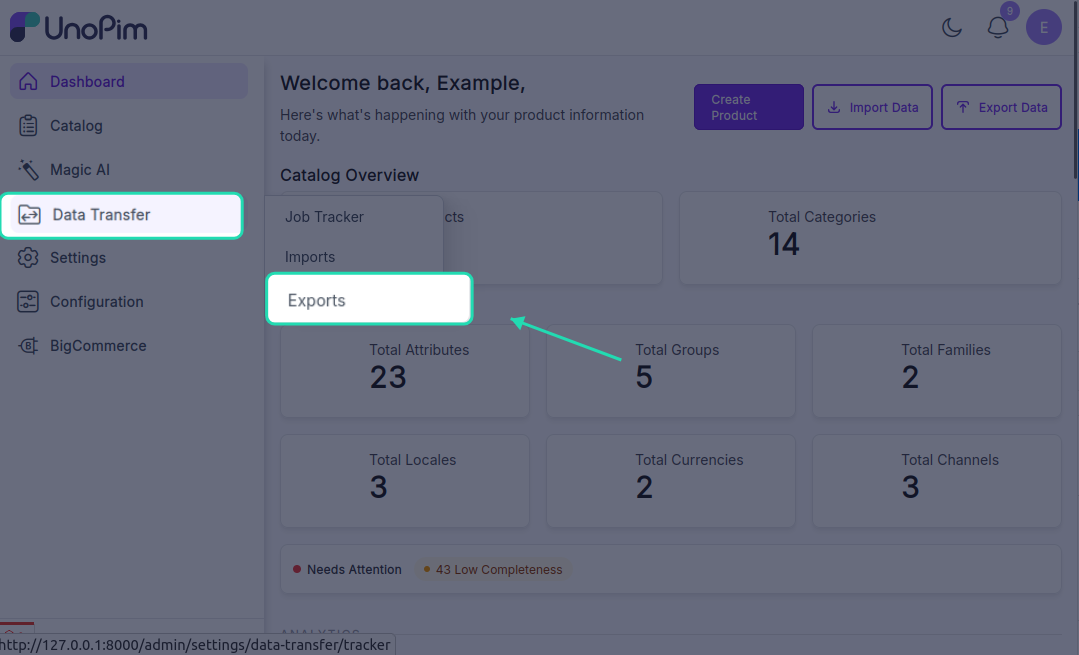
Steps
1. Create the profile
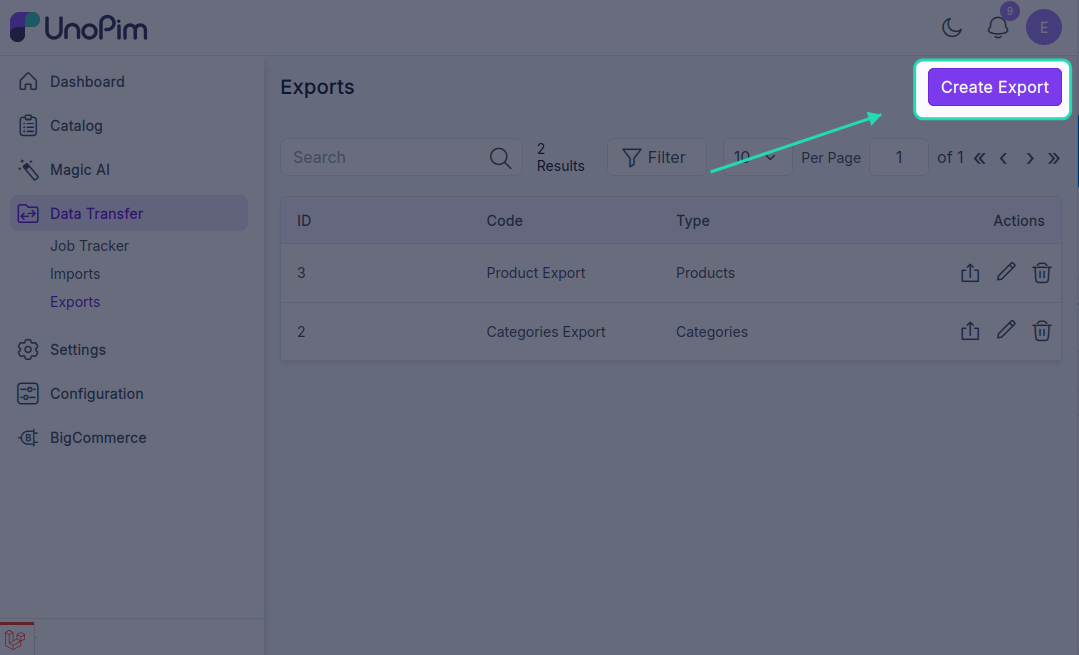
- Open Data Transfer → Export → + Create Export.
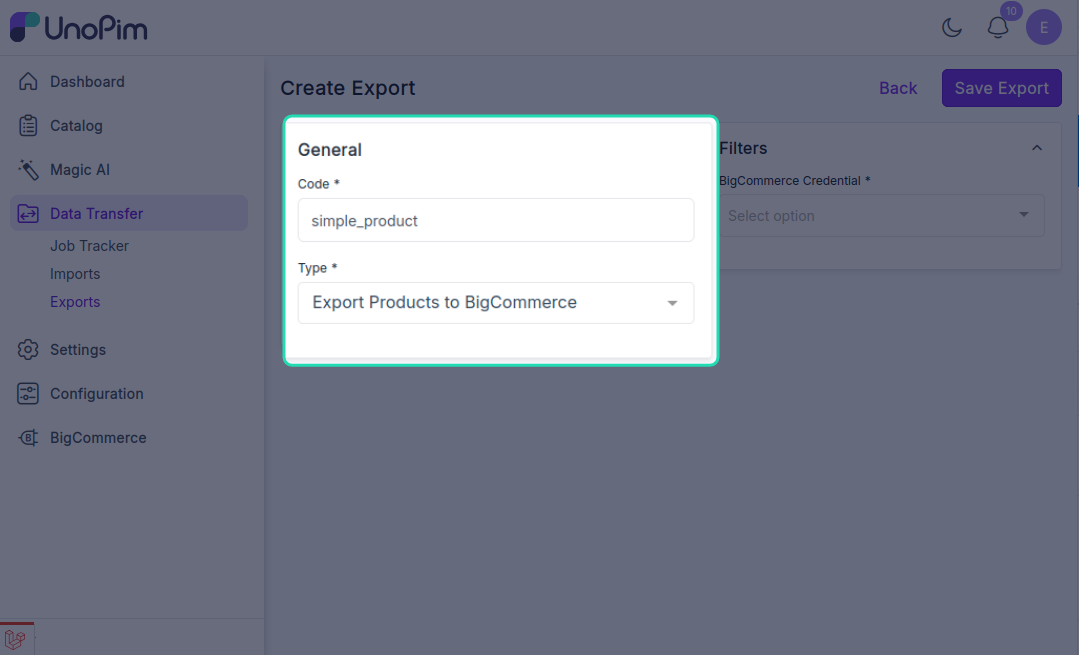
- Type - pick Export Products to BigCommerce, Code - any short identifier, e.g.
bigcommerce_products.
- Fill the filter
| Filter | Required | What it does |
|---|---|---|
| Credential | ✓ | Which BigCommerce store to push to. Only active credentials appear. |
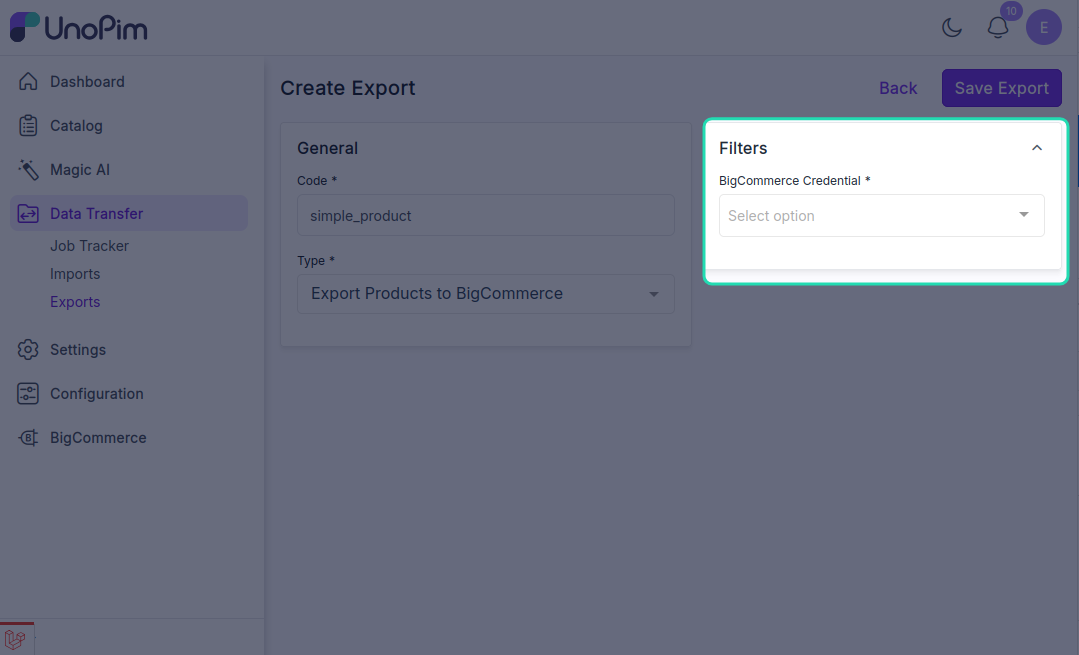
There are no other filters - the job pushes every eligible simple product visible to the user.
Click Save.
- Run it
Open the profile and click Export Now.
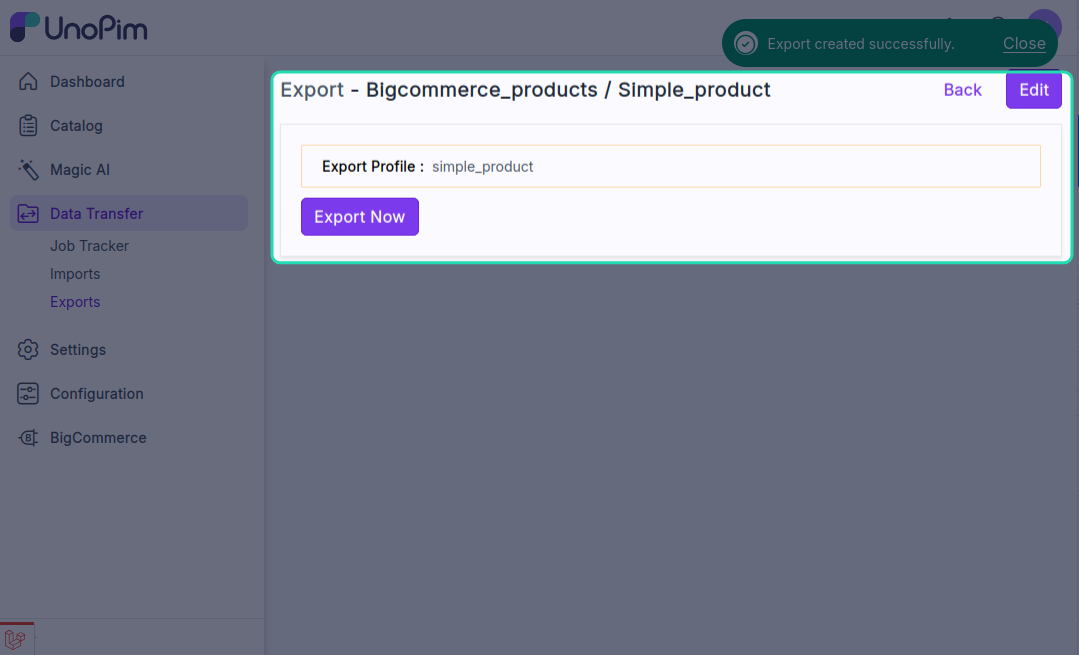
The job is queued. Watch progress in the Data Transfer Tracker.