Add CS-Cart credentials
This is where you store the connection details for your CS-Cart store. Add at least one credential before you can import or export anything.
Open it from: CS-Cart → Credentials
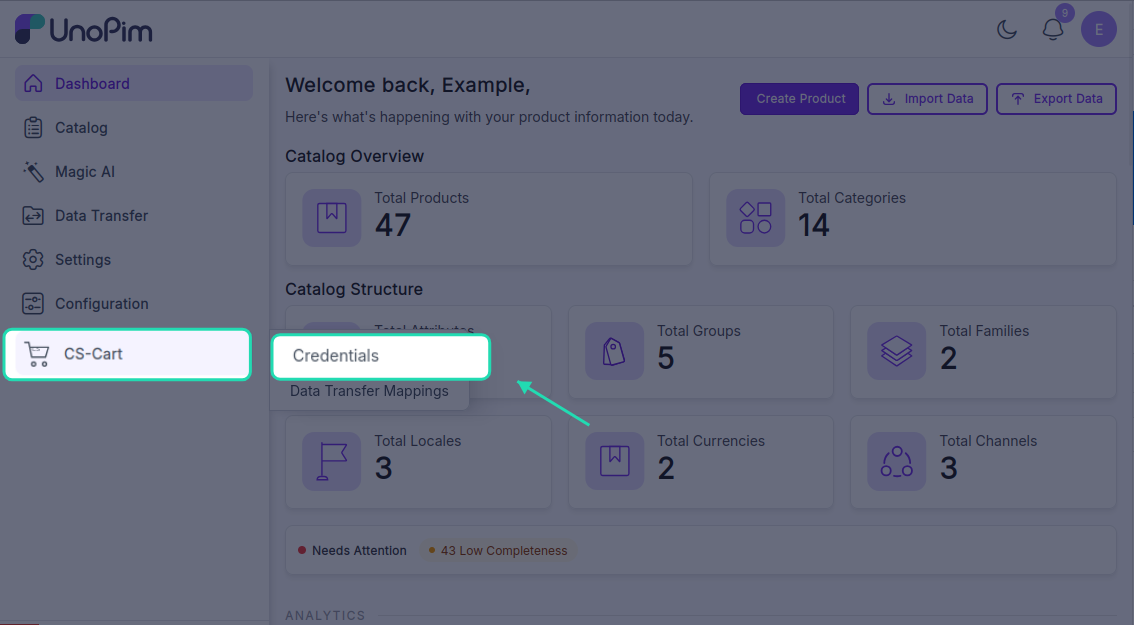
The credentials page
Each row in the list shows one credential:
- Name - the label you gave it.
- Shop URL - the CS-Cart store URL.
- Active - whether the credential is on or off.
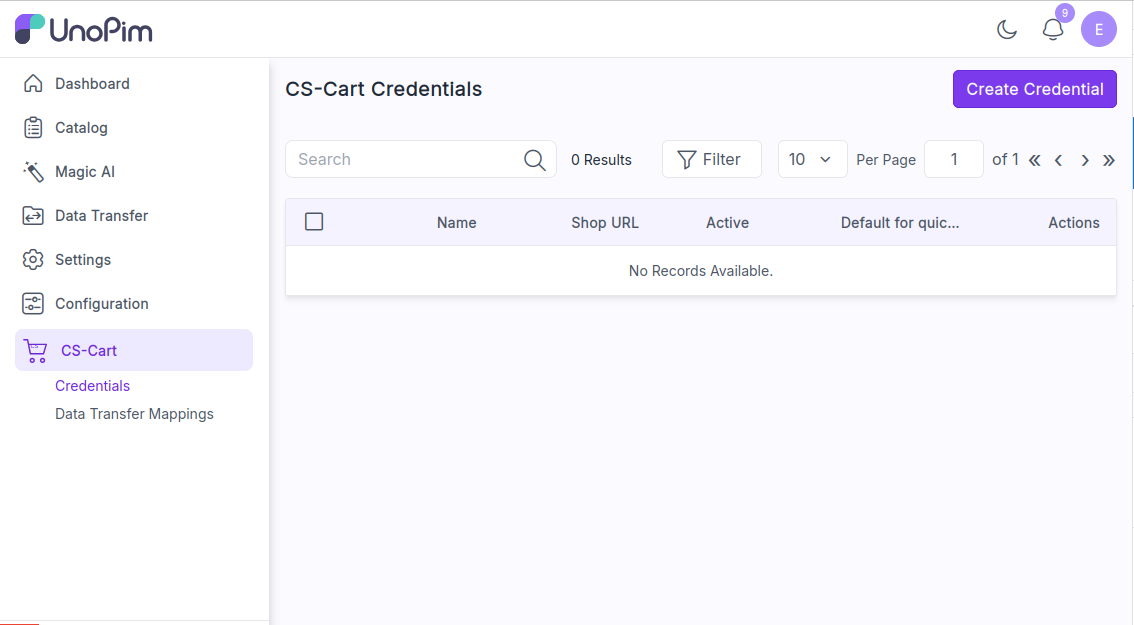
You can search by name, sort columns, or click Filter to narrow the list. The pencil icon edits a row, the trash icon deletes it. Mass-update and mass-delete are available from the Selected actions menu.
Add a credential
Click + Create Credential in the top-right corner.
Fill in:
| Field | What goes here |
|---|---|
| Name | Any label you want, e.g. Production Store. Must be unique. |
| Shop URL | Your CS-Cart store URL, including https://. |
| Admin Email | The email of a CS-Cart admin with API access. |
| API Key | Paste the API key from CS-Cart User Profile → API tab. |
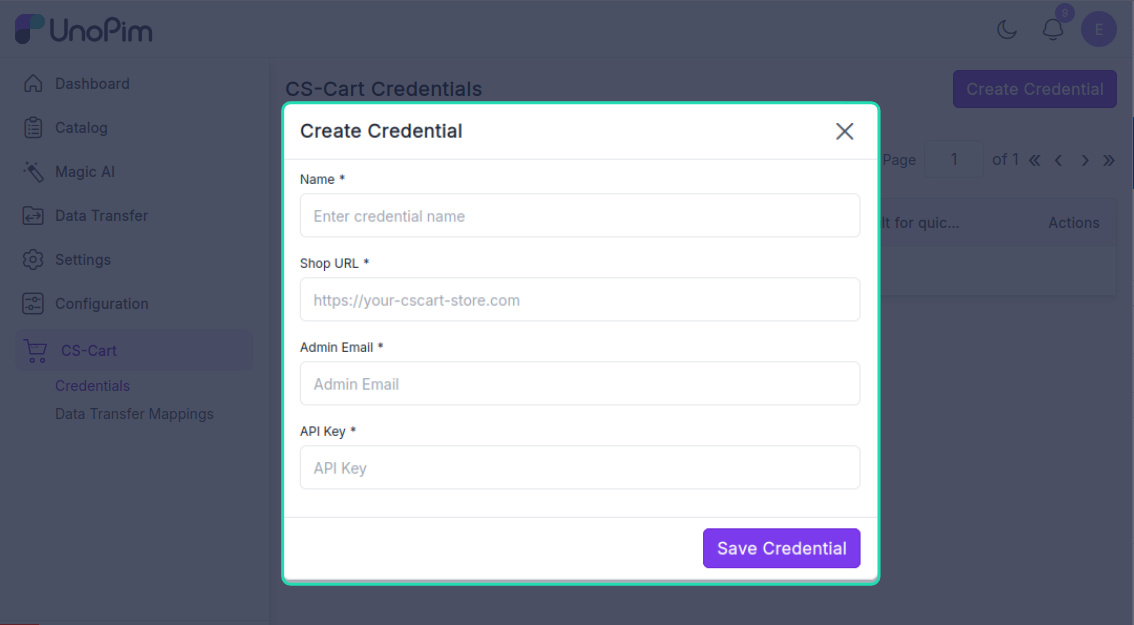
Click Save Credential.
The extension calls the CS-Cart API with the credentials before saving. If anything is wrong you'll see Unable to connect to CS-Cart. Please verify your Shop URL, Admin Email, and API Key are correct. and nothing is stored.
After saving, you land on the edit page where you can map locales and attributes.
Edit a credential
Click the pencil icon on any row.
The edit page has four tabs at the top:
| Tab | What it does |
|---|---|
| Credential Settings | Edit name / URL / API key, switch the credential on or off, set it as the default for quick export. |
| Locale Mapping | Map every UnoPim locale to a CS-Cart lang_code - see Map locales. |
| Attribute Mapping | Map UnoPim attributes to CS-Cart product fields - see Map attributes. |
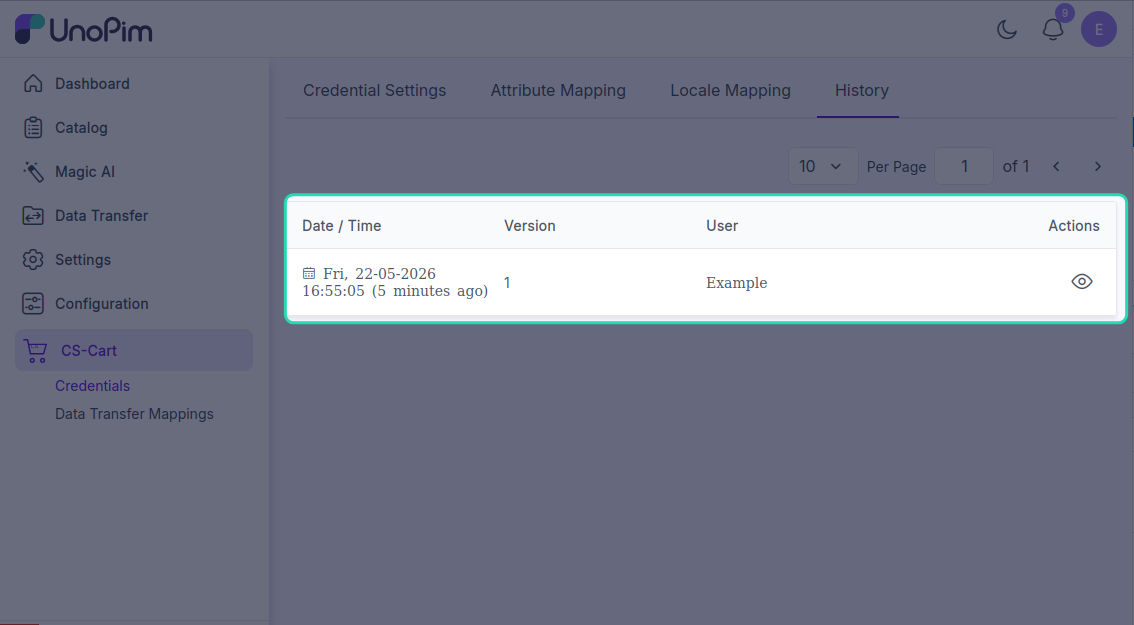
| History | Every change made to this credential is logged here. |
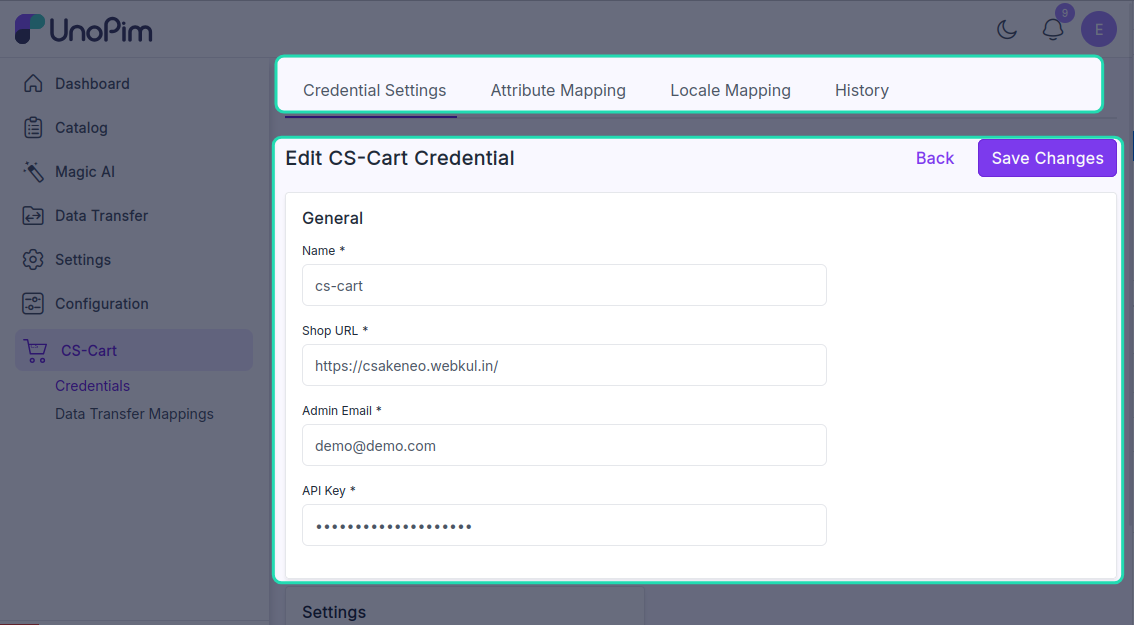
Credential Settings
| Field | What it does |
|---|---|
| Name / Shop URL / Admin Email / Company ID | Edit any of the values you set when creating. |
| API Key | Leave blank to keep the current key. Type a new one to replace it. |
| Active | Turn the credential on or off. Inactive credentials are hidden from import / export profile dropdowns. |
| Default for quick Export | When on, this credential is used by Quick Export from the product list. Only one credential can be default. |
Click Save Changes.
Delete a credential
Click the trash icon on a row and confirm. Or tick several rows and use Selected actions → Delete.
Deleting a credential does not delete the data already pushed to CS-Cart. It only stops future imports / exports from running through it.
See change history
The History tab on the edit page lists every change made to this credential - name edits, URL changes, active flips, locale and attribute mapping changes. Your API key itself is never shown there.