

Trash
When a client deletes a file inside a mounted folder, the DAM does not hard-delete. The asset moves to Trash and is retained for trash_retention_days (default 30) before automatic purge.
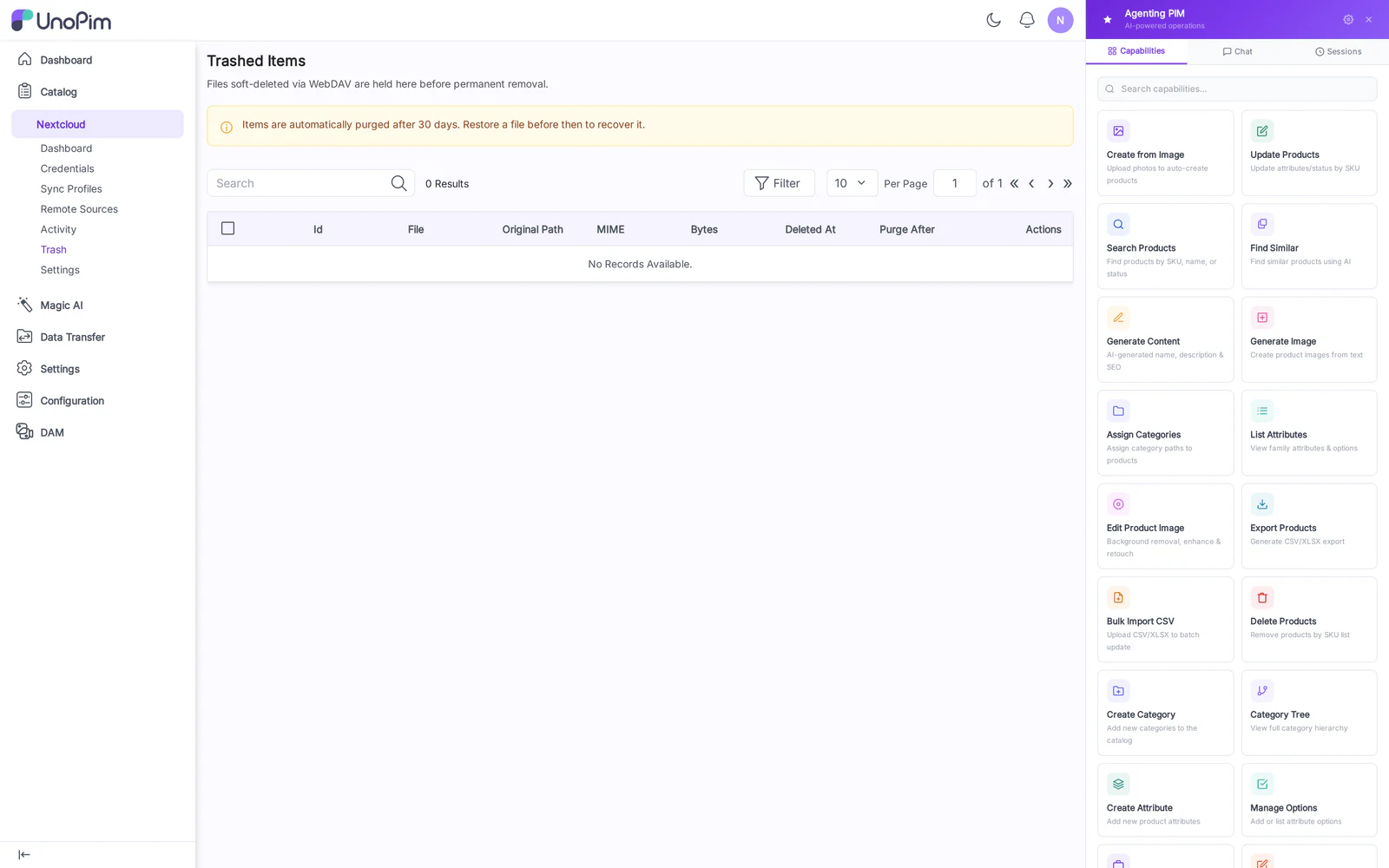
Columns
- Asset — file name + thumbnail.
- Original Path — directory it was deleted from.
- Deleted By — credential / remote-source that triggered the delete.
- Deleted At — timestamp.
- Purges In — days remaining before automatic hard-delete.
- Actions — Restore, Delete forever.
How to use
- Open Nextcloud → Trash.
- Find the asset (filter by date or by Deleted By).
- Click Restore — the asset returns to its original directory and reappears on every connected client on the next sync tick.
- Or click Delete forever to immediately purge.
Tips
- The retention window is set in
config/dam_webdav.php(trash_retention_days). Increase it for compliance, decrease it for storage pressure. - Restoring during a conflict — if a file with the same name has reappeared in the original directory while the asset was in trash, the restore is renamed with a
.restored-<timestamp>suffix to avoid clobber.