Maker Checker Workflow
After installing the UnoPim Maker Checker Workflow extension, users with the required permissions can manage the product and asset approval process.
Enable Maker Checker Module
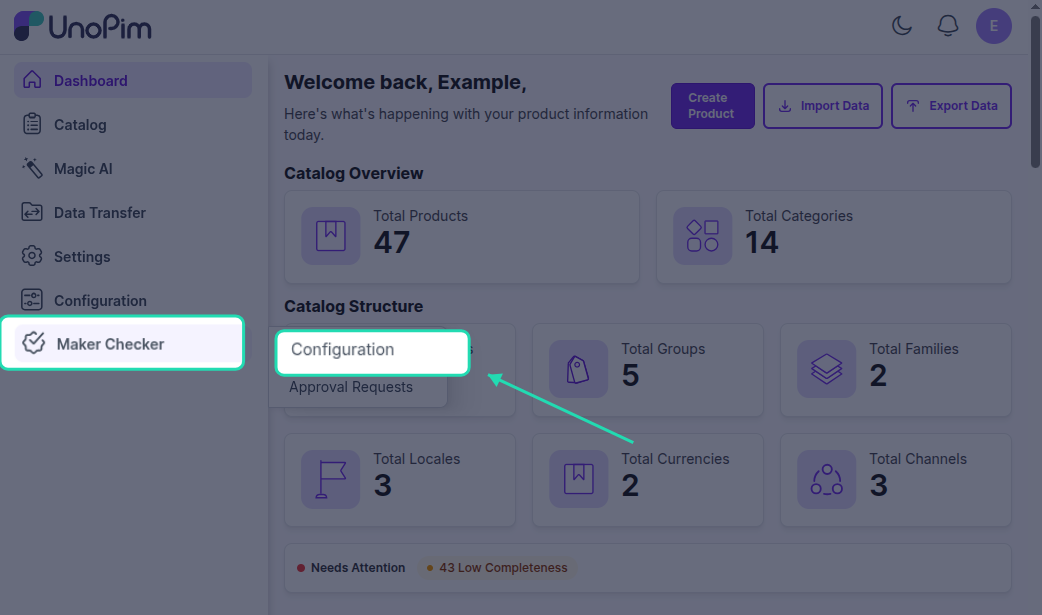
Navigate to the left-side menu and select Maker Checker > Maker Checker Configuration.
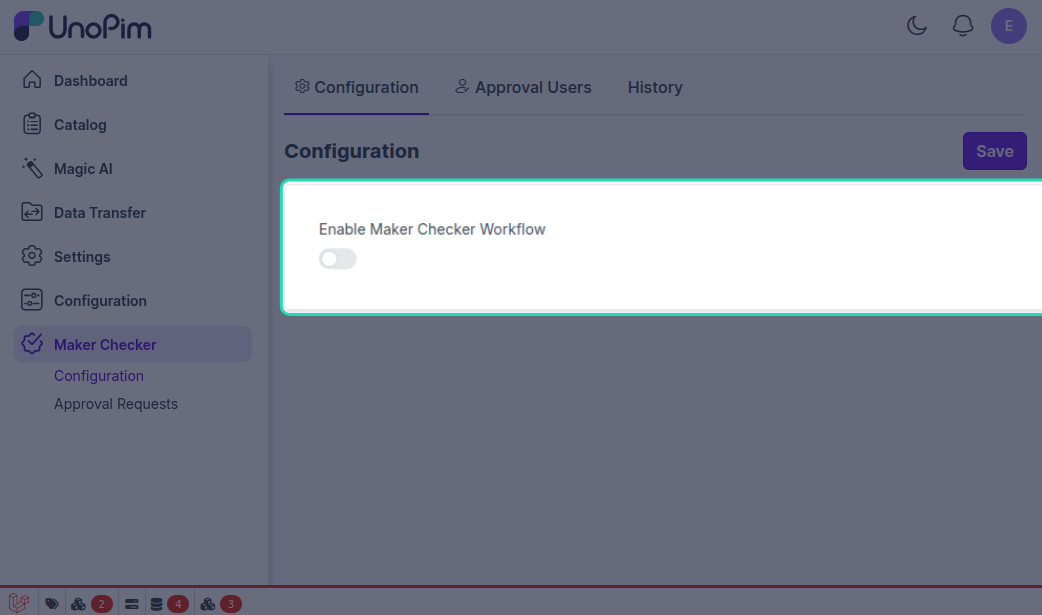
Here, you can enable the module to activate the approval workflow in UnoPim.
Access Control List | Workflow for Maker Checker
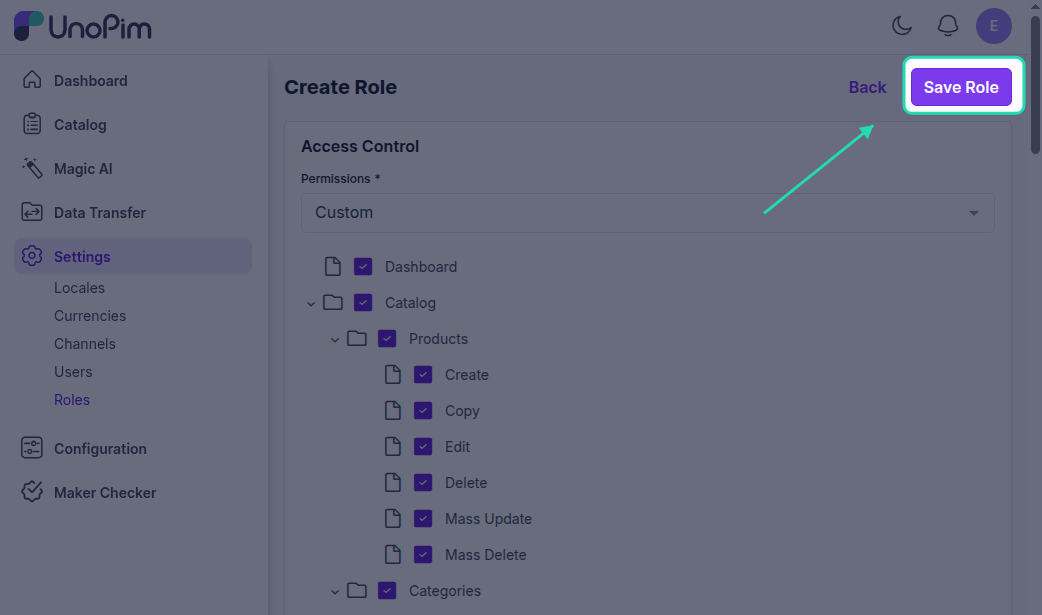
Admin can create roles for the Maker-Checker process in UnoPim by navigating to Settings > Roles > Create Role.
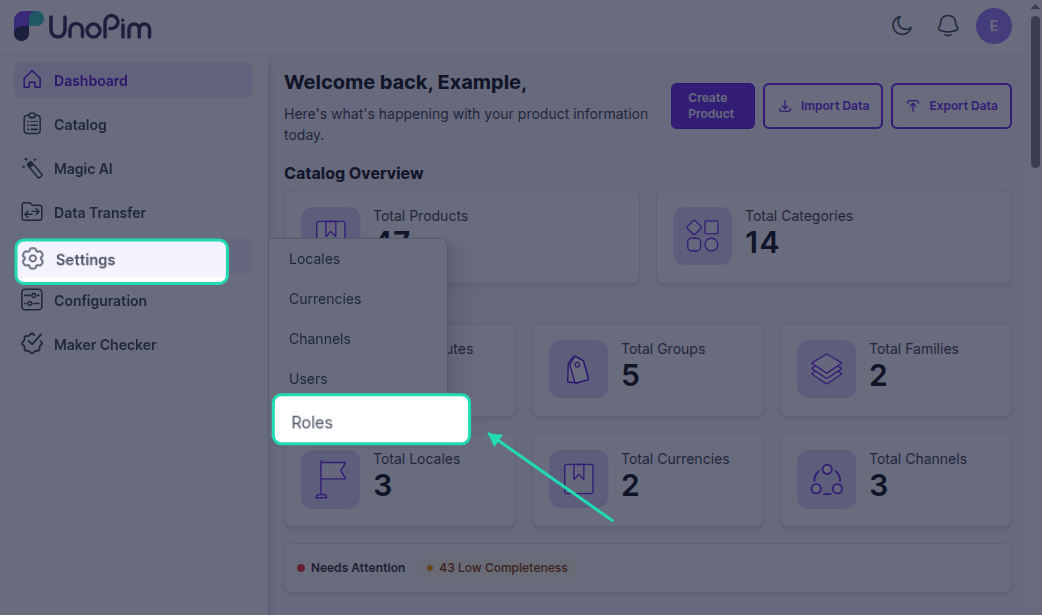
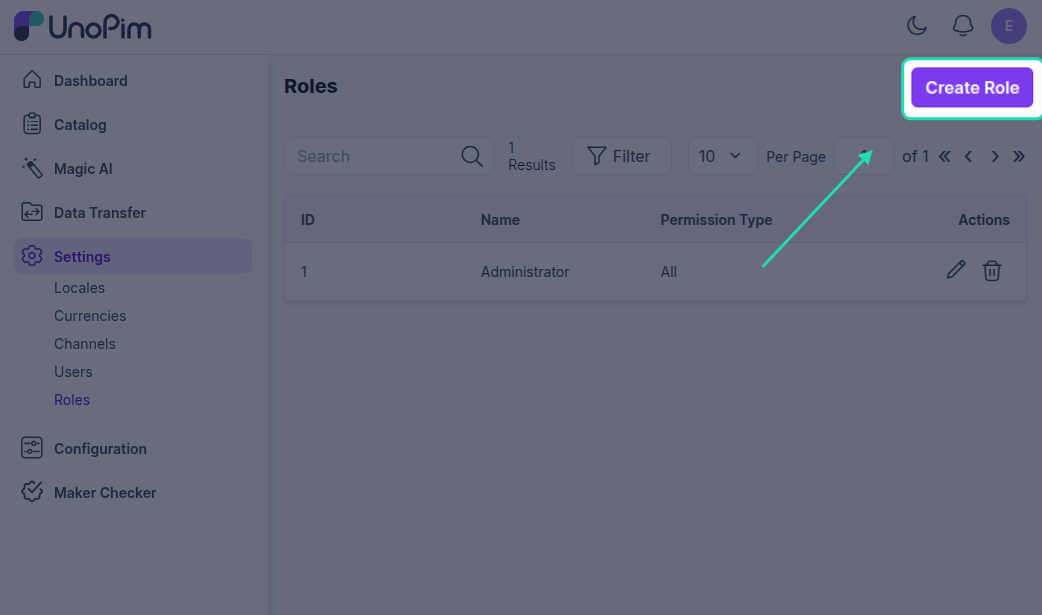
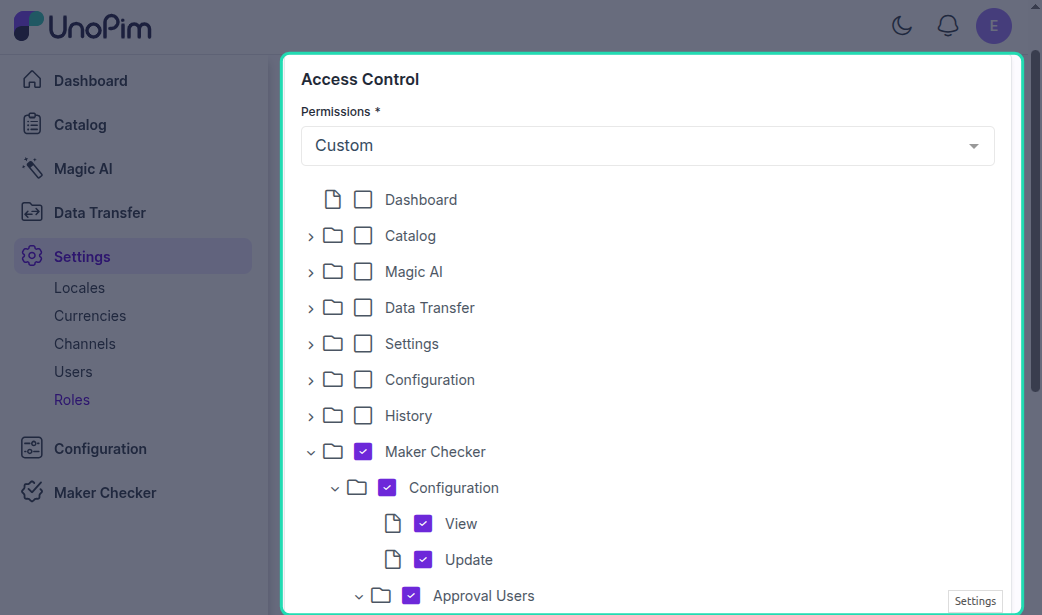
We have a Maker Checker section, where you can define role-based permissions for configurations, approval users, and approval requests as shown below:
Assigning Roles
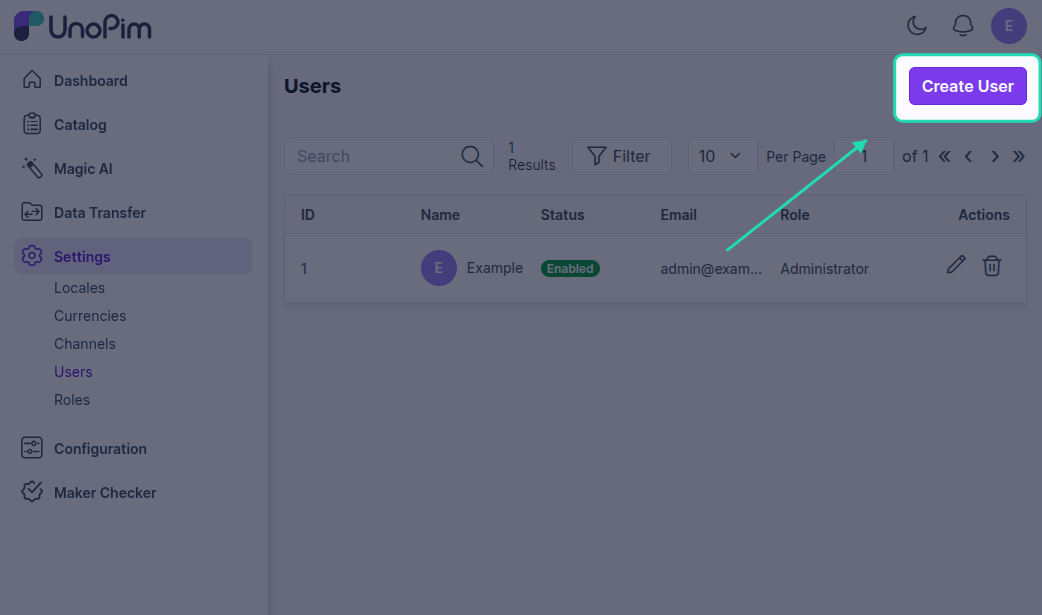
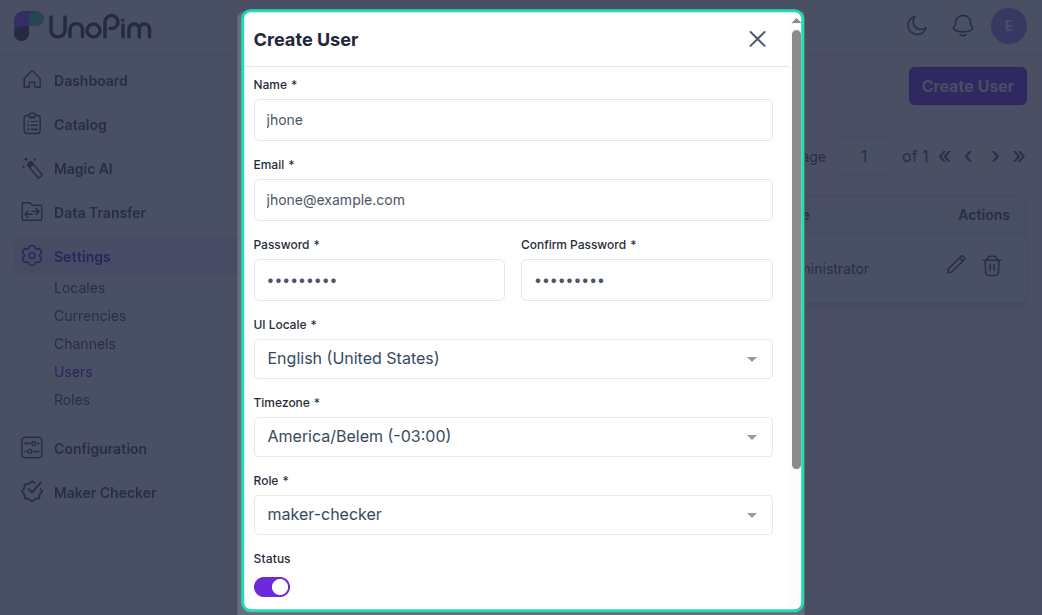
Then users can be assigned these roles with related permission for checker or maker accordingly.