

Installation
Follow the steps below to install the Akeneo to UnoPim Migration plugin. You'll need terminal access to your UnoPim server before getting started.
Requirements
- UnoPim 2.1.0
- PHP 8.3+
- An Akeneo account with REST API (Connection) credentials
Step 1 — Add the Package Files
Copy the package into your UnoPim project at:
packages/Webkul/AkeneoMigrationStep 2 — Register the Autoloading
Open the project's root composer.json and add the package namespace under the autoload > psr-4 section:
"autoload": {
    "psr-4": {
        "Webkul\\AkeneoMigration\\": "packages/Webkul/AkeneoMigration/src"
    }
}
Step 3 — Register the Service Provider
Open bootstrap/providers.php and register the service provider:
use Webkul\AkeneoMigration\Providers\AkeneoMigrationServiceProvider;

return [
    // ...existing providers...
    AkeneoMigrationServiceProvider::class,
];
Step 4 — Register the Concord Module
Open config/concord.php and register the module service provider:
Webkul\AkeneoMigration\Providers\ModuleServiceProvider::class,Step 5 — Install the Akeneo API Client
Install the Akeneo PHP API client and refresh the autoloader:
composer require akeneo/api-php-client
composer dump-autoload
Step 6 — Run the Install Command
php artisan akeneo-migration:installThis command creates the package tables, publishes the sidebar-icon assets, and refreshes the config, route, view, and application caches so the menu, ACL, and routes load.
| Command | Purpose |
|---|---|
composer require akeneo/api-php-client | Installs the Akeneo PHP REST API client the plugin uses to read from Akeneo. |
composer dump-autoload | Regenerates Composer's autoloader mapping to include the new namespace. |
php artisan akeneo-migration:install | Creates the package tables, publishes assets, and refreshes caches so the menu, ACL, and routes load. |
Verify the Installation
Once all commands have completed, log in to your UnoPim dashboard. You should see the Akeneo Migration option appear in the left sidebar — this confirms the plugin is installed and ready to configure.
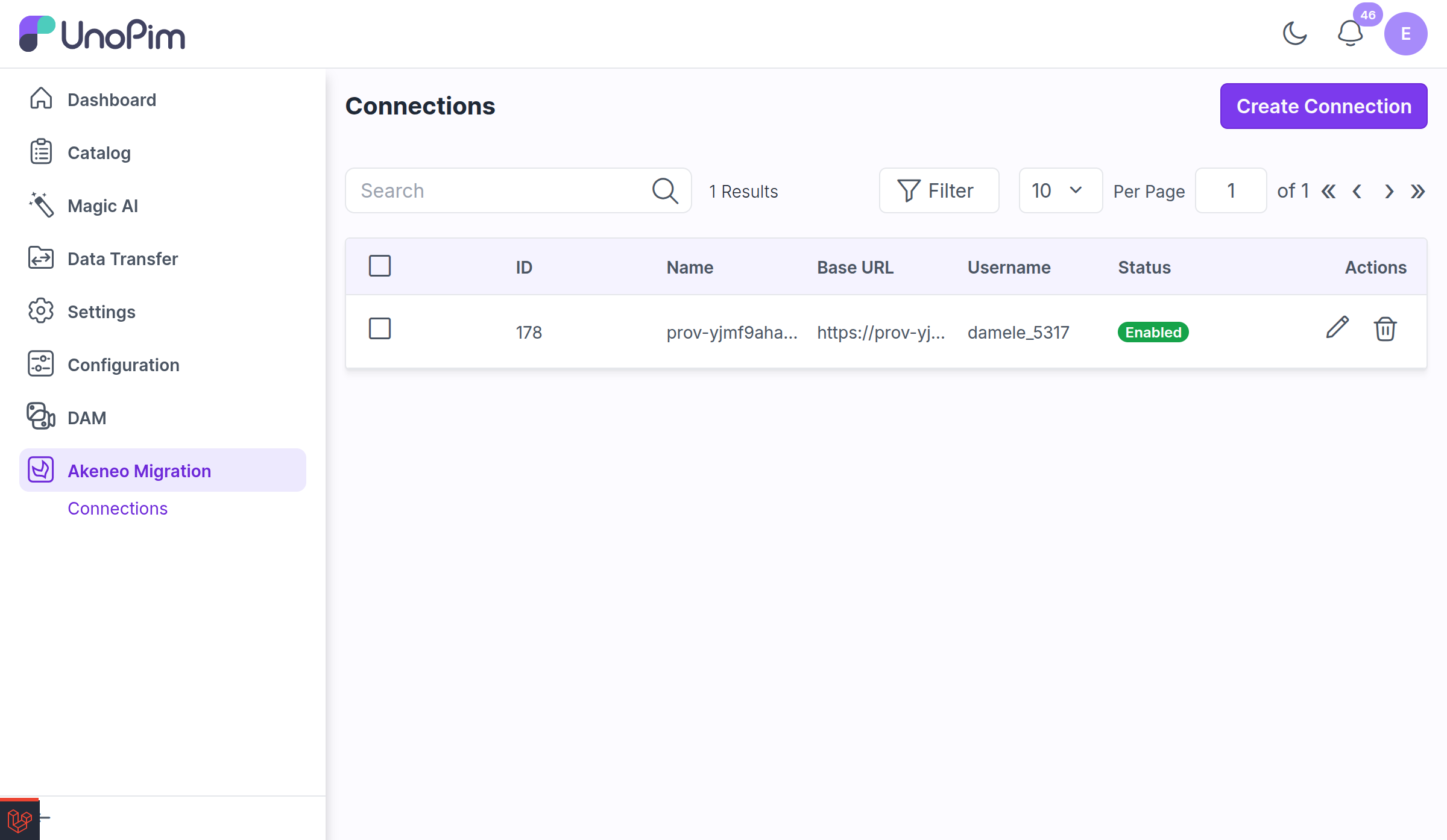
If it doesn't appear, run php artisan optimize:clear again and refresh the page.
Next Steps
Add a connection, test it, and run your first import: