

Credentials
A Credential is a WebDAV user account: a username + password that desktop/mobile clients use to authenticate against UnoPim. Each credential maps to exactly one Sync Profile that decides which DAM directory it syncs to.
List
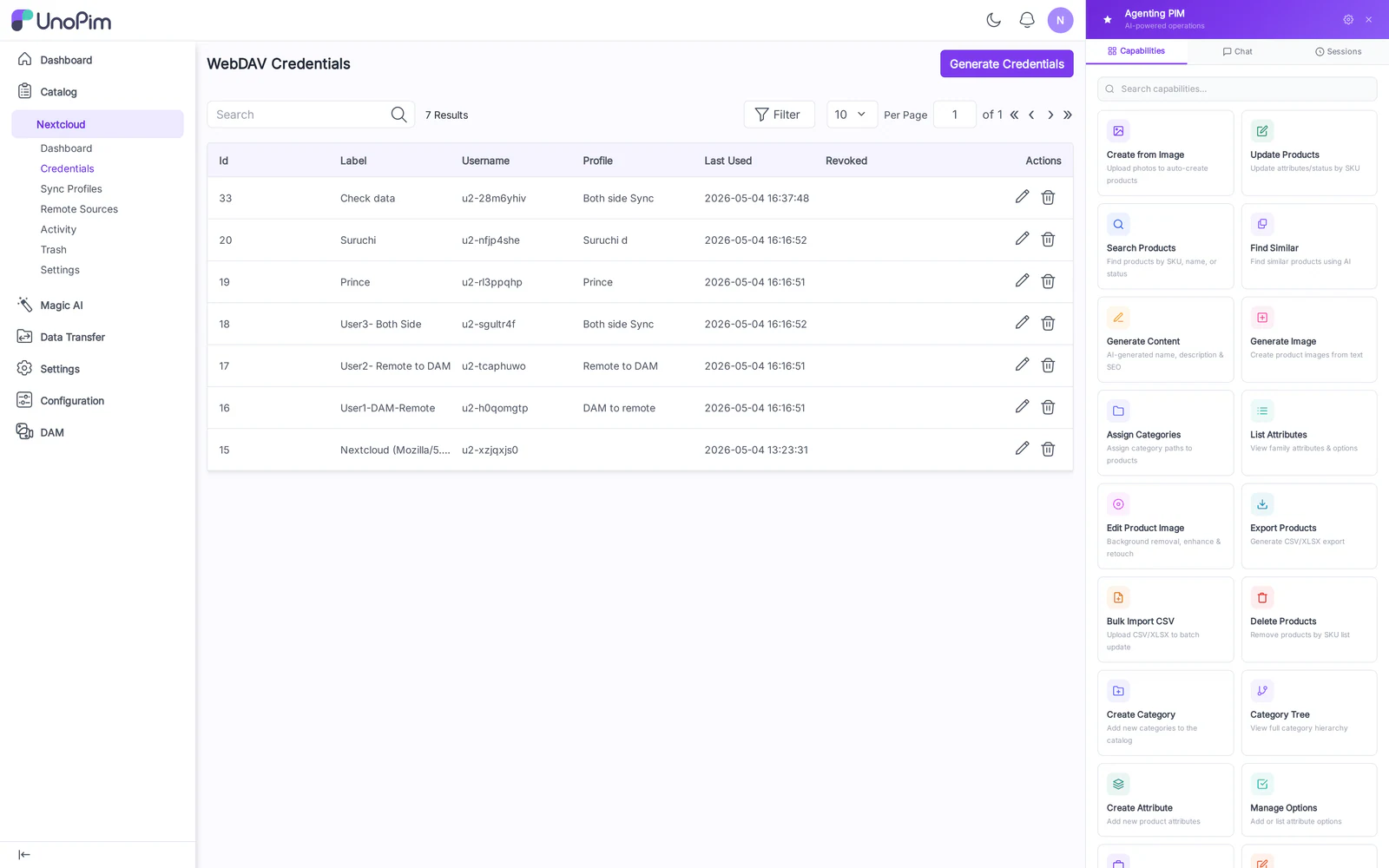
Columns:
- Label — human-readable name (e.g., "Studio iMac").
- Username — the WebDAV username the client signs in with.
- Profile — the Sync Profile bound to this credential, if any.
- Last Used — last successful authentication timestamp.
- Status — Active / Disabled.
- Actions — Edit, Delete.
Create
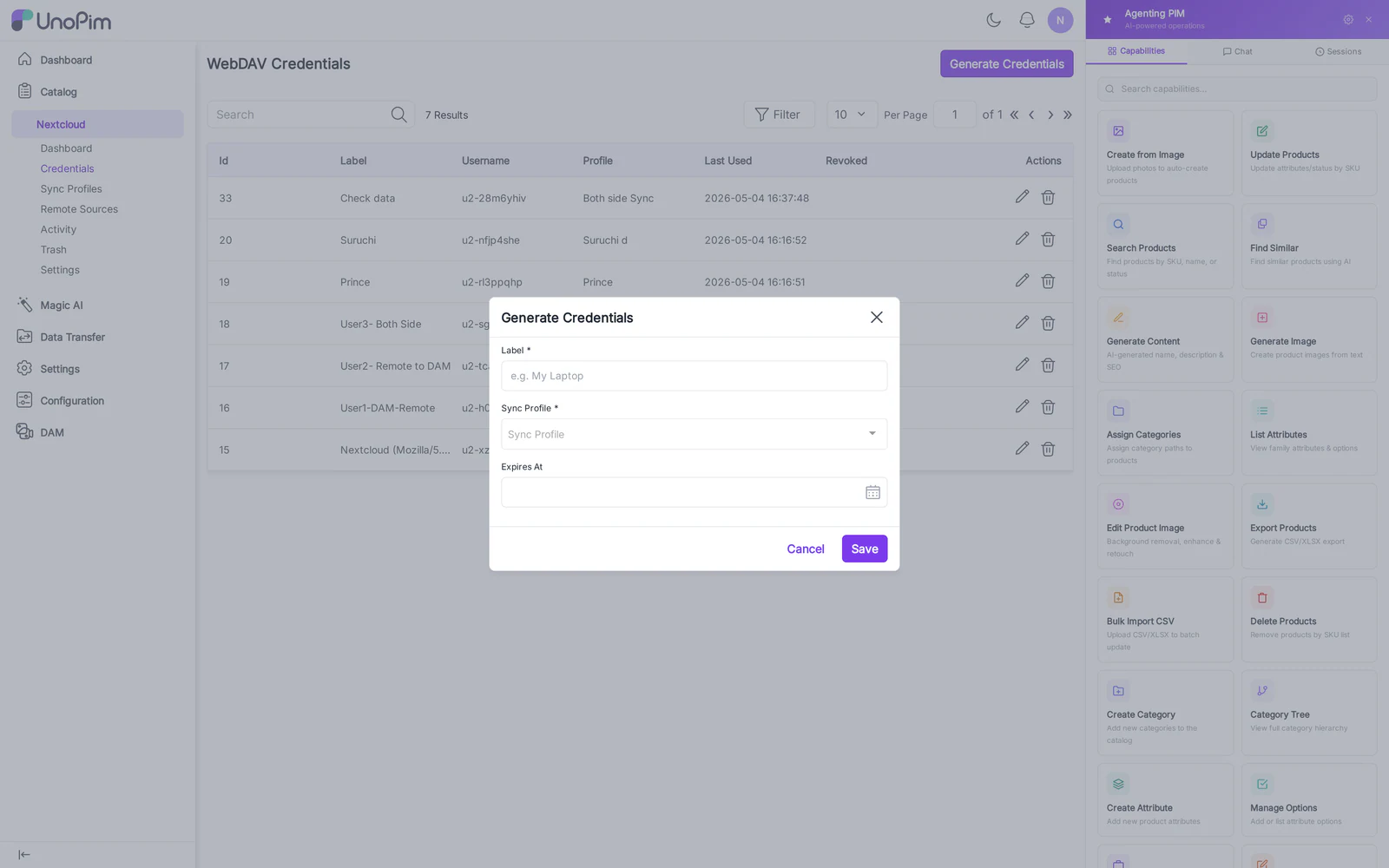
Fields:
- Label — display name. Required.
- Username — must be unique. Used in the Nextcloud-style URL:
/remote.php/dav/files/<username>/. Required. - Password — strong password. Stored hashed; cannot be re-displayed after save.
- Status — toggle Active off to revoke access without deleting.
Edit, Mount URLs & QR code

The edit page shows:
- All fields above (Password is blank — leave blank to keep the existing password).
- Server URL with a copy button — the Nextcloud server URL the user enters in their client.
- A QR code that encodes the Nextcloud login-flow URL — scanning it from Nextcloud iOS / Android opens the in-browser grant page automatically.
How to use
- Click Add Credential.
- Enter Label, Username, Password.
- Save — you're returned to the list.
- Open the credential's Edit page.
- Either copy the Server URL into Nextcloud Desktop, or scan the QR code from Nextcloud iOS / Android.
- Bind it to a Sync Profile in Sync Profiles — until you do, no folder is reachable.
Tips
- One credential per device, not per user. If the same person uses Nextcloud Desktop + Nextcloud mobile, give each device its own credential so revocation is granular.
- Disabling a credential immediately invalidates active locks; clients will see
401on the next sync tick.