

Use Public Image URL in Exports
After the UnoPim Public Image URL extension is installed, you can export product media using Public URL or ZIP as the resource type.
This is useful when you want product media such as image, gallery, and file attributes to appear in the export file as publicly accessible URLs instead of bundled files.
What This Export Supports
UnoPim allows you to export product media for product types such as:
- Simple products
- Configurable products
This export works for Products and not for Categories.
Create an Export for Media as Public URL
Follow these steps to create the export:
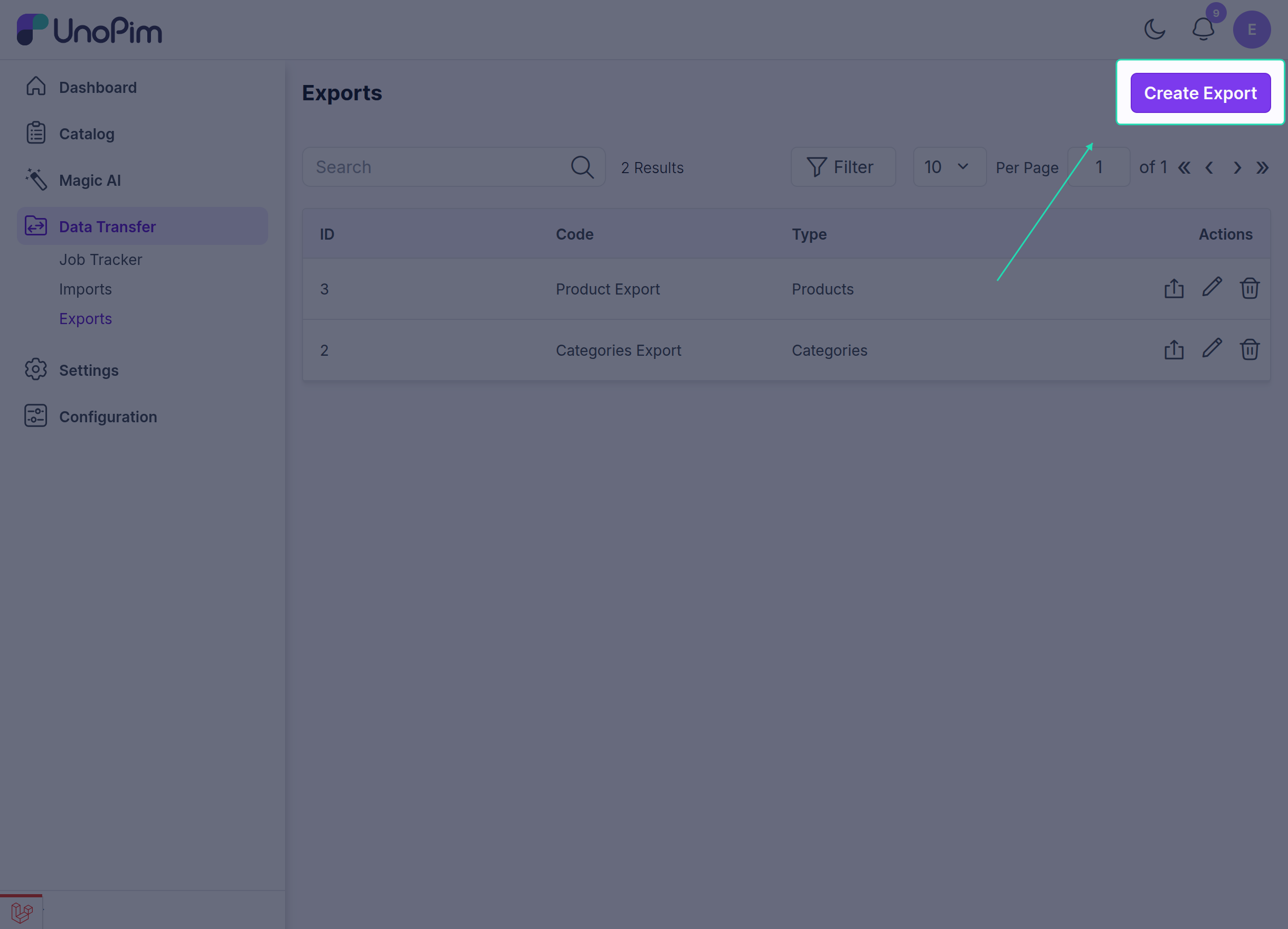
- Go to Data Transfer > Exports > Create Export.
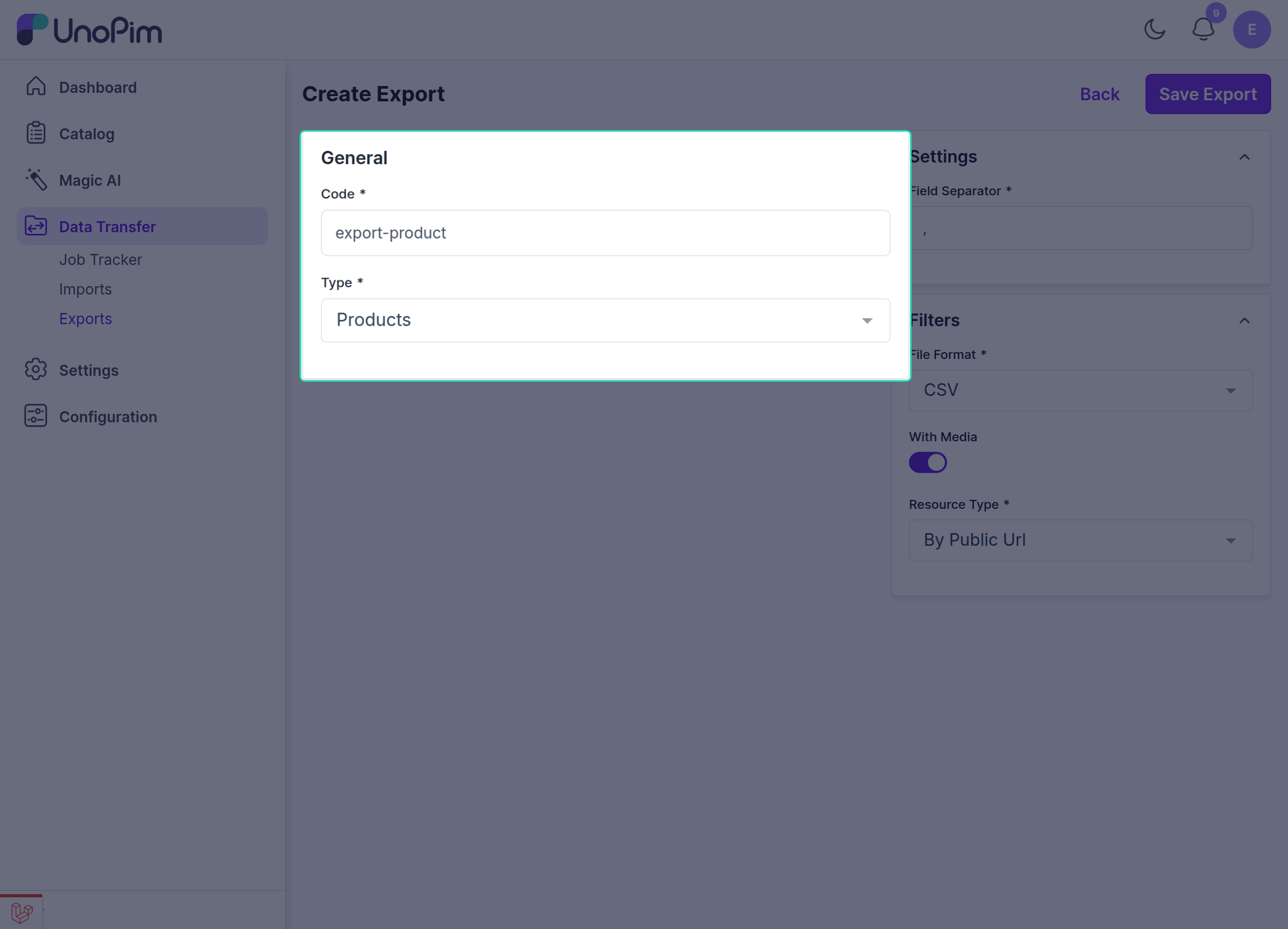
- In the General section, enter the required fields such as Code and Type, then select Products as the product type.
- Choose the required file format, such as CSV or XLSX.
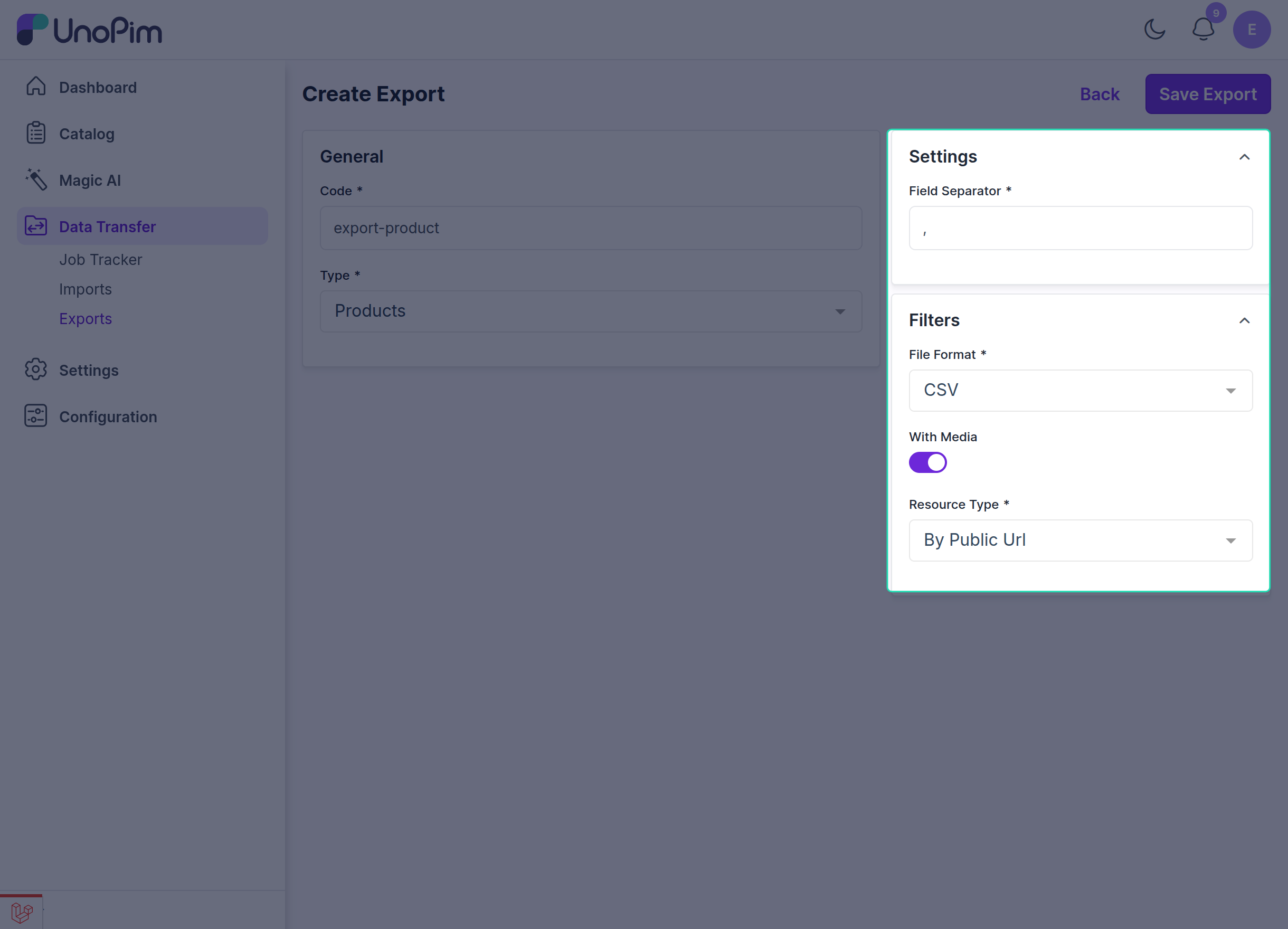
- Configure the export profile settings as needed.
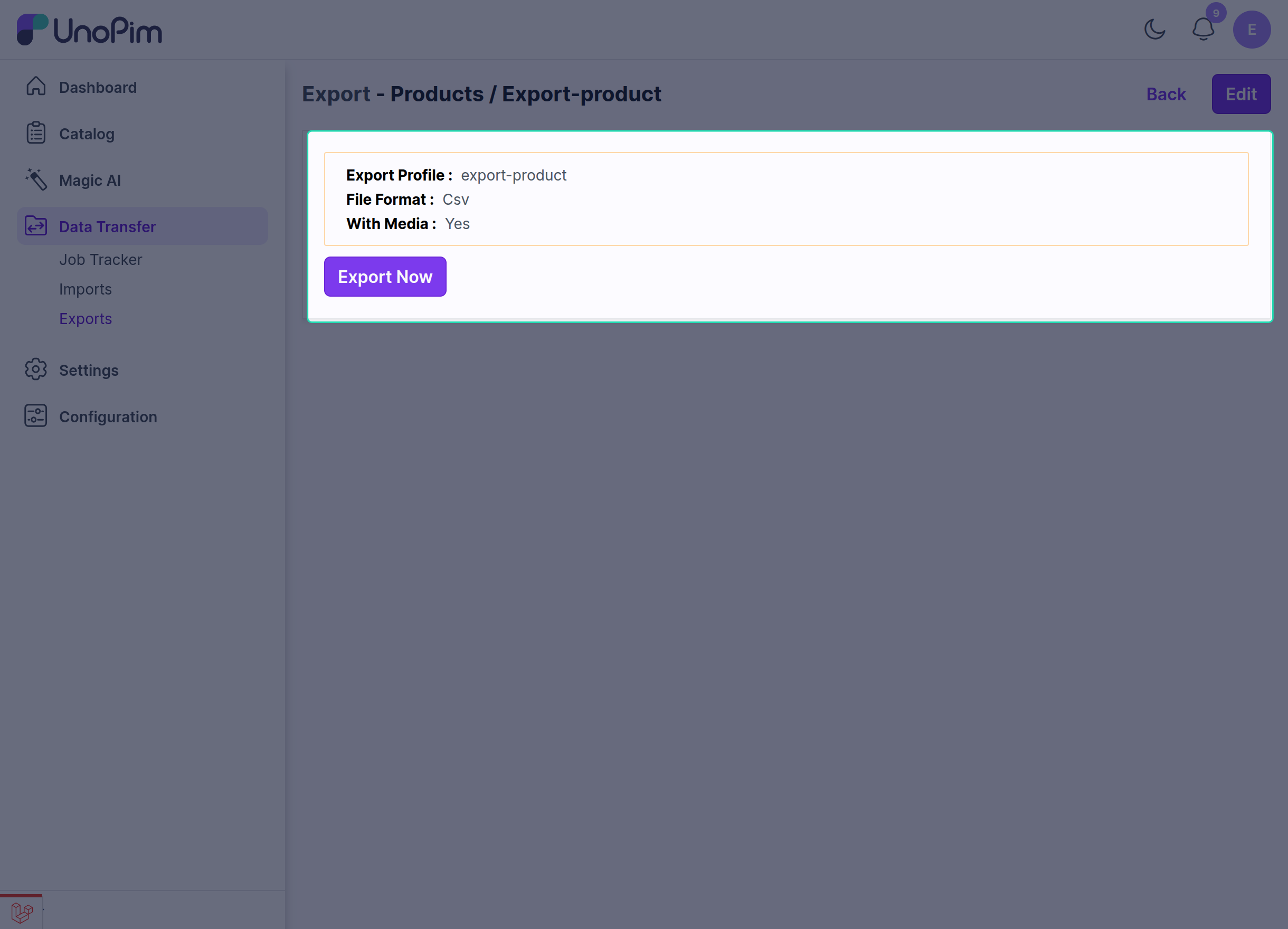
Media-Related Export Settings
While editing the export job profile, you can configure the media export options:
| Setting | Description |
|---|---|
| Field Separator | Choose the delimiter for the export file, such as , or ;. |
| File Format | Select the export format, such as CSV, XLS, or XLSX. |
| Media Option | Enable this option to include product media in the export. |
| Resource Type | Choose whether media should be exported as Public URL or ZIP. |
Public URL vs ZIP
Public URL
If the Media option is enabled and Public URL is selected as the resource type:
- product media values are exported as public URLs,
- the exported URLs remain accessible through the public path,
- image, gallery, and file attributes appear in the export file as links.
ZIP
If ZIP is selected as the resource type:
- media is handled as file resources instead of public URLs,
- the exported values will not appear as public URL links in the same way,
- this option is useful when you want media packaged differently for download or transfer.
Result of the Export
With this setup, UnoPim makes it easy to export product media along with the product data.
Key benefits include:
- exporting product image, gallery, and file attributes as public URLs,
- support for file formats such as CSV and XLSX,
- simpler handling of product media during external sharing or integration.
Note: Product media attribute values such as
image,file, andgallerycan be exported as Public URL values.