

Use Public Image URL in Imports
After the UnoPim Public Image URL extension is installed, you can import product media using public URL values in your import file.
This allows UnoPim to fetch product media automatically and assign it to the correct product attributes during import.
What This Import Supports
This import works for Products only.
You can import media values for product media attributes such as:
- image
- gallery
- file
Create an Import for Media Using Public URL
Follow these steps to create the import:
- Go to Data Transfer > Imports > Create Import.
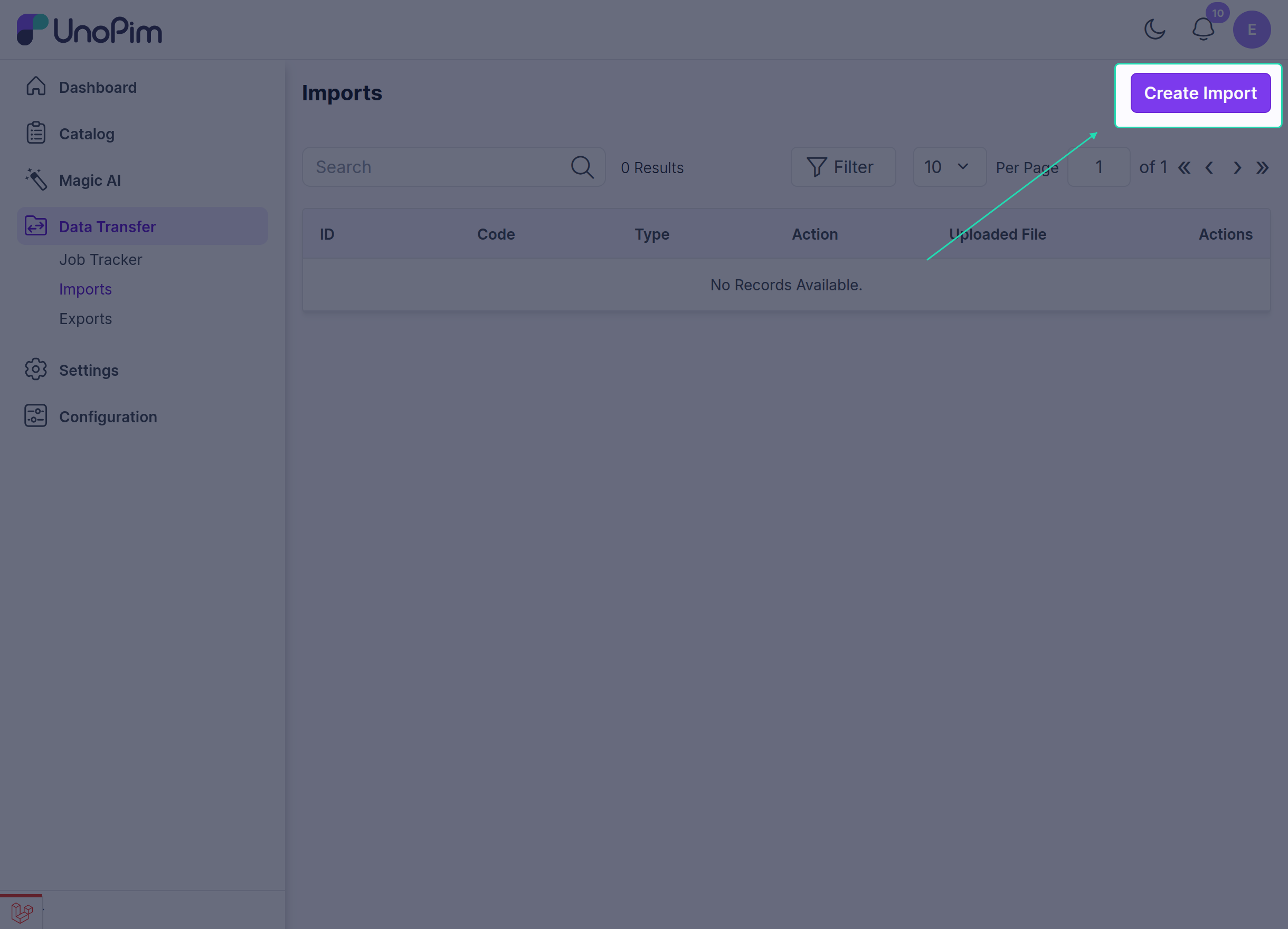
- In the General section, enter the required fields such as Code, Type, and File, then select Products as the product type.
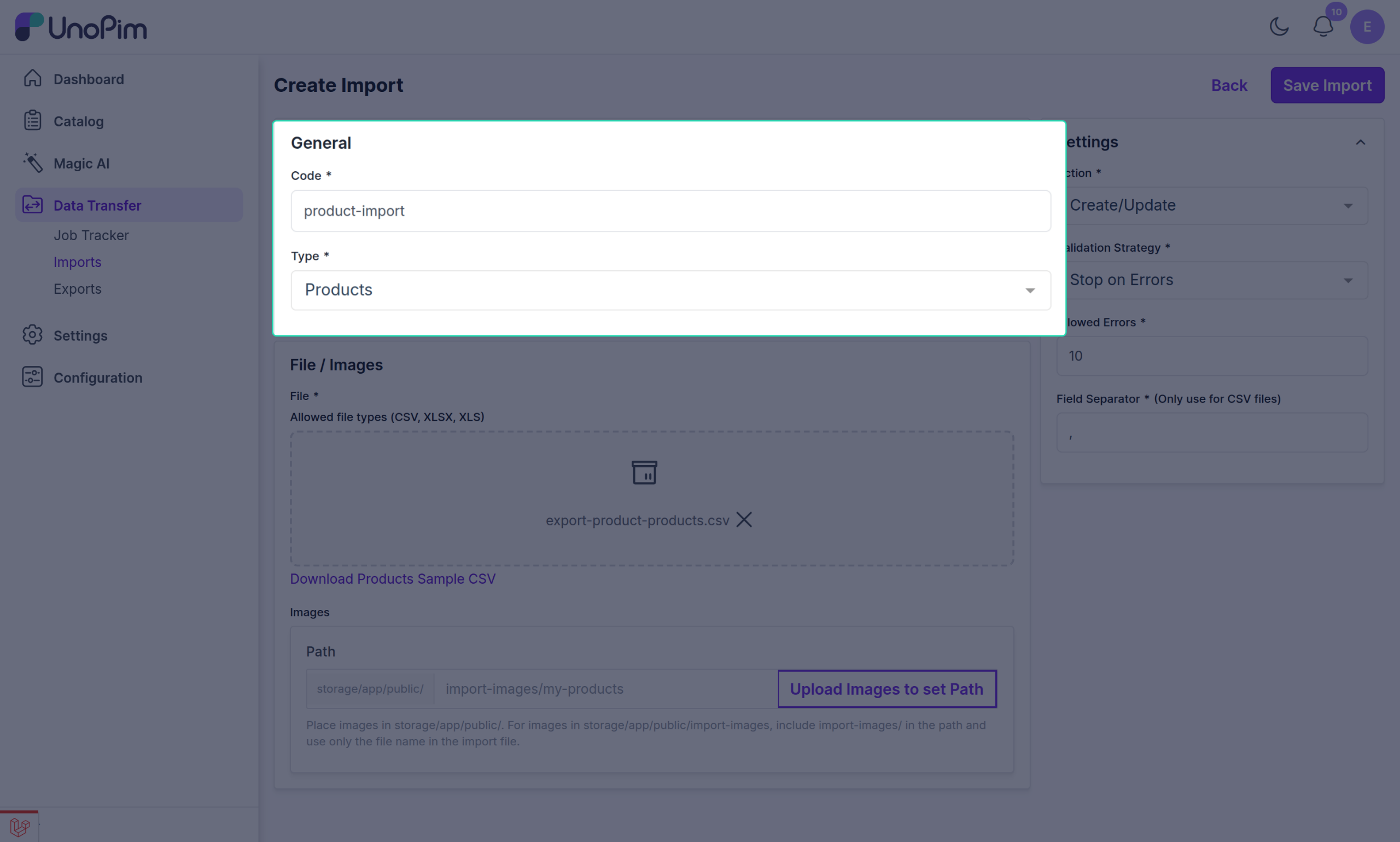
- Add the image or media public URL values in your CSV, XLS, or XLSX file.
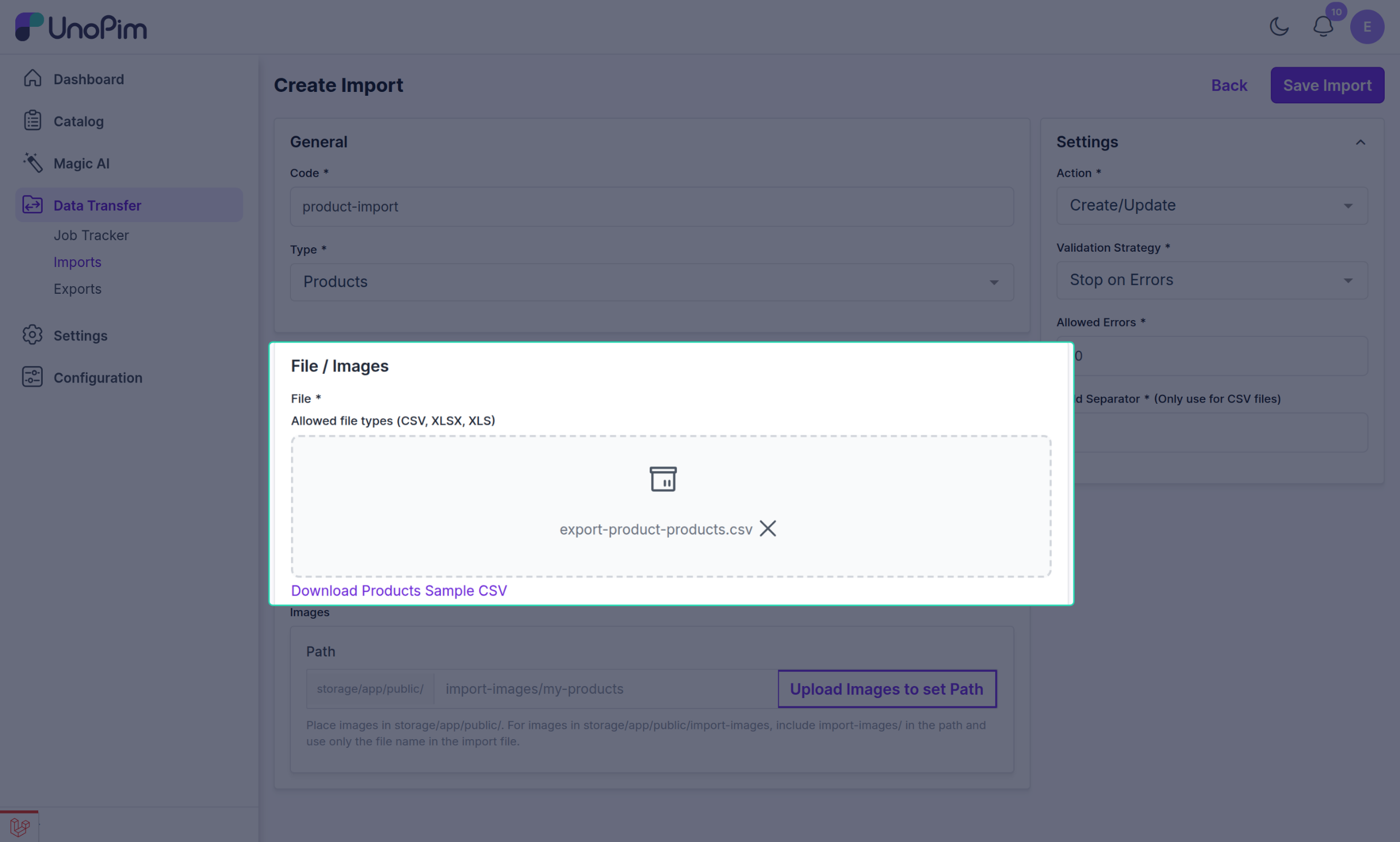
- Upload the file in the selected import format.
Configure Import Settings
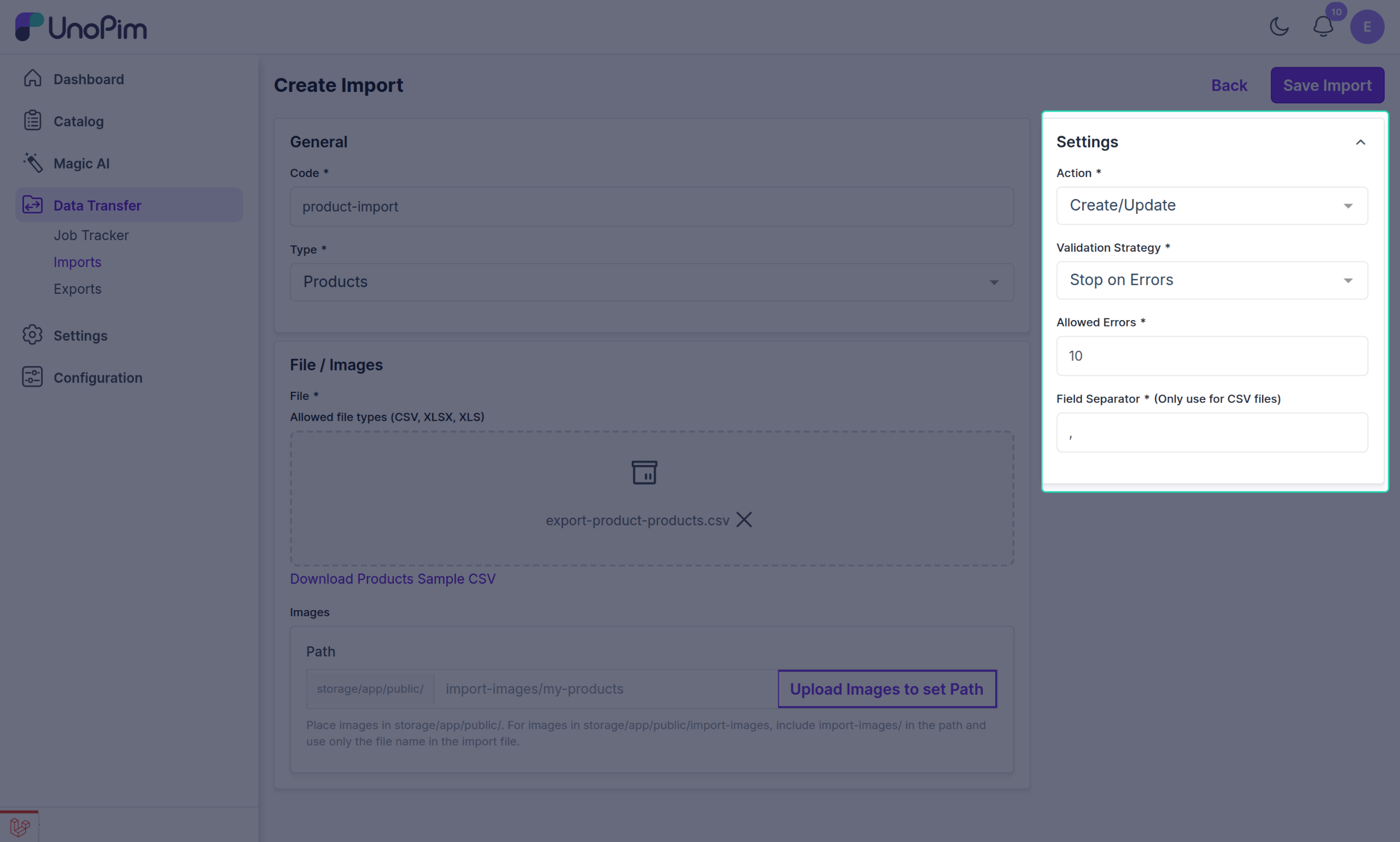
Under the Settings section, configure the import behavior as needed:
| Setting | Description |
|---|---|
| Action | Choose Create/Update or Delete depending on the import goal. |
| Recommended Action | Select Create/Update when importing product media URLs. |
| Validation Strategy | Choose Stop on Errors or Skip Errors. |
| Allowed Errors | If Skip Errors is selected, define how many errors are allowed, such as 10. |
| Field Separator | Choose the delimiter used in the file, such as , or ;. |
How the Import Works
When the import runs successfully:
- UnoPim reads the product media URL values from the import file,
- fetches the files from the given public URLs,
- assigns them to the correct product media attributes,
- and saves them with the related product data.
Result After Import
Once the product import is completed successfully, you can open the imported product in UnoPim and verify that the media has been added correctly.
This makes it easier to:
- import product media in bulk,
- avoid manual media uploads,
- and manage product image, gallery, and file attributes more efficiently.
Note: Product media attribute values such as
image,gallery, andfilecan be imported using Public URL values.