

Mapping Templates
Users can create multiple mapping templates in this connector. They can then edit these templates to set specific attribute mappings as needed. For this, they tap on Attribute Mapping.
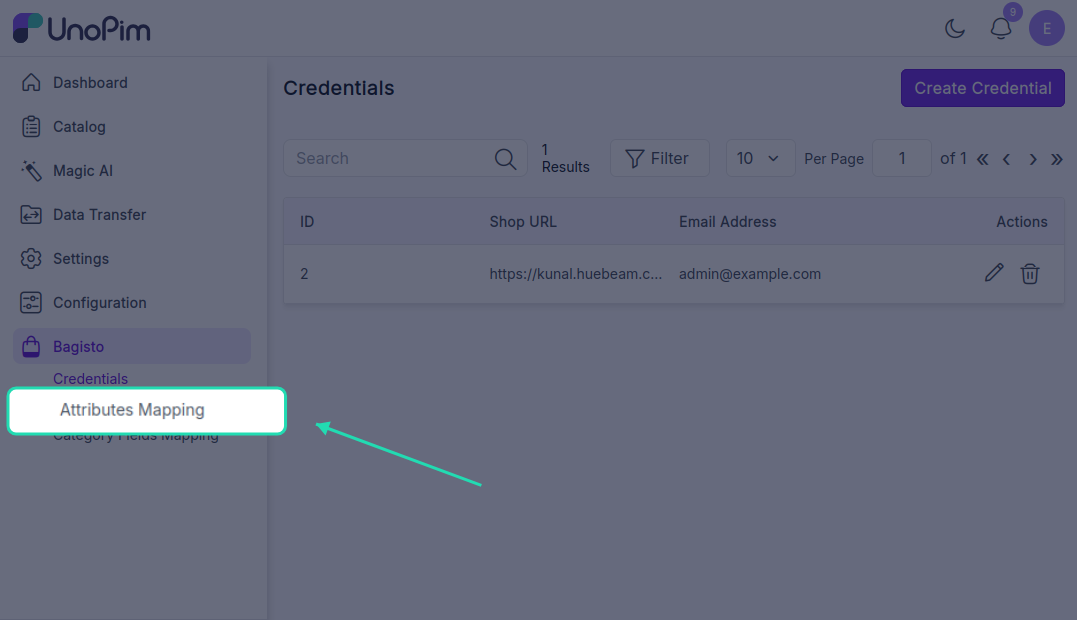
Attribute Template Page
To view and edit an attribute template, users click on the template name. This redirects them to the Attribute Template page where they can manage the following:
Attribute Fields
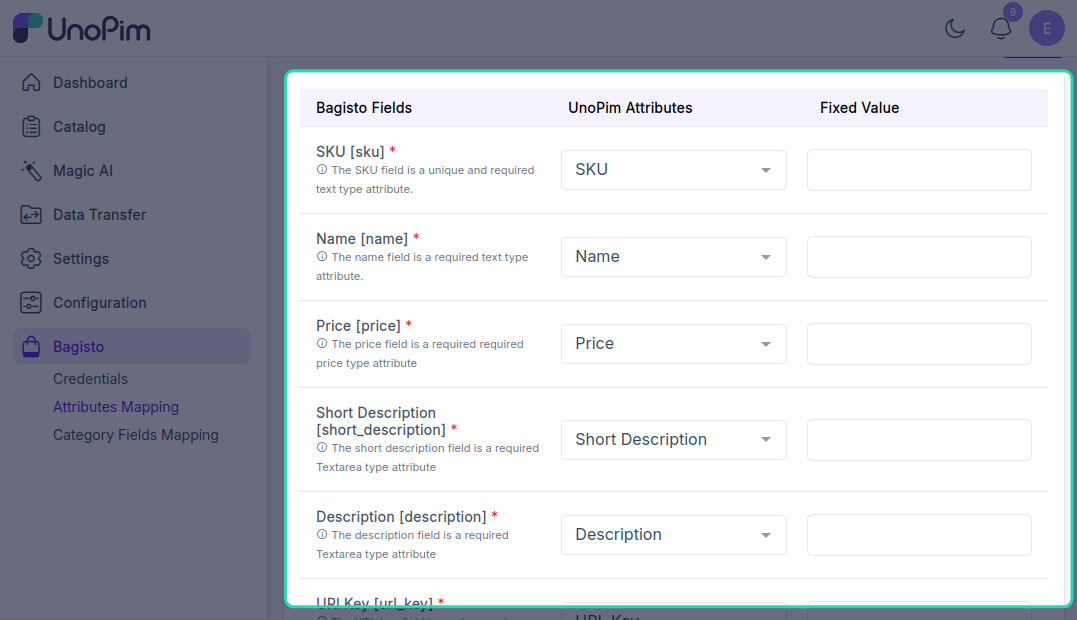
Map the Bagisto Fields with UnoPim Attributes. Users can also set a Fixed Value for the mappings.
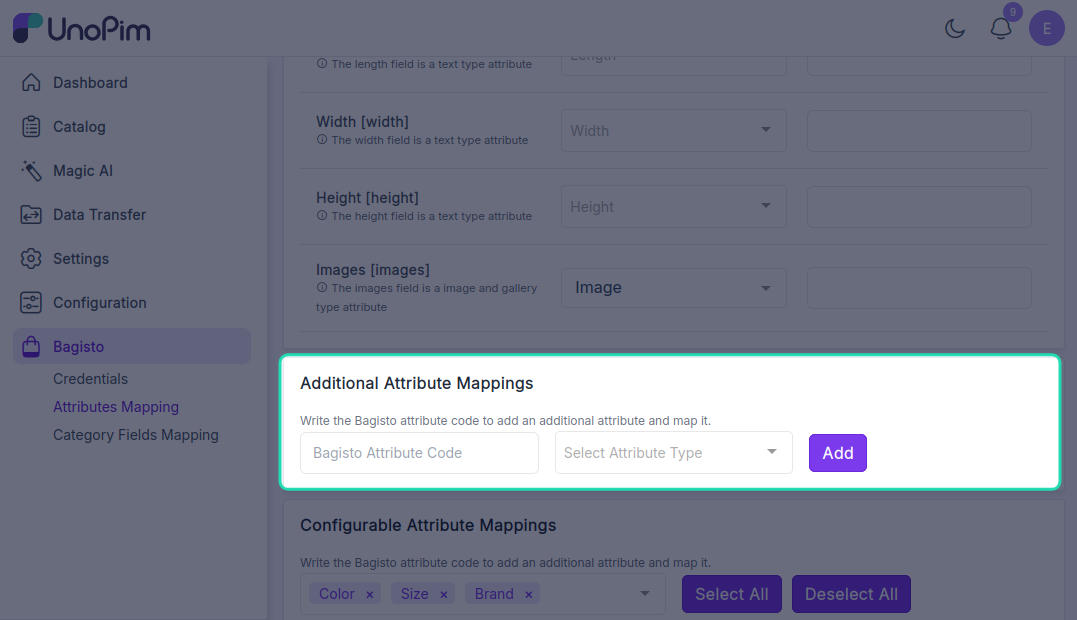
Additional Attribute Mappings
Users can perform Additional Attribute Mappings by writing and selecting the Bagisto attribute code to add and map an additional attribute.
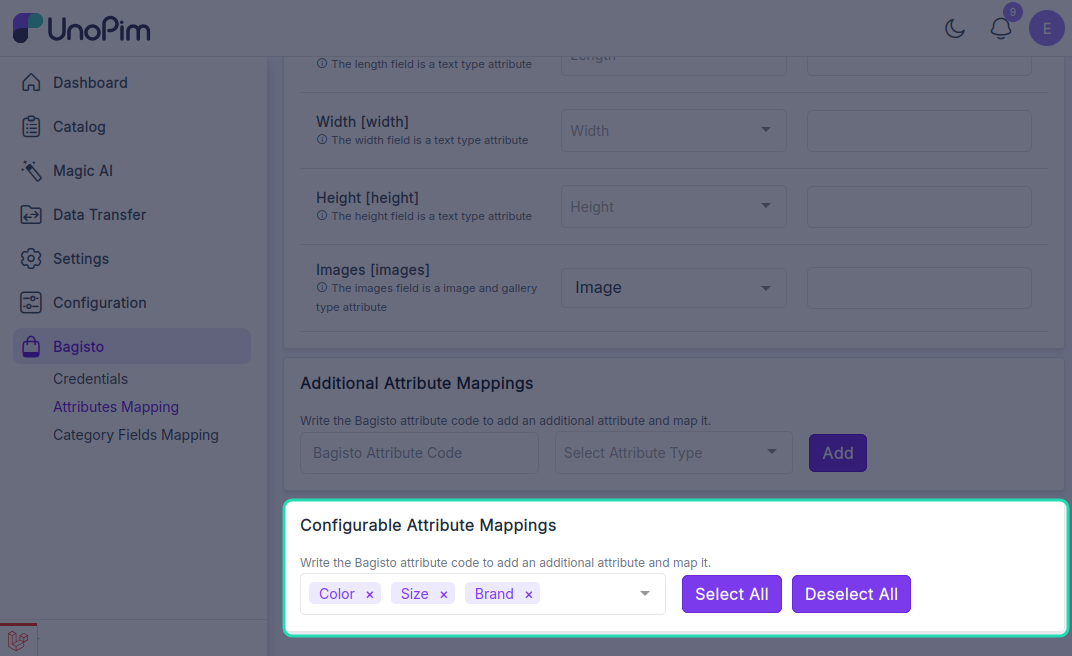
Configurable Attribute Mappings
Users can also perform Configurable Attribute Mappings by selecting and mapping the Bagisto configurable attributes.
To save the Attribute Template, they tap on the Save button and it will be added into the list of templates. Users can further proceed to edit the templates to perform the attribute mapping or delete templates.