

Other Export Types
In addition to product exports, the UnoPim Bagisto Connector supports several other export job types to synchronize different types of catalog data.
Bagisto Attribute Export
The Bagisto Attribute export allows you to export attribute configurations from UnoPim to your Bagisto store.
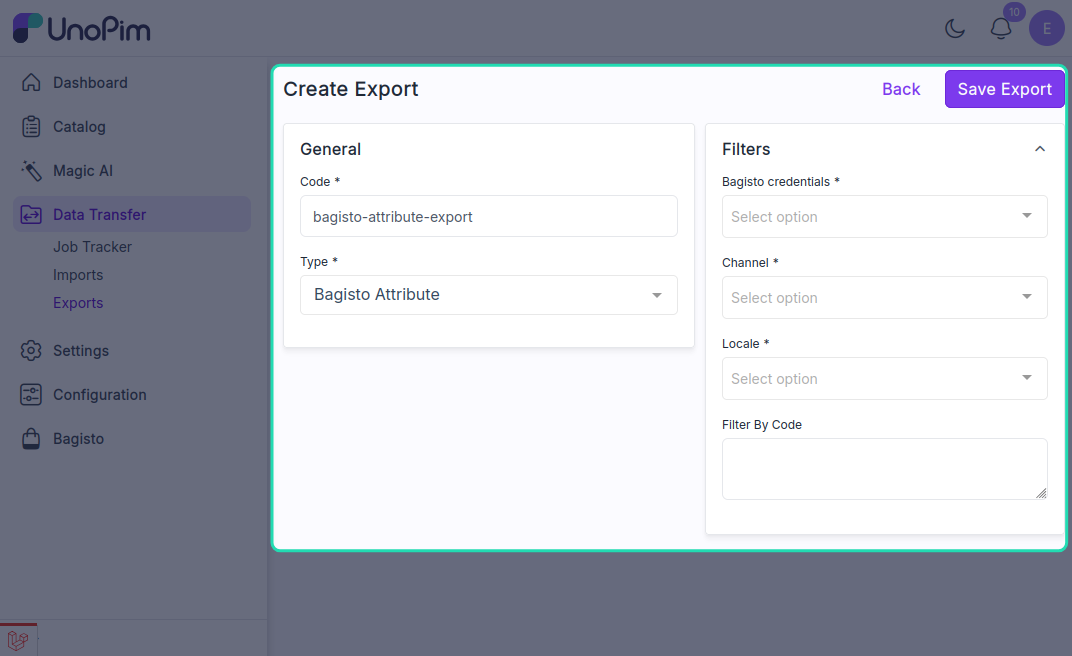
This export type enables you to:
- Sync attribute definitions and properties
- Update attribute settings in your Bagisto store
- Maintain consistency between UnoPim and Bagisto attributes
Bagisto Attribute Family Export
The Bagisto Attribute Family export facilitates the export of attribute family configurations.
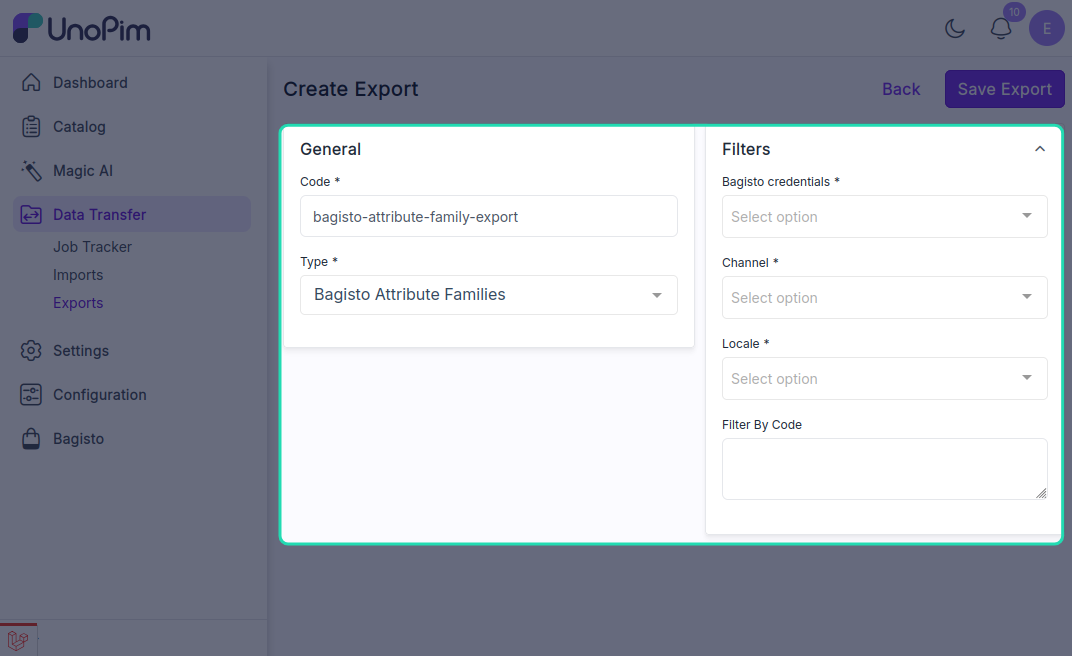
This export type is useful for:
- Exporting complete attribute family structures
- Syncing attribute group associations
- Managing attribute family configurations across systems
Bagisto Category Export
The Bagisto Category export enables you to export category data and hierarchies from UnoPim to your Bagisto store.
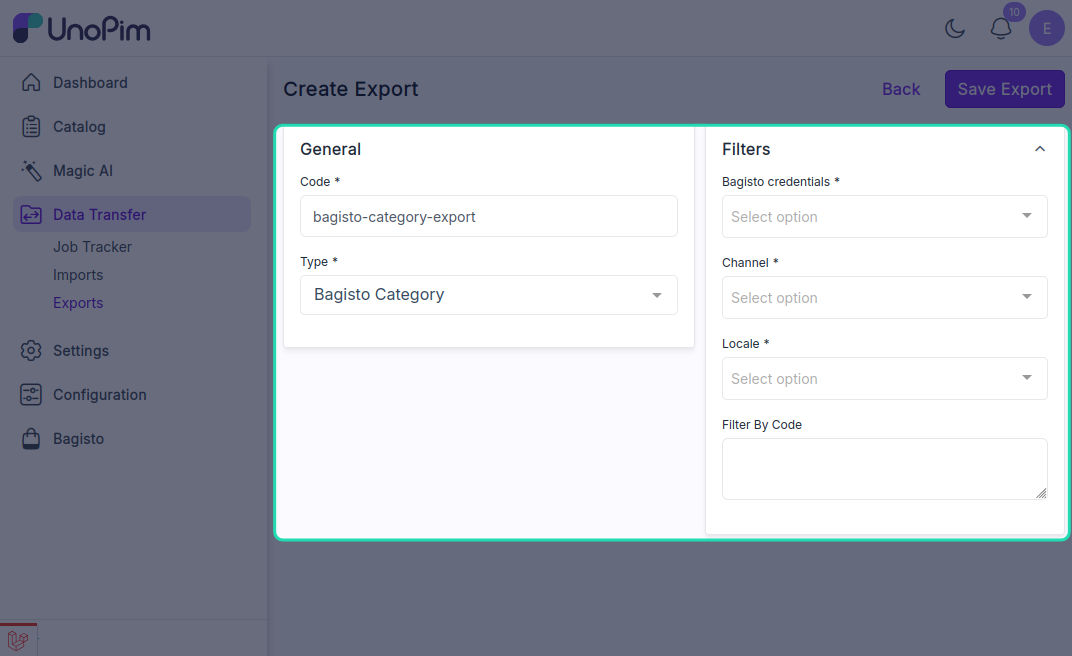
This export type allows you to:
- Export category hierarchies and structures
- Sync category meta information (name, description, SEO data)
- Update category assignments and positioning
- Export category-associated media (logos, banners)
Configuration Steps
For any of these export types:
- Navigate to Data Transfer > Exports
- Click Create Export
- Enter a unique Export Job Code
- Select the desired Type of Export Job from the dropdown
- Configure the necessary filters and settings for your export type
- Click Save Export to save the configuration
- Run the export job and monitor progress in the Job Tracker
Each export type may have different filter options available based on the specific data being exported. Configure these filters according to your requirements before running the export job.