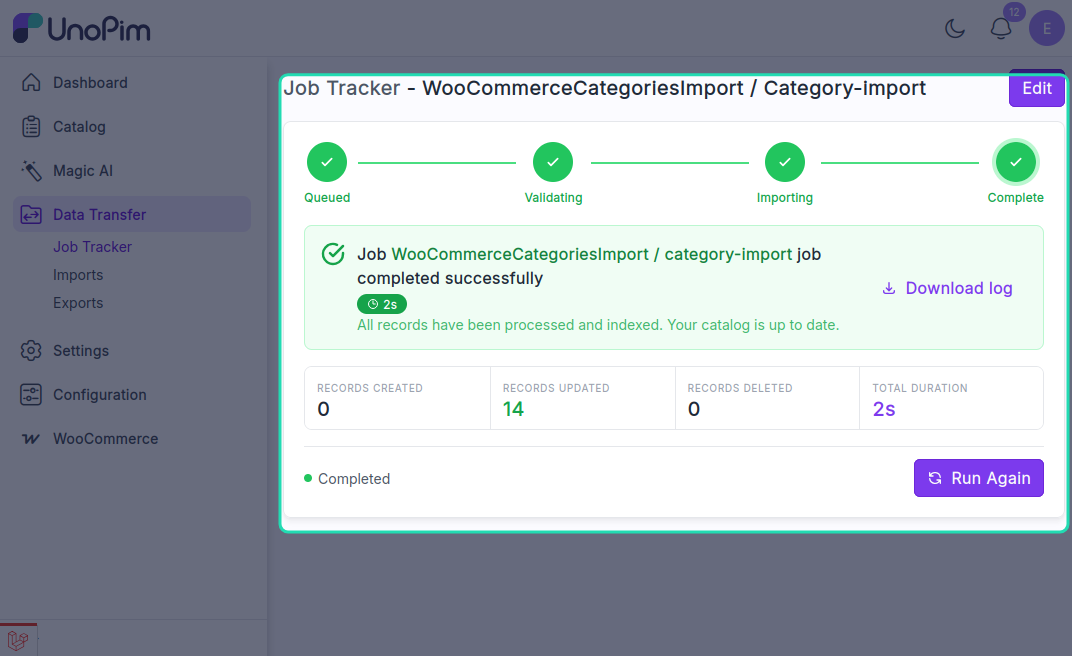
Category Import
The UnoPim WooCommerce Connector allows users to import WooCommerce categories into UnoPim by creating an import profile.
Open the Import Section
To create an import job, go to:
Import > Create Import Profile
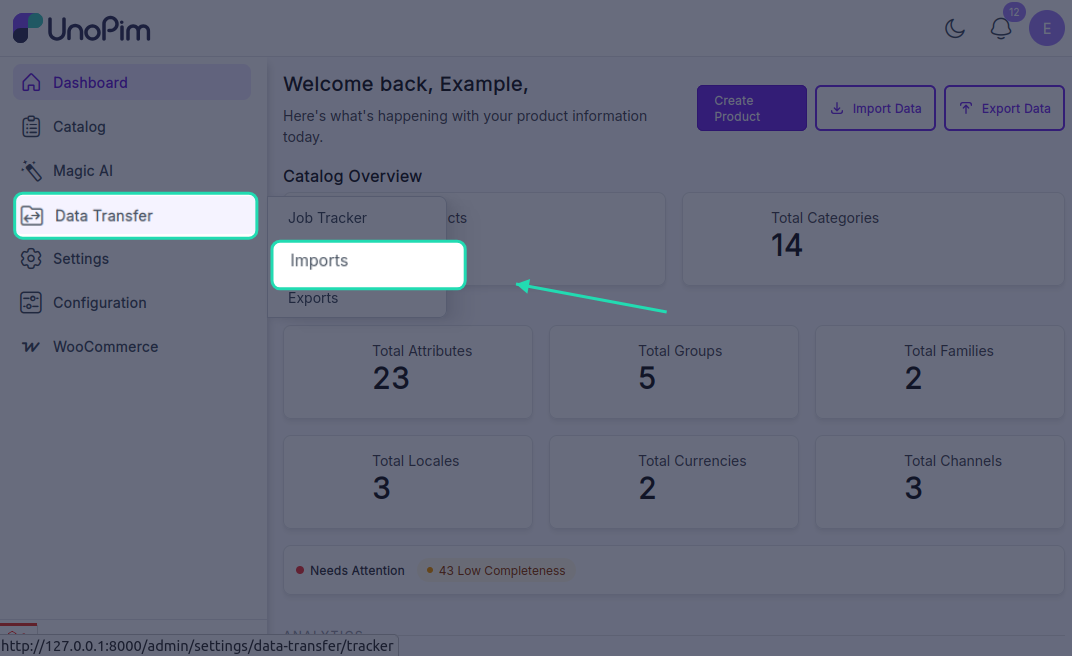
From there, click Create Import to open the import setup form.
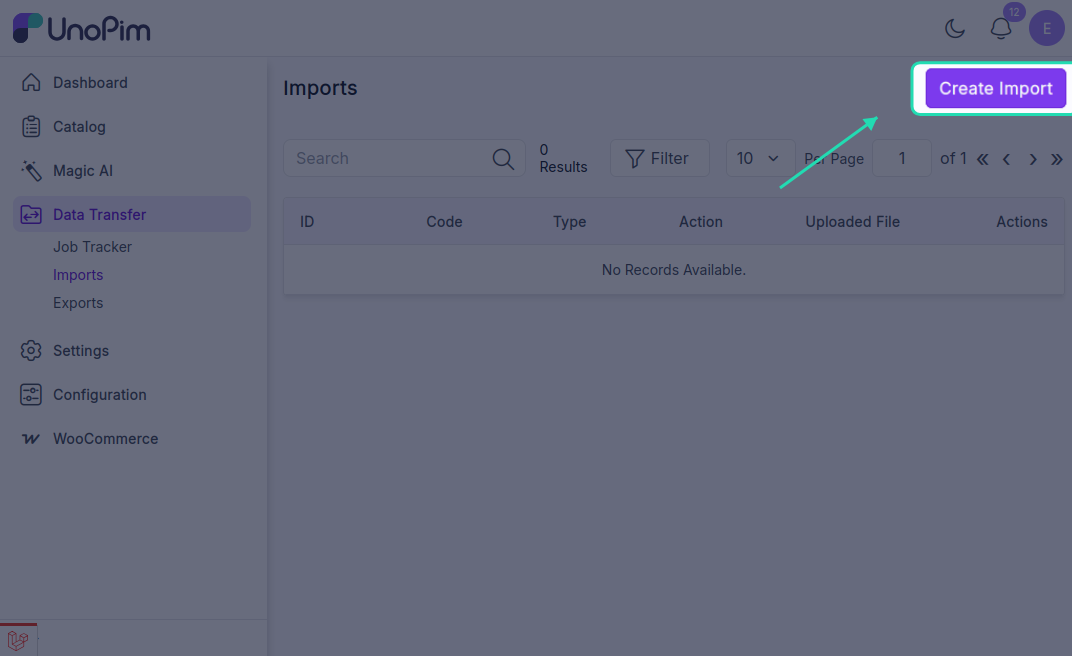
Create a Category Import Job
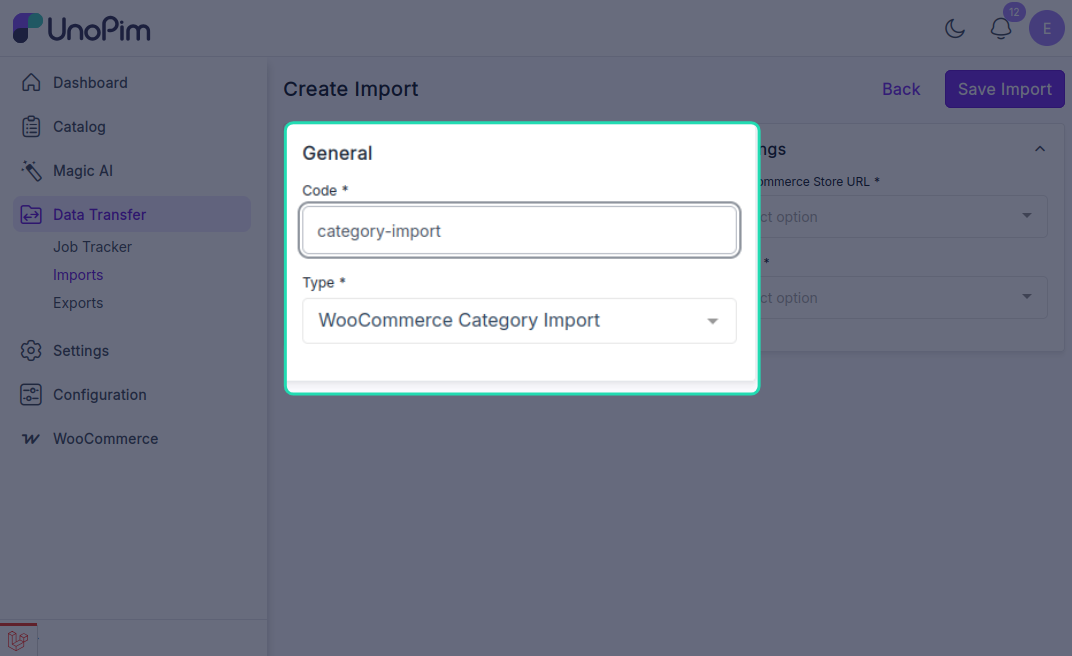
While creating the import job, the user needs to:
- Enter the Code.
- Select WooCommerce Category Import as the import type.
Category Import Settings
Under Settings, configure the following:
- WooCommerce Store URL: Select the required WooCommerce store credentials.
- Locale: Select the locale to be used during import.
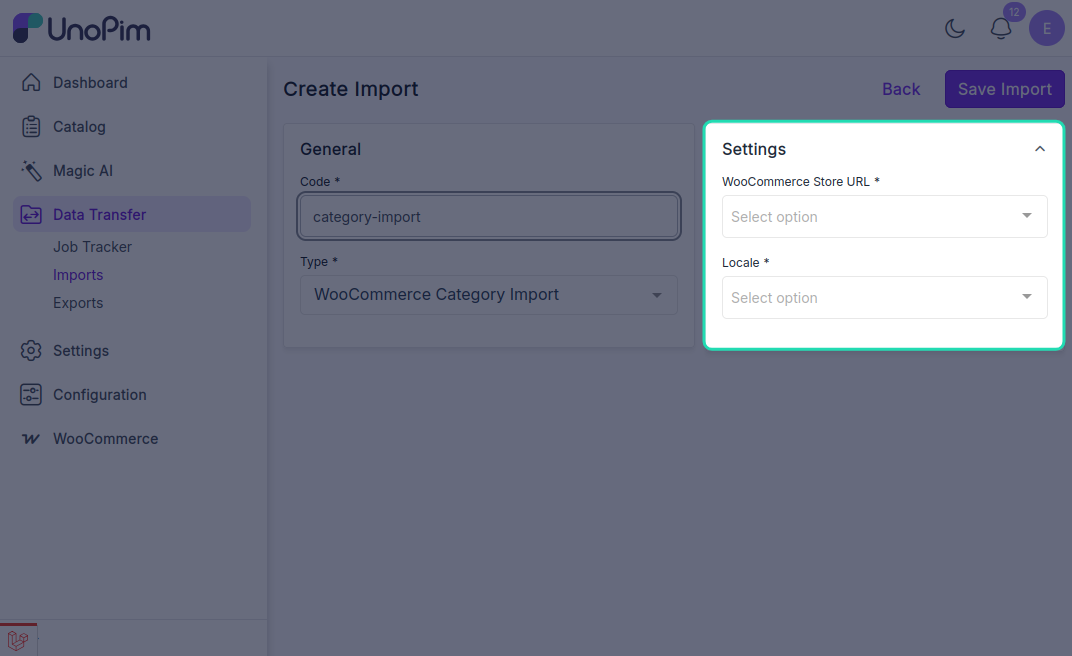
After entering the required values, click Save Import to save the import profile.
Once the job is executed, the imported categories will be available in UnoPim.