

Export Magento attribute
Use this export job when you want to export additional mapped attributes from UnoPim to Magento 2.
To begin, go to Data Transfer > Exports > Create Export Profile.
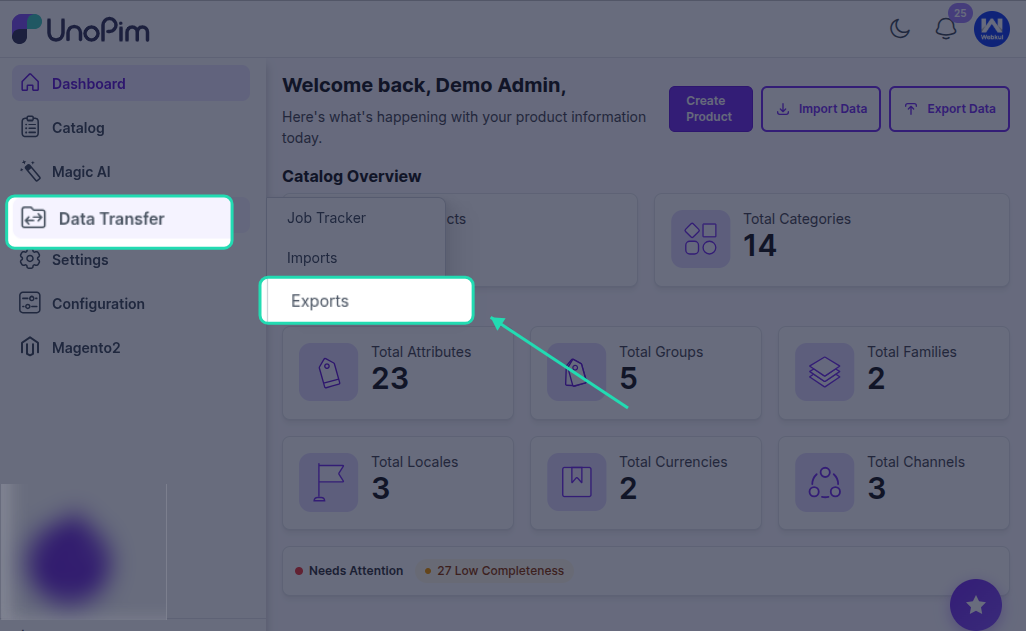
Then select Magento Attribute as the export type.
Filters Available for Attribute Export
While creating the export job, you can use the following filters:
- Magento Store URL
- Magento Store View
- Additional Attributes
These filters help you control which mapped attributes should be exported and to which Magento store view the data should be sent.
How to Create the Export Job
- Create a new export profile.
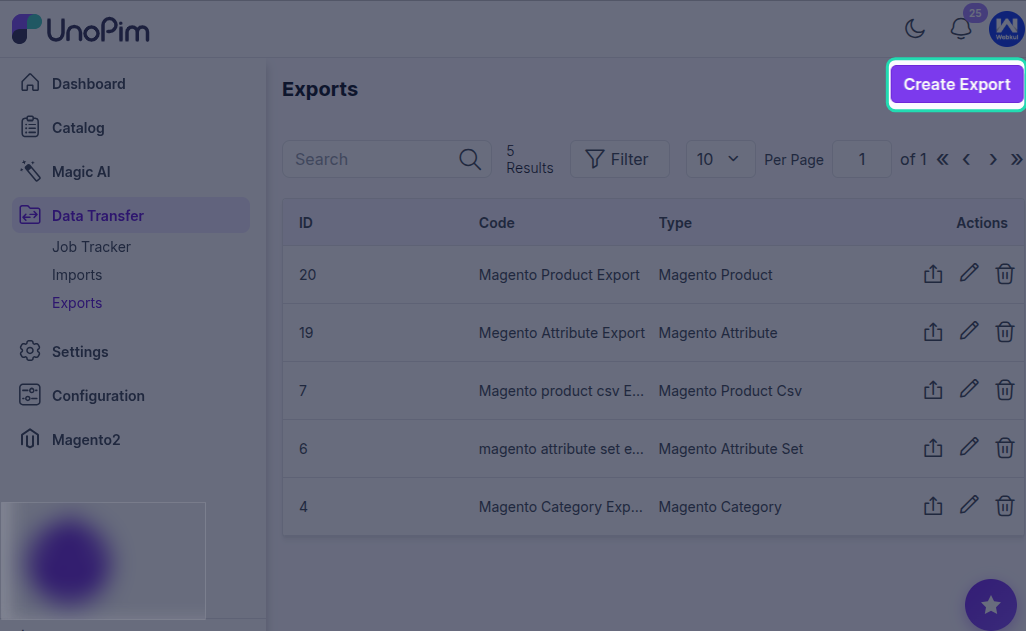
Select Magento Attribute as the job type & enter a unique code for the export job.
Select the required filters such as Magento Store URL, Magento Store View, and Additional Attributes.
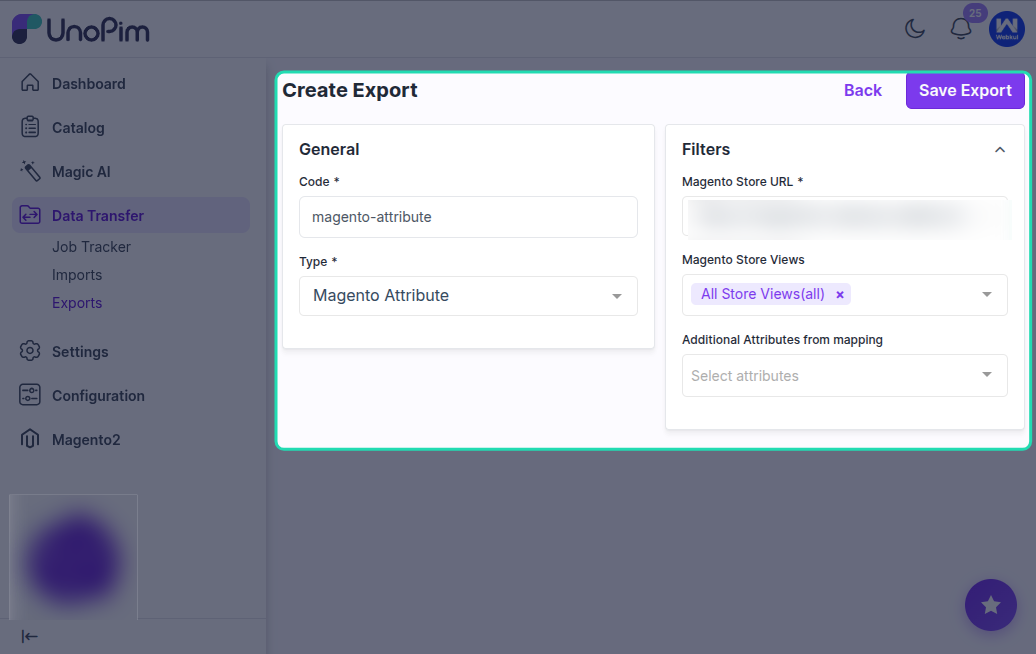
- Click Save Export.
After saving the profile, you can run the attribute export based on the saved configuration.
Result
Once the export is executed, the selected additional mapped attributes are exported from UnoPim to Magento 2 according to the filters defined in the export profile.