

Video Mapping
Video mapping allows you to map product video-related fields before exporting products from UnoPim to Magento 2.
Use this section when you want to export video URLs together with product data so Magento can display product videos with the correct details.
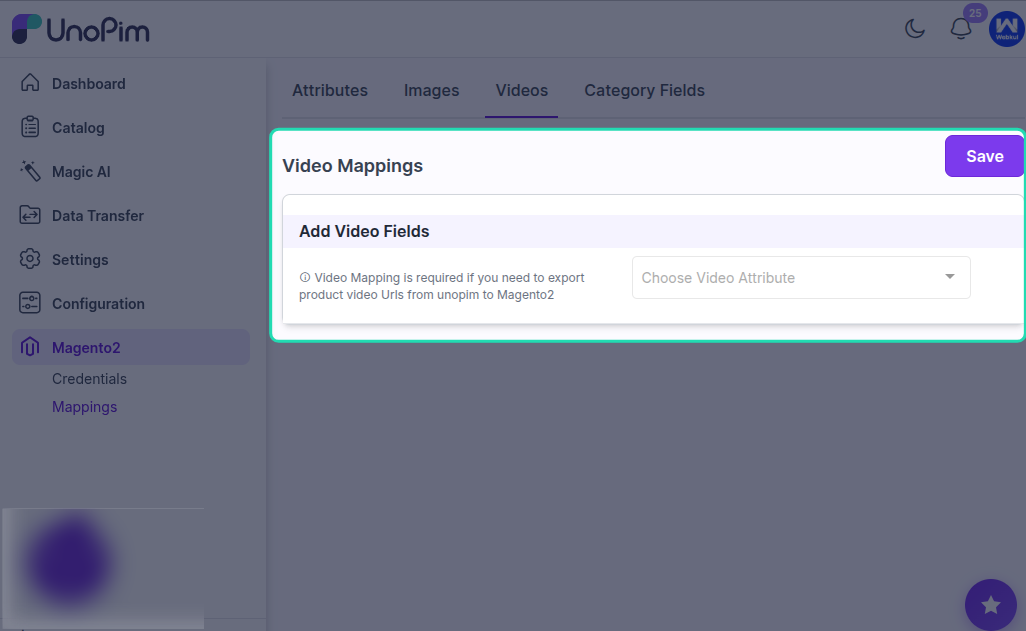
Video Mapping Options
In the Video Mapping section, you can map the following fields:
Video Attribute (Required)
Map the UnoPim attribute that stores the product video URL.
This is the main field used to export the product video to Magento 2.
Preview Image (Optional)
Map the UnoPim attribute that should be used as the preview image for the video.
This image can be shown before the video is played in Magento.
Title (Required)
Map the UnoPim attribute that contains the video title.
The title helps identify the video in Magento and gives context to the product media.
Description (Optional)
Map the UnoPim attribute that contains the video description.
This can be used to provide additional information about the product video.
Hide from Product Page (Optional)
Admins can enable or disable this option to control whether the mapped video should be visible on the Magento product page.
Use this when video data should be exported but not shown directly on the storefront.
When to Use This Section
Use the video mapping interface before exporting products if your product catalog includes video URLs and you want those videos to be transferred to Magento 2 along with the product data.
Best Practice
Always map the required fields, especially the Video Attribute and Title, before running the export.
If you want the video to display properly in Magento, also map a suitable preview image and review the visibility setting based on your storefront needs.
Result
Once the video mapping is saved, UnoPim uses these settings while exporting product videos to Magento 2. This helps ensure that the video URL and its related information are sent in the correct structure.