

Import Magento Product
The Magento 2 connector provides three import jobs for bringing product data from Magento 2 into UnoPim:
- Magento Simple Product Import - imports simple products and their attribute values.
- Magento Configurable Product Import - imports configurable products with their child variants.
- Magento Product Association Import - imports product-to-product relationships (related, up-sell, cross-sell).
These jobs are useful when you already have a populated Magento catalog and want to enrich it inside UnoPim - better descriptions, more locales, richer attributes - before pushing data back out.
Part 1: Import Simple Products
What This Job Does
This job reads simple products from your Magento 2 store and creates the corresponding products in UnoPim. Attribute values are written into UnoPim attributes via the mapping you configured in Attribute Mapping, and media is downloaded into UnoPim.
How to Create the Import Job
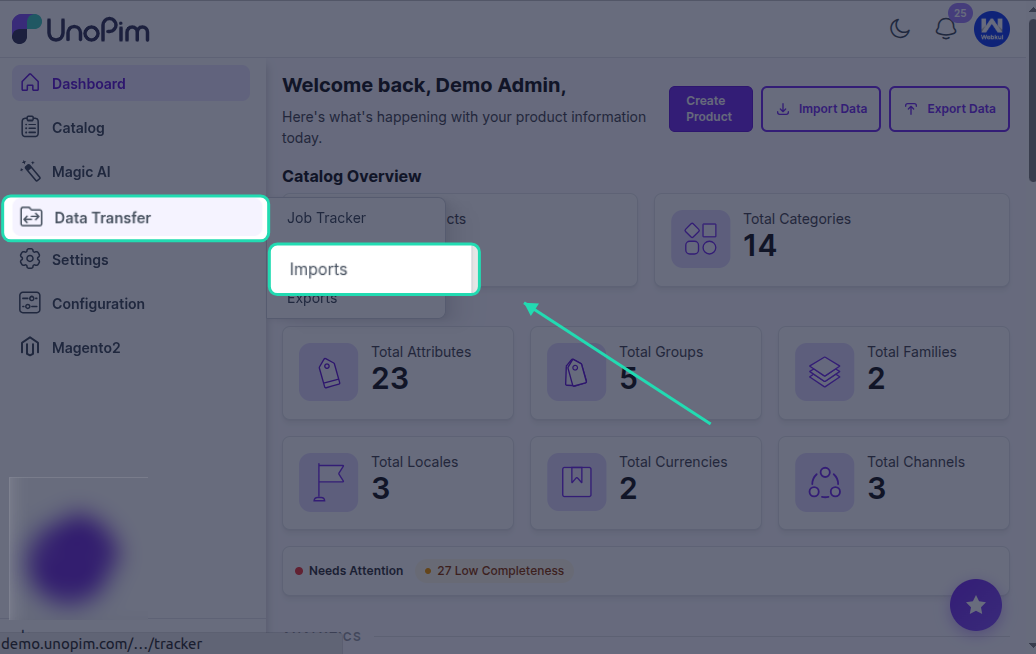
Go to Data Transfer > Imports > Create Import Profile.
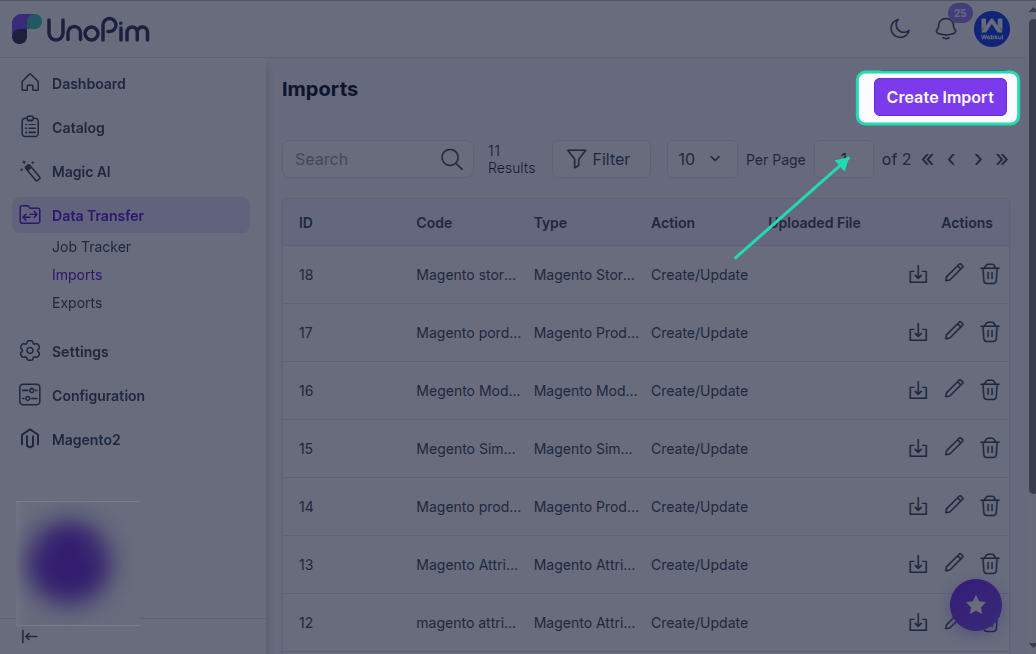
Select Magento Simple Product Import as the import type.
Enter a unique code and a recognizable name for this job, then save it.
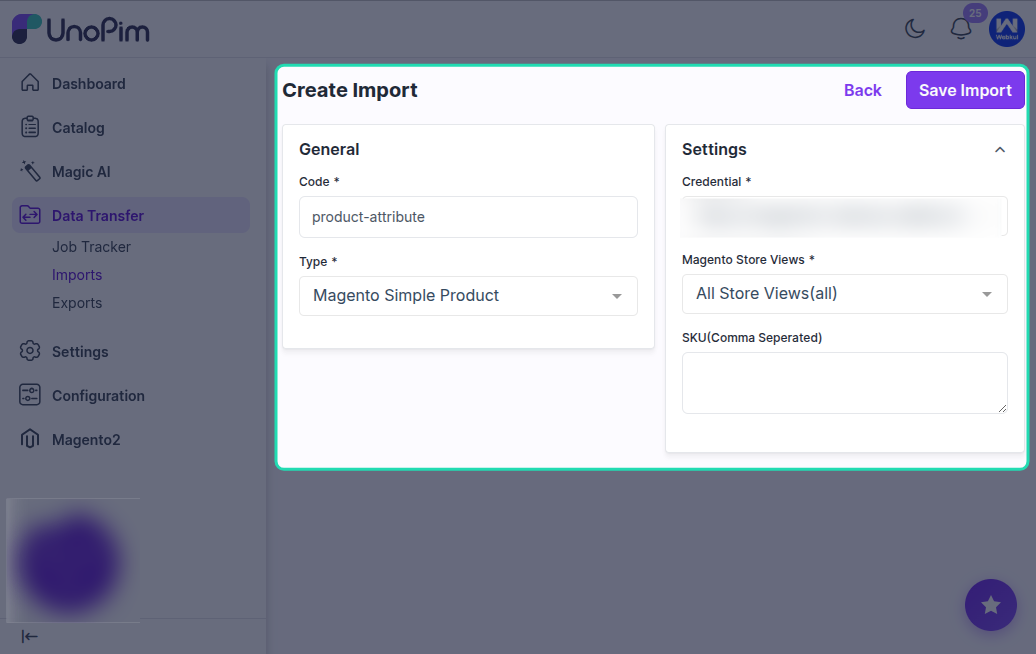
Available Filters
| Filter | Required | Description |
|---|---|---|
| Credential | Yes | Select the Magento 2 credential to import from. |
| Store Views | Yes | Select the Magento store view whose locale-specific values will be imported. |
| SKU (Comma Separated) | No | Restrict the import to a specific list of SKUs. Leave blank to import every simple product in the store view. |
What Gets Imported
- SKU - product unique identifier in UnoPim.
- Attribute family - resolved from the Magento attribute set via the imported attribute set mapping.
- Attribute values - every attribute exposed by the API is written through the Attribute Mapping.
- Categories - the Magento categories the product belongs to (categories must already exist in UnoPim - run Import Category first).
- Status - Enabled / Disabled.
- Media - images and gallery values are downloaded into UnoPim media (see Image Mapping for which attributes receive what).
Running the Import
Click Import Now to start the simple product import.
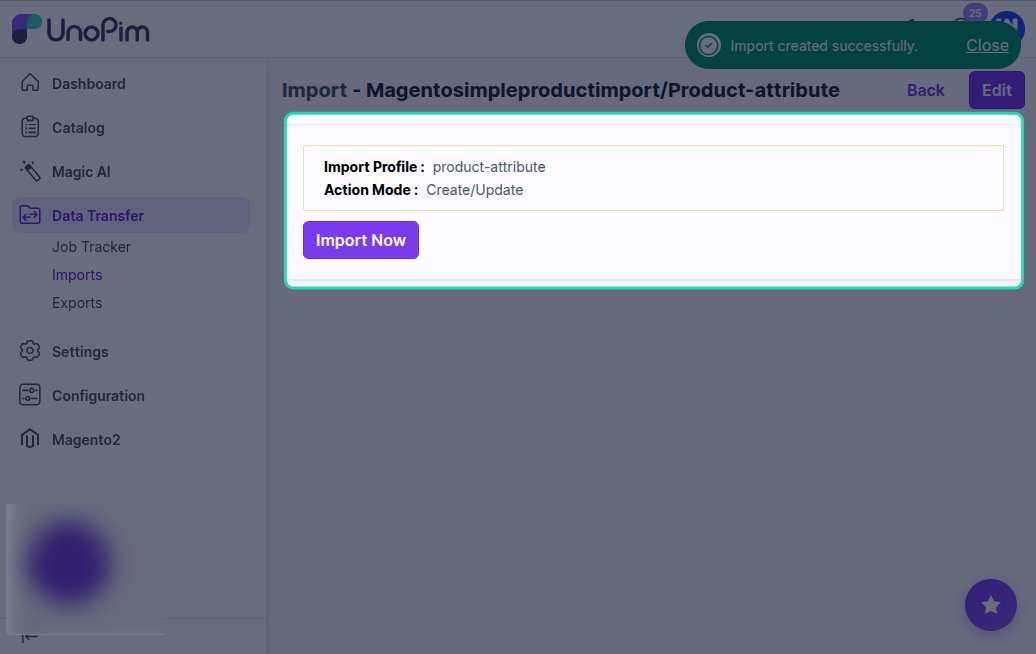
After the job completes, check the import summary to see how many products were created or updated and how many rows were skipped or failed.
After the Import
Open Catalog > Products in UnoPim and you should see the imported simple products with their attributes, categories, and images.
Part 2: Import Configurable Products
What This Job Does
This job imports configurable products from Magento 2 into UnoPim. The configurable parent and each of its variants come in together - the connector preserves the variation axis (e.g. color + size) and links each child variant to the parent.
How to Create the Import Job
Select Magento Configurable Product Import as the import type when creating the job profile.
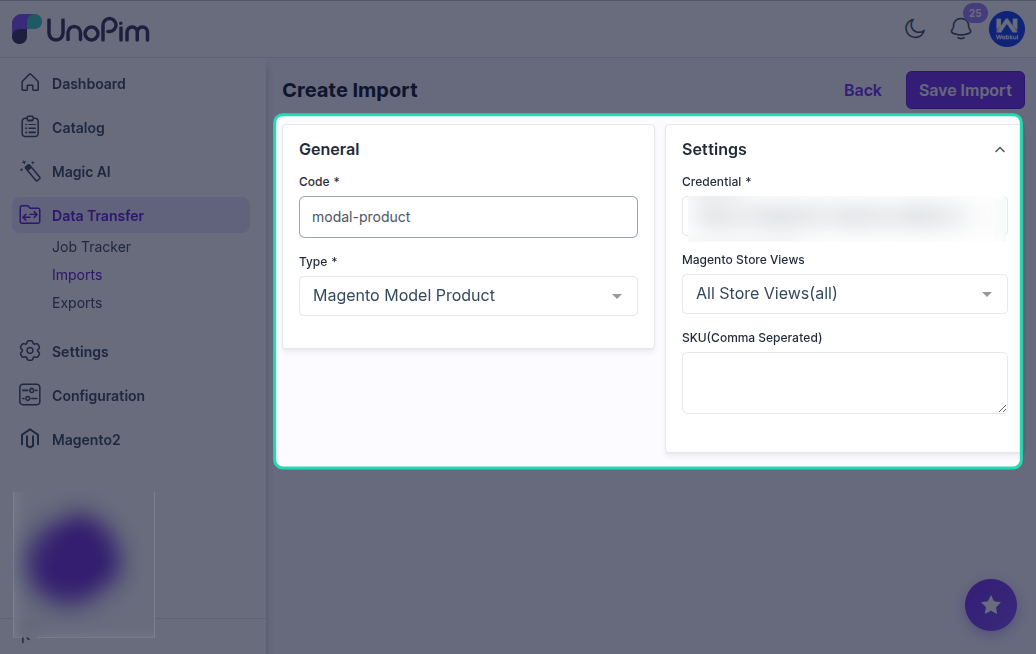
Available Filters
| Filter | Required | Description |
|---|---|---|
| Credential | Yes | Select the Magento 2 credential. |
| Store Views | No | Store view for locale-specific values. |
| SKU (Comma Separated) | No | Restrict to specific configurable product SKUs. |
What Gets Imported
- The configurable parent is created as a UnoPim configurable product.
- Each variant comes in as a child of the parent - matched by SKU.
- The variation axis (the attributes the variants differ on) is preserved.
- All the same fields as the simple product import - attribute family, attribute values, categories, status, media.
Pre-requisites
Run these imports first so the connector has the structure the products need:
- Magento Attribute Import - attributes exist.
- Magento Attribute Set Import - attribute families exist.
- Magento Category Import - categories exist.
- Magento Simple Product Import - variants are imported as simple products first. The configurable import then links them under the parent.
Running the Import
Click Import Now to start the configurable product import.
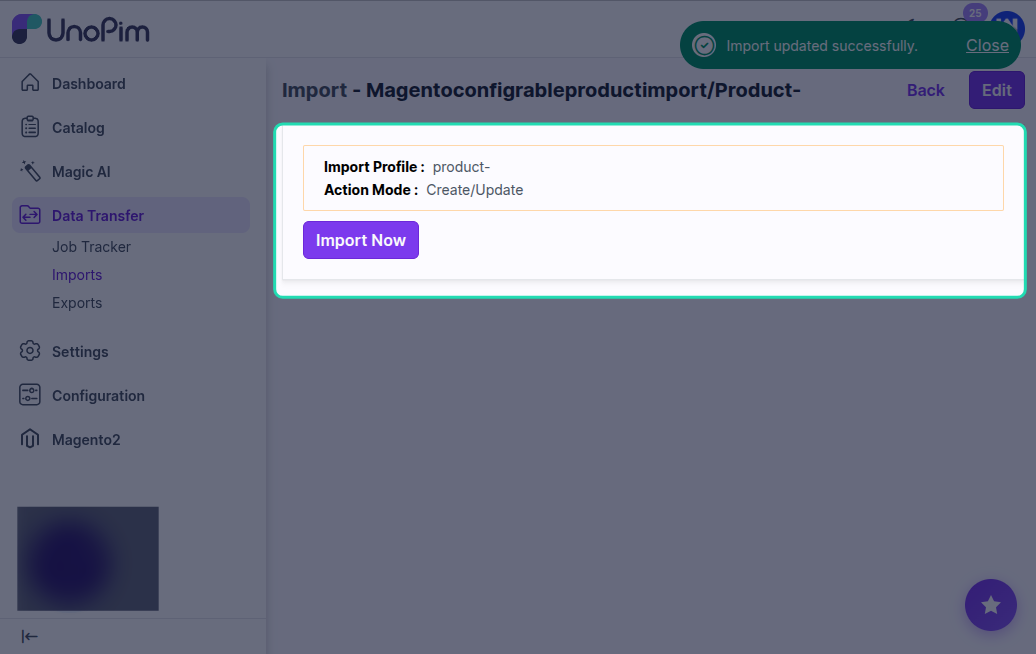
After completion, the import summary shows how many configurable parents and child variants were processed.
After the Import
Open one of the configurable products in Catalog > Products - you should see the parent with its variation axis and every variant listed under it.
Part 3: Import Product Associations
What This Job Does
This job imports the related, up-sell, and cross-sell relationships between products from Magento 2 into UnoPim. The products themselves must already exist in UnoPim - this job only writes the link data.
How to Create the Import Job
Select Magento Product Association Import as the import type when creating the job profile.
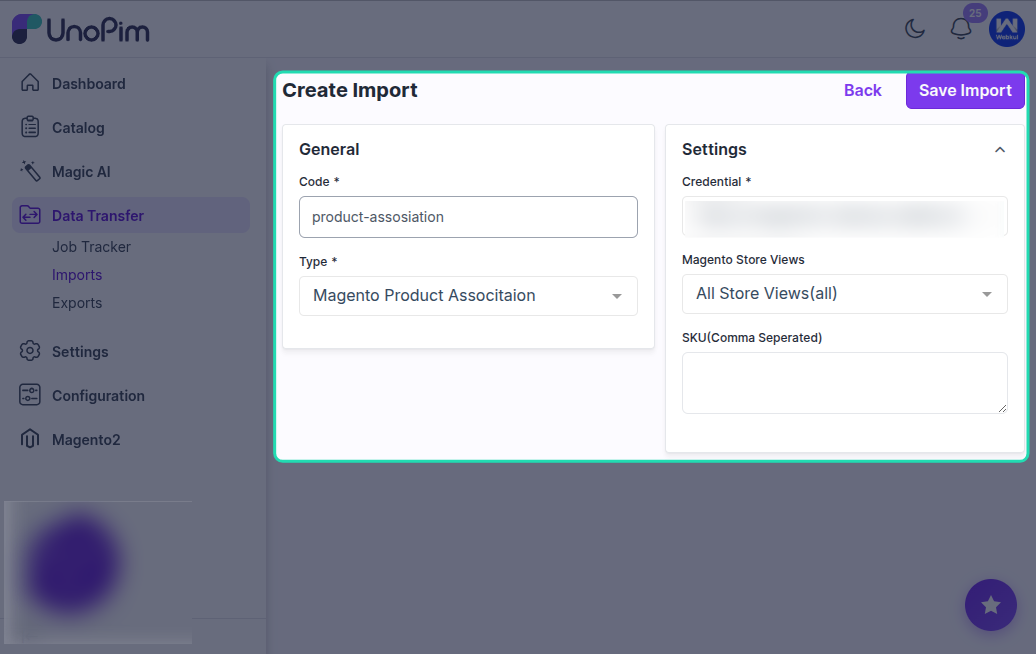
Available Filters
| Filter | Required | Description |
|---|---|---|
| Credential | Yes | Select the Magento 2 credential. |
| Store Views | No | Store view to read associations from. |
| SKU (Comma Separated) | No | Restrict to specific product SKUs. |
What Gets Imported
For each product, the connector reads:
- Related products - items shown alongside on the product page.
- Up-sell products - premium alternatives.
- Cross-sell products - checkout add-ons.
Each link is written against the matching UnoPim product. Targets that don't exist in UnoPim are skipped and reported in the import summary.
Pre-requisites
Run Magento Simple Product Import and Magento Configurable Product Import first so every product the associations reference is already in UnoPim. Otherwise, links to missing products are dropped.
Running the Import
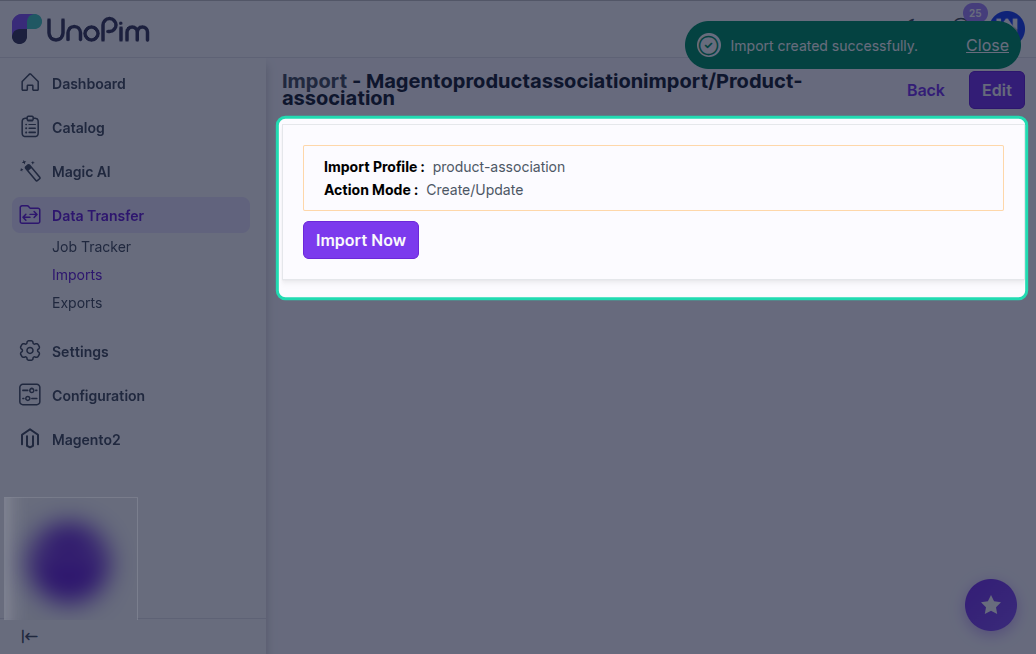
Click Import Now. The summary lists how many associations were written and how many were skipped due to missing targets.
Recommended Import Order
For a clean, complete catalog import from Magento 2 into UnoPim, run the jobs in this order:
- Magento Shop View Mapping - store view to channel / locale / currency mapping.
- Magento Attribute Import - attributes.
- Magento Attribute Group Import - attribute groups.
- Magento Attribute Set Import - attribute families.
- Magento Attribute Mapping Import - (optional) pre-populate the attribute mapping.
- Magento Category Attribute Import - category fields.
- Magento Category Import - categories.
- Magento Simple Product Import - simple products.
- Magento Configurable Product Import - configurable parents and their variants.
- Magento Product Association Import - related / up-sell / cross-sell links.
Download Log
After every job execution, use the Download Log option to inspect the run.
The downloaded log is especially useful when:
- The job is stuck or remains pending.
0records are imported.- Some rows are skipped.
- A particular SKU didn't make it across.
The log lists which row failed and why, so you can fix the source data or the Attribute Mapping and re-run.