UnoPim - Odoo Import Attribute
Importing Attributes from Odoo
Overview
This import job will import all the attributes and attribute options from Odoo to UnoPim.
Prerequisites
Before importing attributes from Odoo, ensure that you have configured your Odoo credentials in UnoPim.
Step 1: Go to Data Transfer
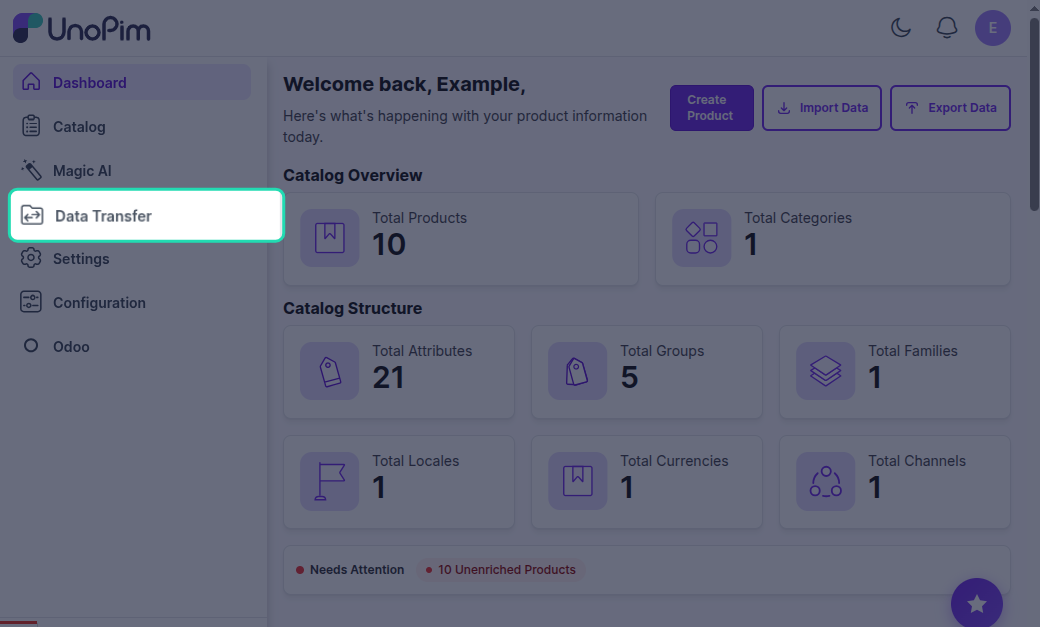
Navigate to the Data Transfer section from the main menu in UnoPim.
Step 2: Go to Imports
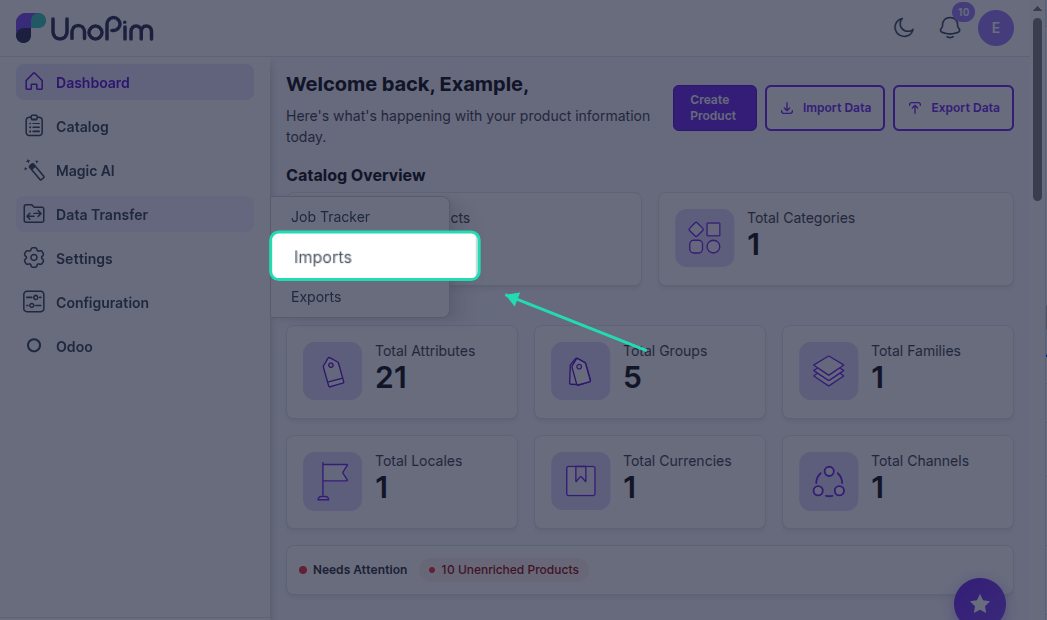
Click on Imports to view the available import options.
Step 3: Create Import
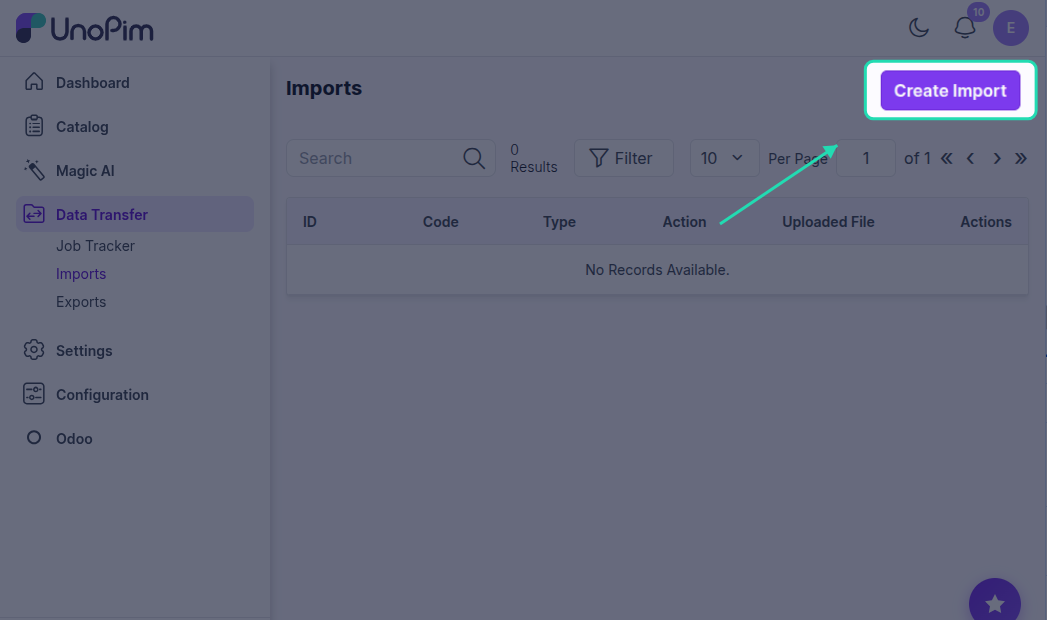
Click on Create Import to create a new import profile.
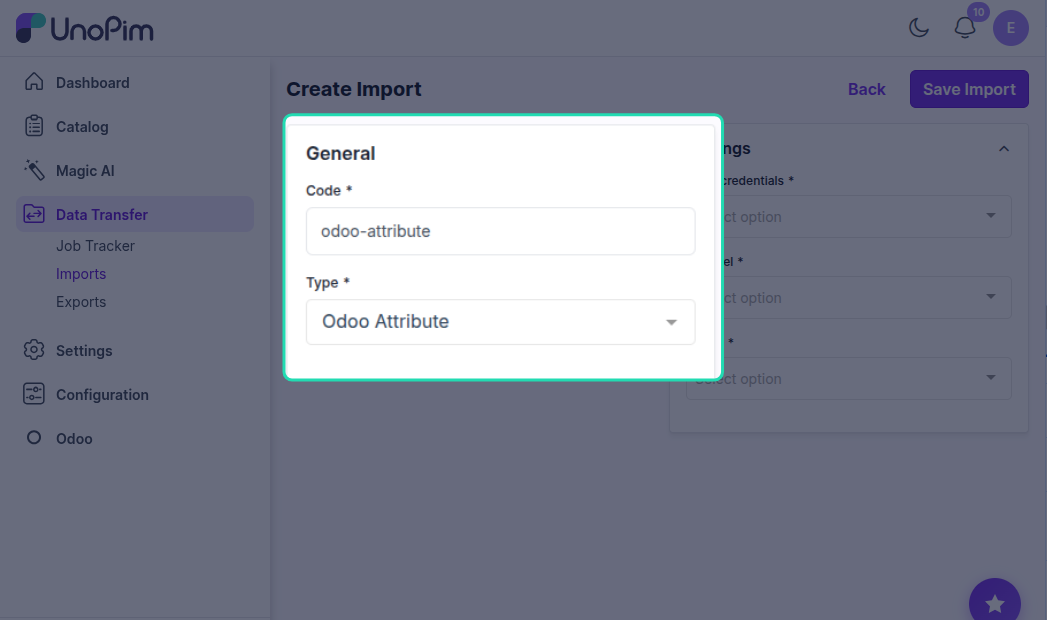
Step 4: Enter Code & select type
In the General section, enter a unique code for your import profile. This code will help you identify the import profile.
Example: attribute_import_odoo_001
Next, select Odoo Attribute as the import type to import all attributes and attribute options from Odoo to UnoPim.
Step 6: Configure Settings
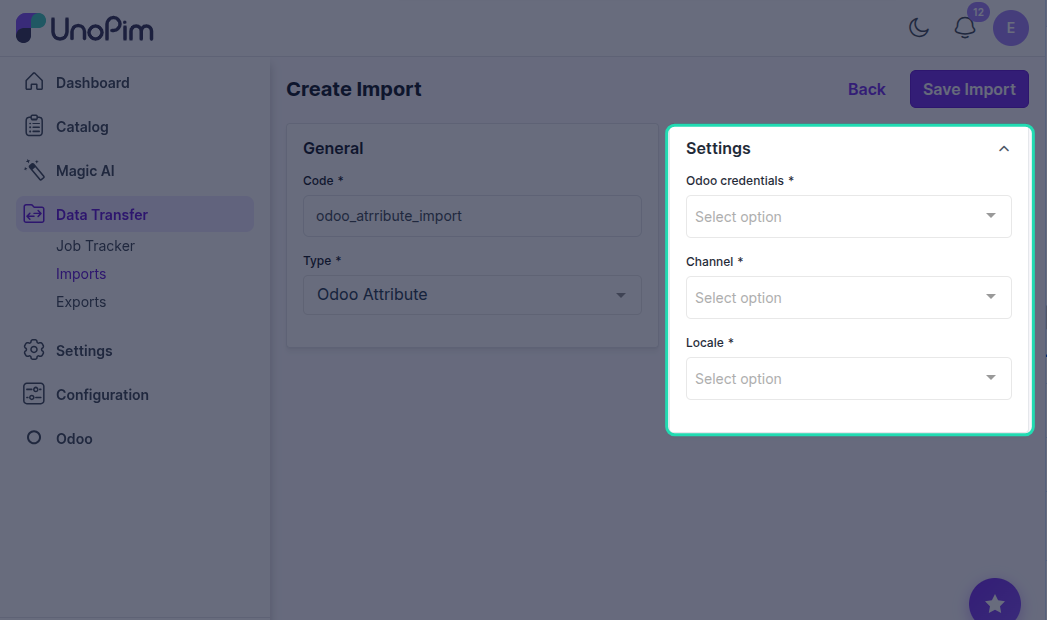
In the Settings section, configure the following required fields:
Odoo Credentials
Click on the Odoo credentials dropdown and select the specific Odoo credentials or connection you want to import from. This is a required field.
Channel
Click on the Channel dropdown and select the appropriate channel or store view from your Odoo setup. This is a required field.
Locale
Click on the Locale dropdown and select the language or regional settings for importing attribute data. This is a required field.
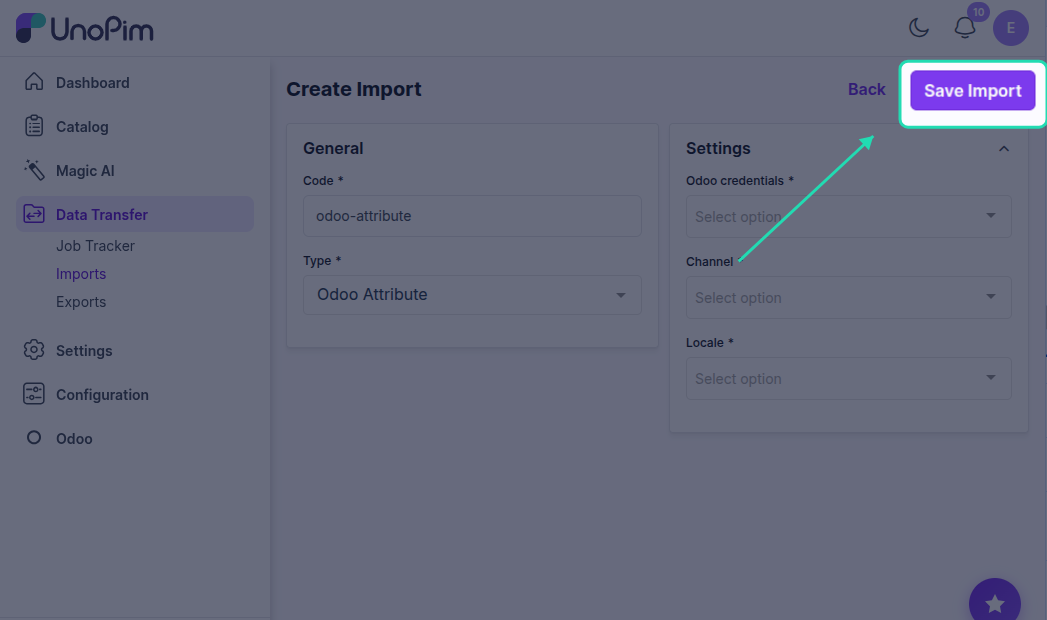
Step 7: Save Import
Click the Save Import button to save your import profile configuration.
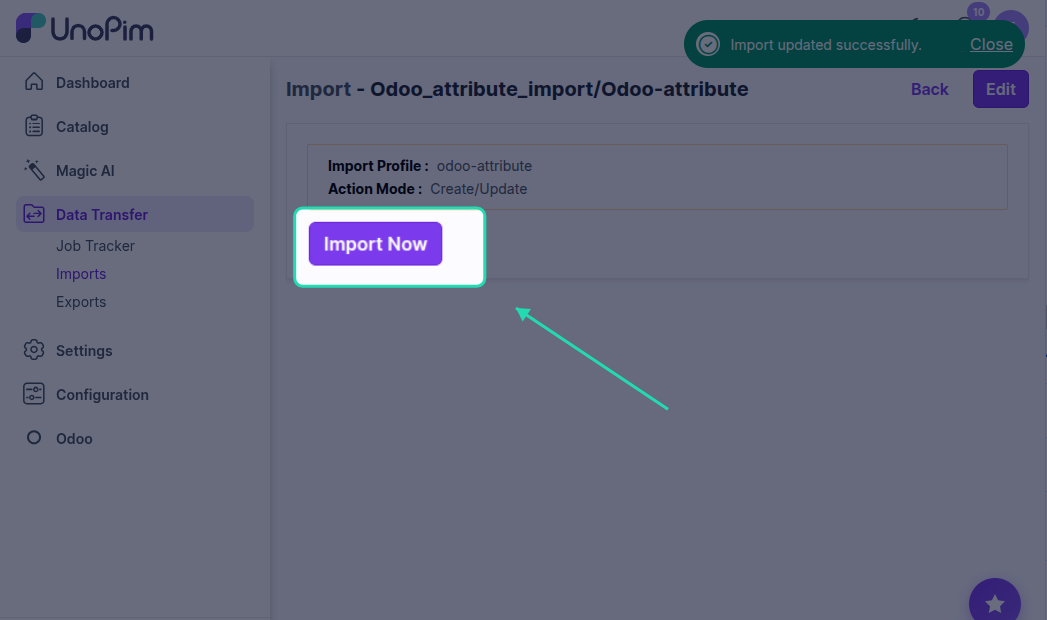
Step 8: Import Now
Once the import profile is saved, click the Import Now button to start the import process and import all Odoo attributes and attribute options to UnoPim.
Step 9: Monitor Progress
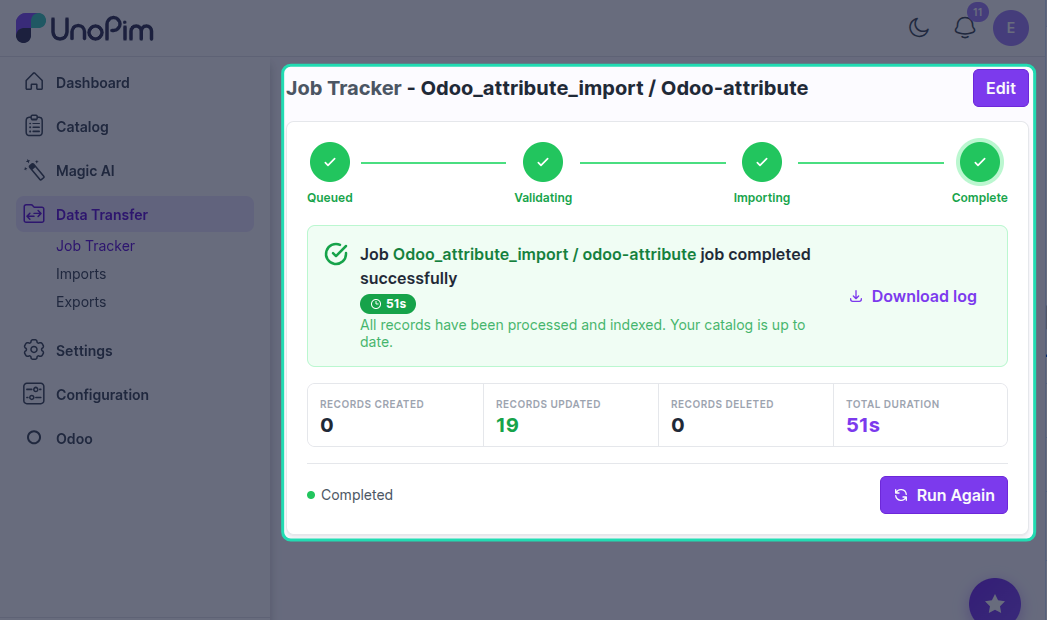
In the execution process, you can check the progress of the import job and view any errors in the log.