UnoPim - Export Jobs
Exporting Catalog Information to Odoo
Overview
In this module, you will find the following types of export jobs for exporting catalog information to Odoo.
Odoo Export Attribute
Once you select this job, you can export all the UnoPim attributes and options to Odoo.
How to Export Attributes to Odoo
Follow these steps to export your UnoPim attributes to Odoo:
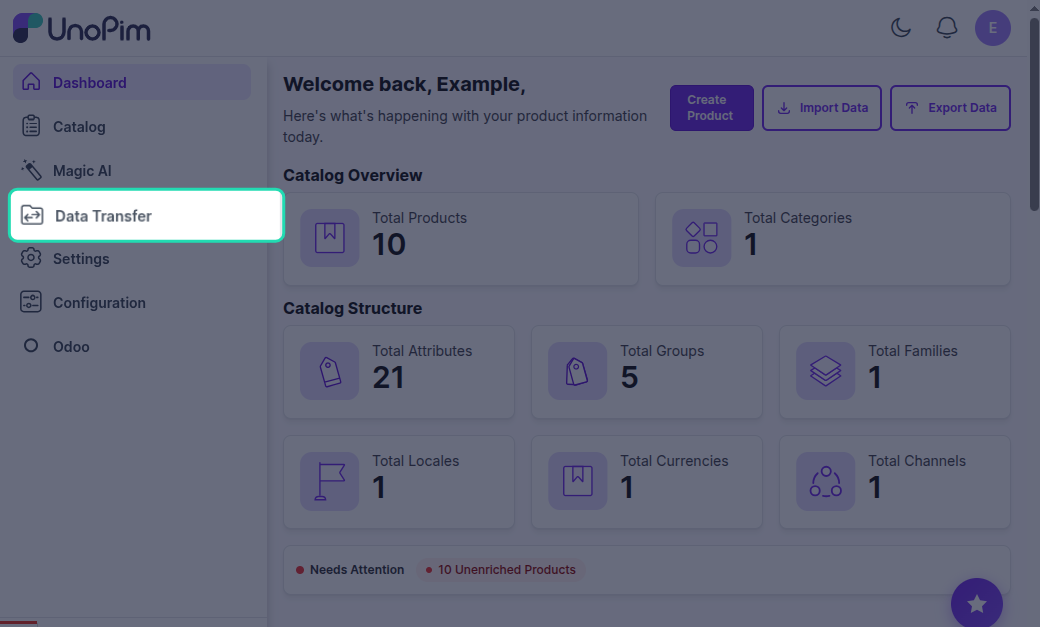
Step 1: Go to Data Transfer
Navigate to the Data Transfer section from the main menu.
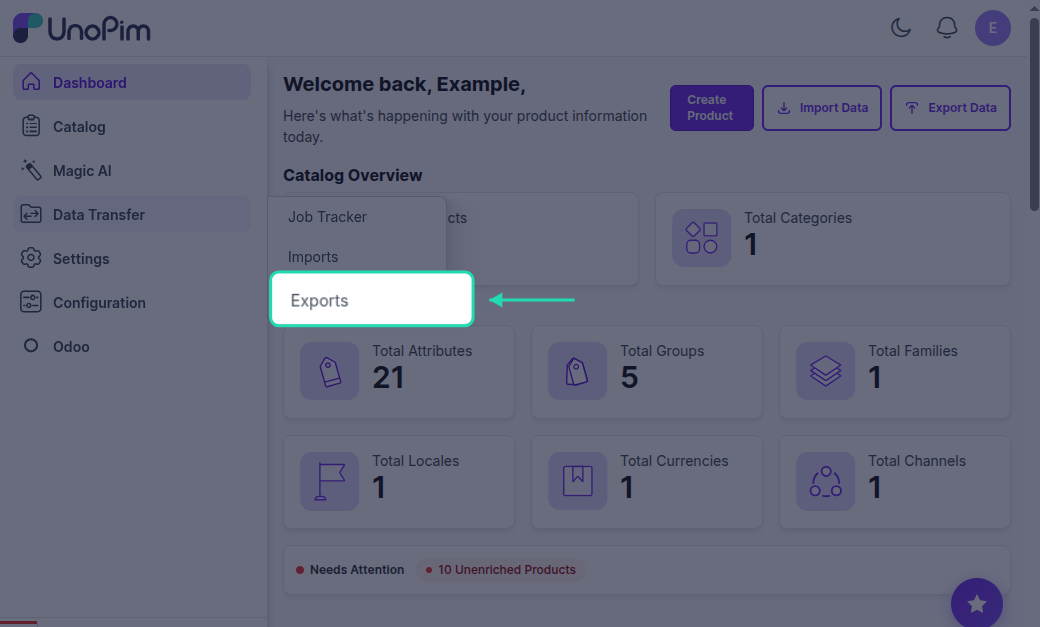
Step 2: Select Exports
Click on Exports to view the available export options.
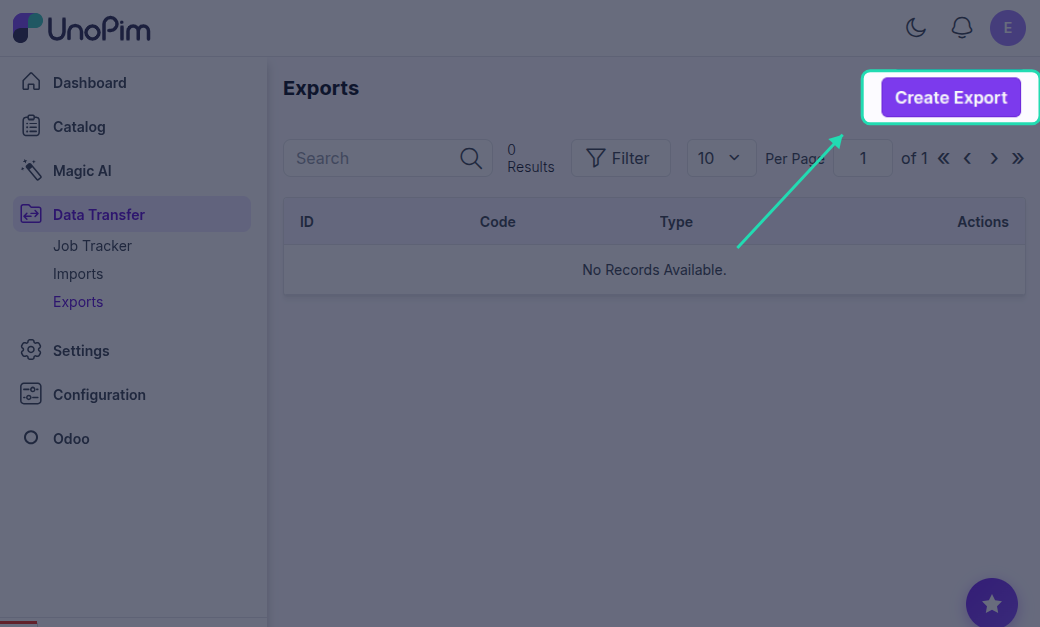
Step 3: click on Create Export
Click on the Create Export button to start configuring your export job.
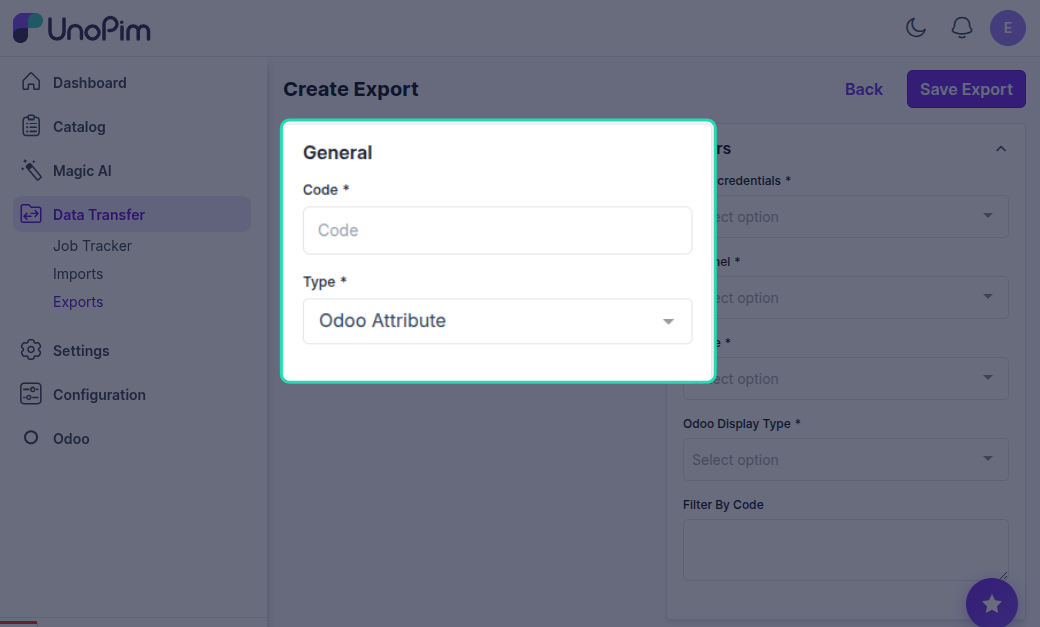
Step 4: Select Type
Select Odoo Export Attribute as the export type to export all UnoPim attributes and options to Odoo.
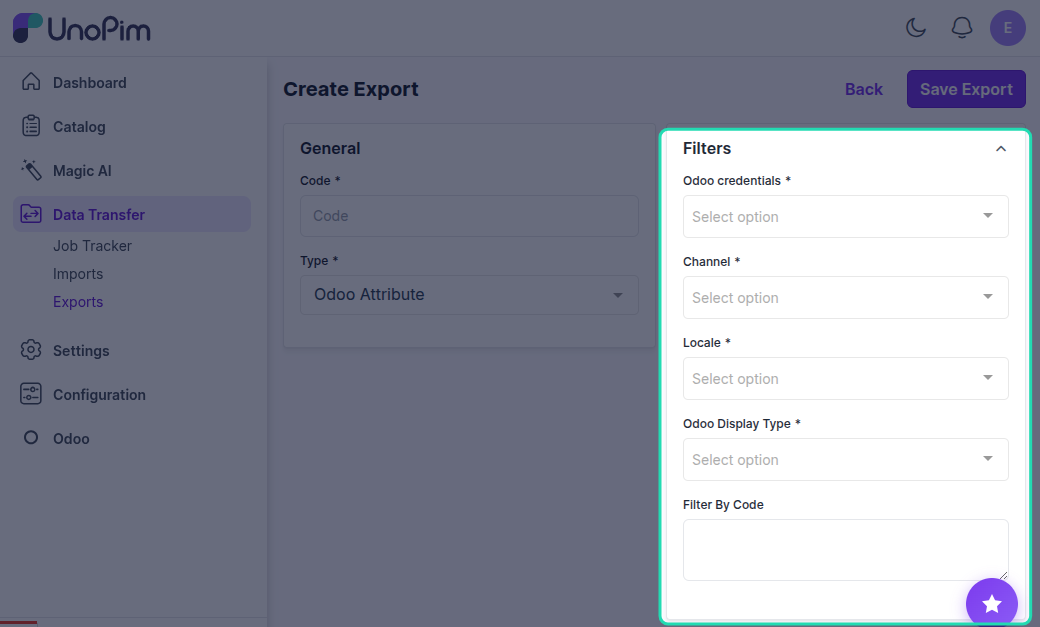
Step 5: Filter Fields
Apply the desired filters to specify which attributes to export:
- Odoo Credentials - Choose the specific Odoo instance or credentials you're exporting to
- Channel - Export attributes associated with a specific sales or eCommerce channel
- Locales - Select the language/localized data you want to include
- Display Type - Filter attributes based on how they are displayed (Radio, Select, Color, Pills, Multi-checkbox)
- Filter by Code - Export only specific attributes using their unique codes
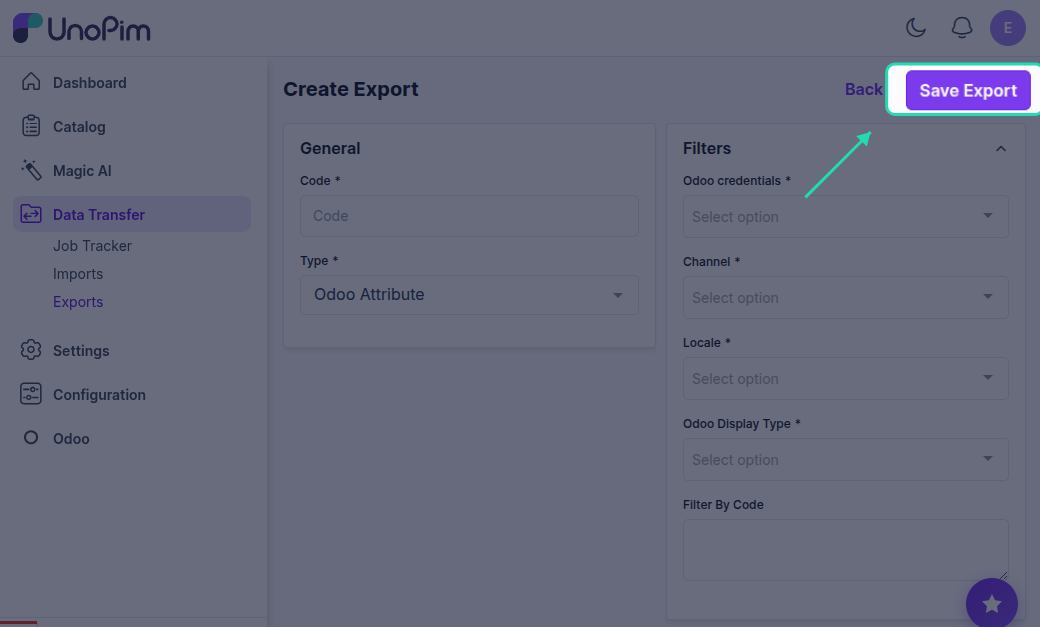
Step 6: Save Export
Click the Save button to save your export configuration with the selected filters and settings.
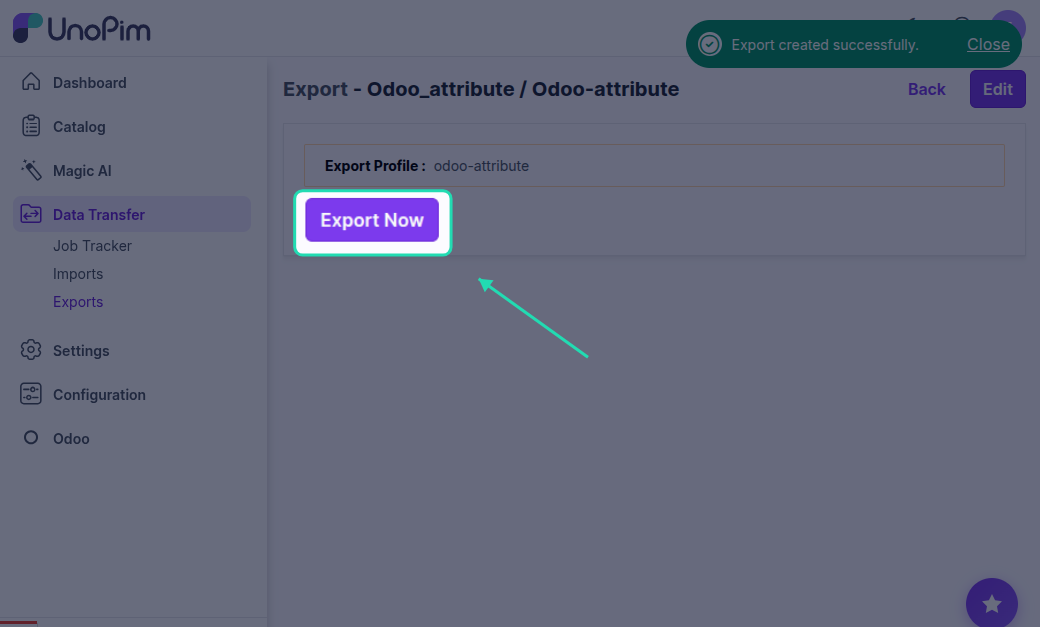
Step 7: Export Now
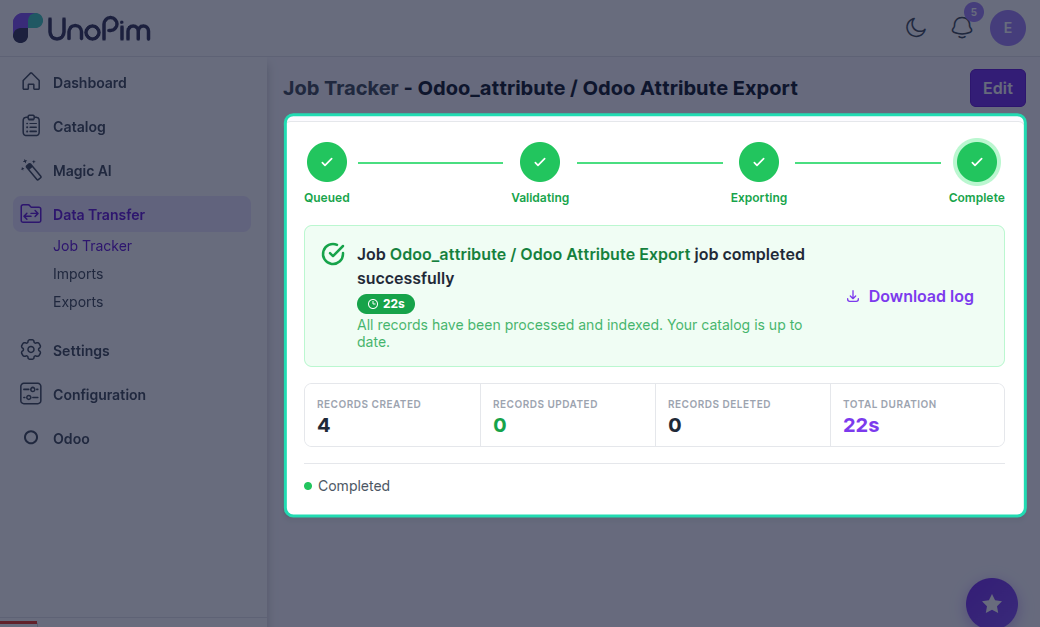
Click the Export Now button to execute the export job and transfer the filtered attributes to Odoo.