

Import Jobs
The UnoPim Shopify Connector works both ways. In addition to exporting products from UnoPim to Shopify, you can also import data from Shopify back into UnoPim — keeping both systems in sync.
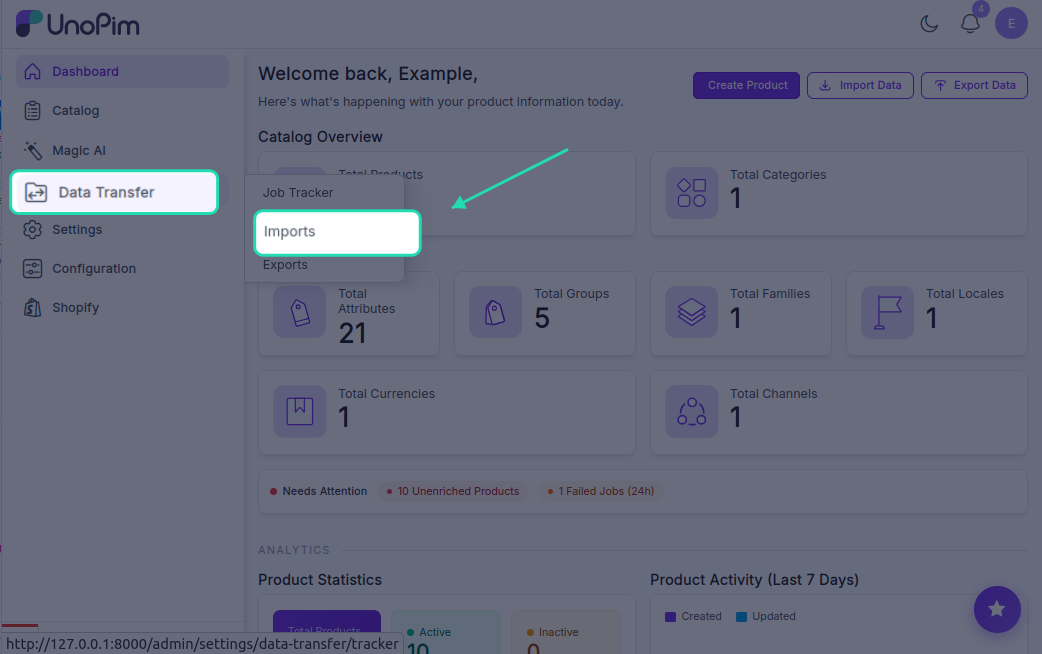
To create an import job, go to Data Transfer → Imports and click Create Import.
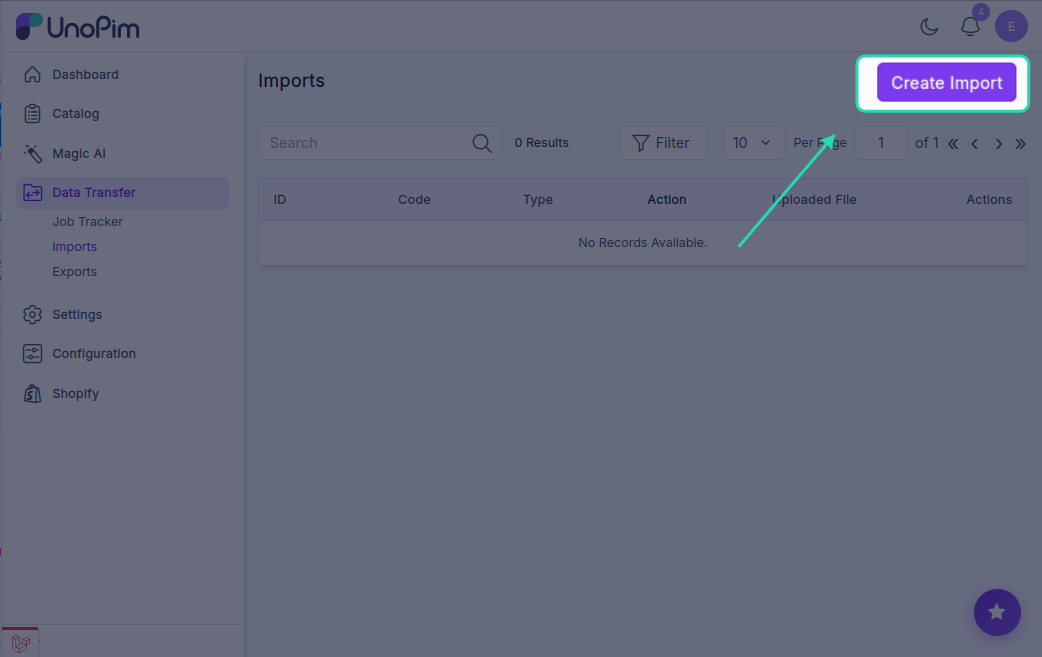
Five import job types are available:
Shopify Product Import
Imports products from your Shopify store into UnoPim.
- Enter a unique Code for this job.
- Set Type to
Shopify Product. - Under Settings, fill in:
- Shopify Credentials — select the store you want to import from
- Channel — choose the UnoPim channel to assign the products to
- Locale — select the language/locale for the imported data
- Currency — choose the currency for product pricing
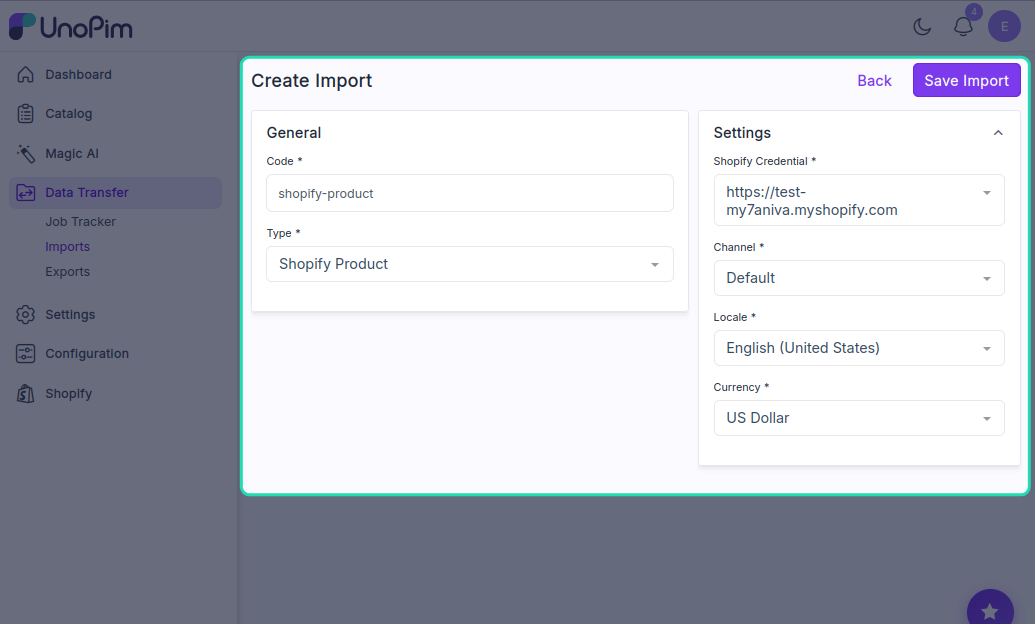
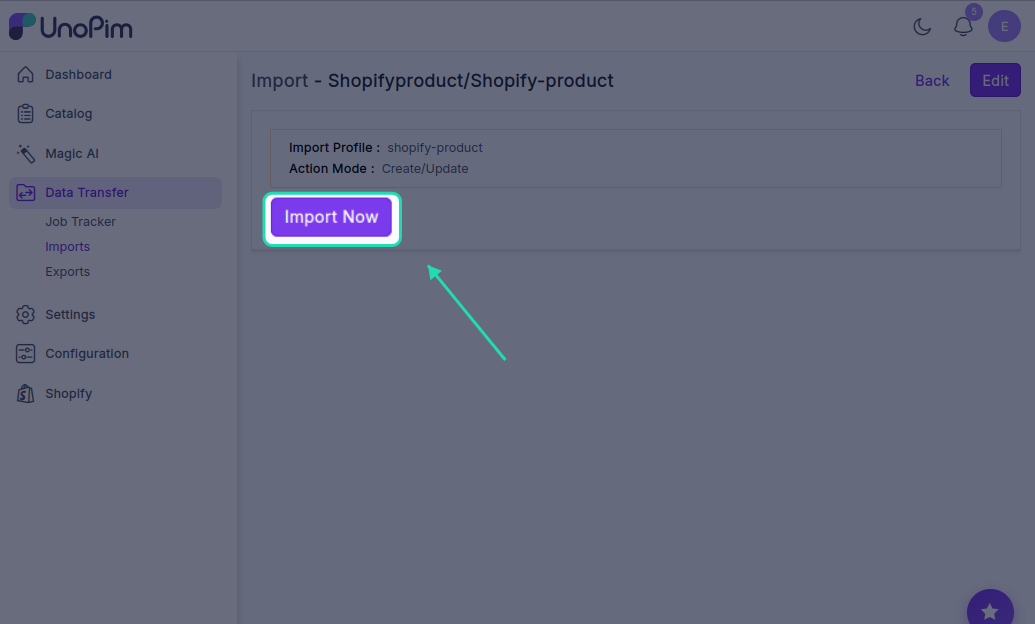
- Click Save Import, then run the job by clicking Import Now.
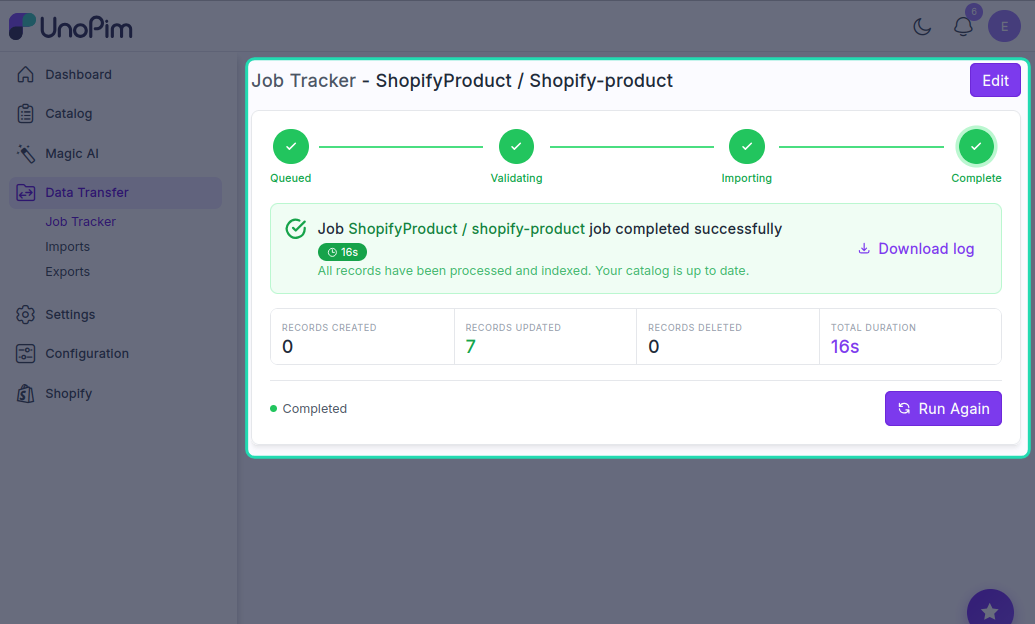
Shopify Attribute Import
Imports product attributes from Shopify into UnoPim. Run this before importing products to make sure all attribute data is available.
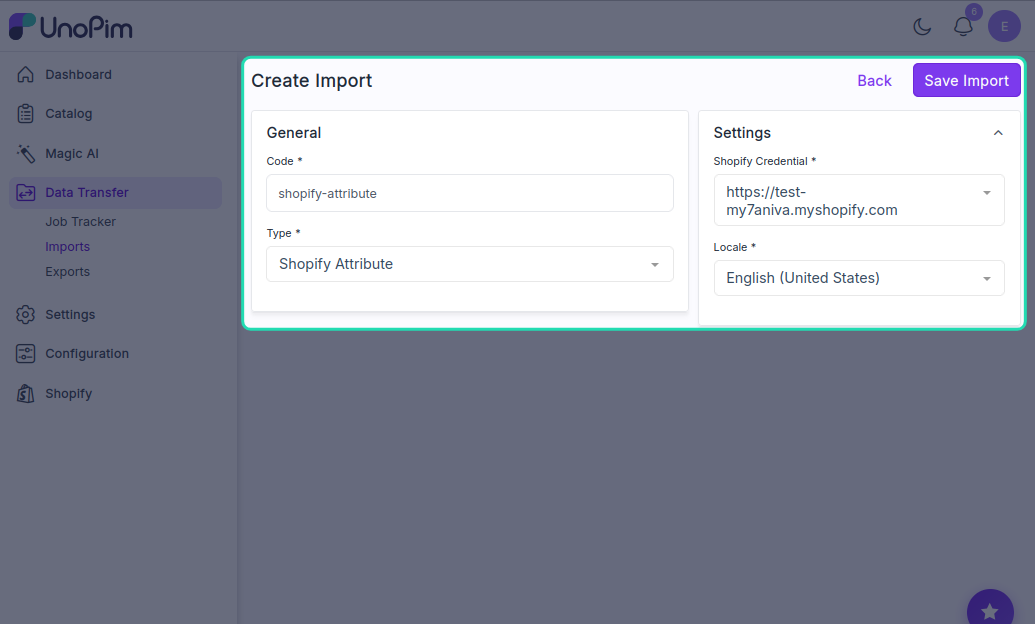
- Enter a unique Code.
- Set Type to
Shopify Attribute. - Under Settings, select:
- Shopify Credentials
- Locale
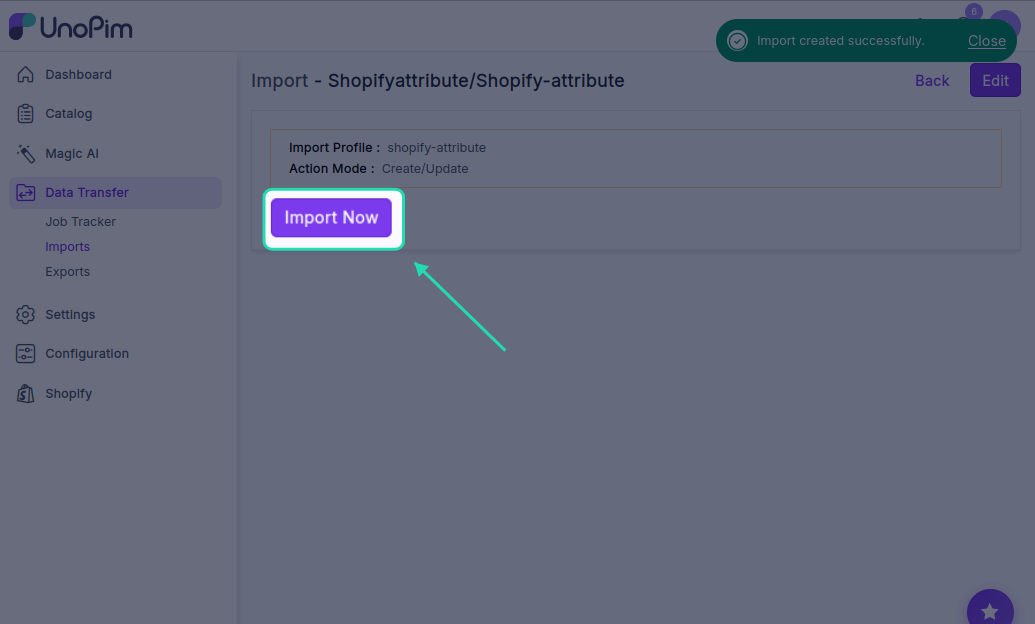
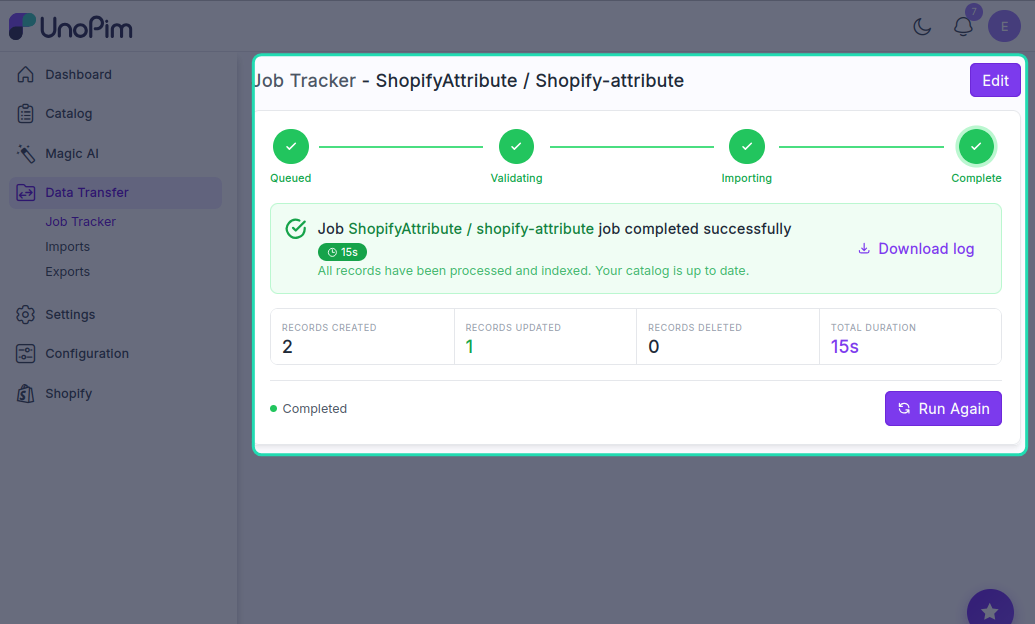
- Click Save Import, then run the job by clicking Import Now.
Shopify Category Import
Imports Shopify collections into UnoPim as categories.
- Enter a unique Code.
- Set Type to
Shopify Category Import. - Under Settings, select:
- Shopify Credentials
- Locale
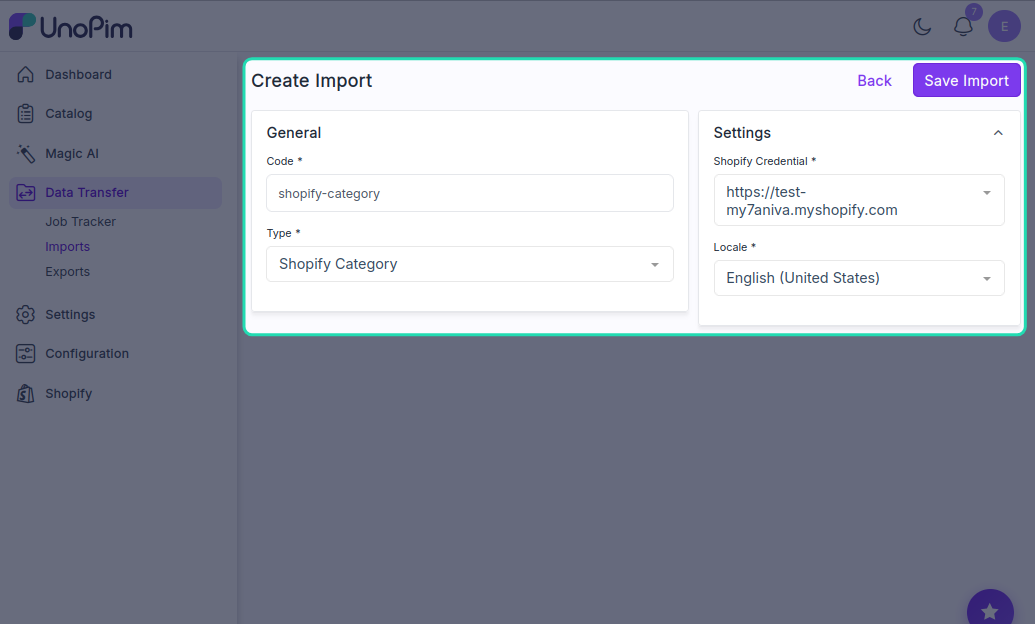
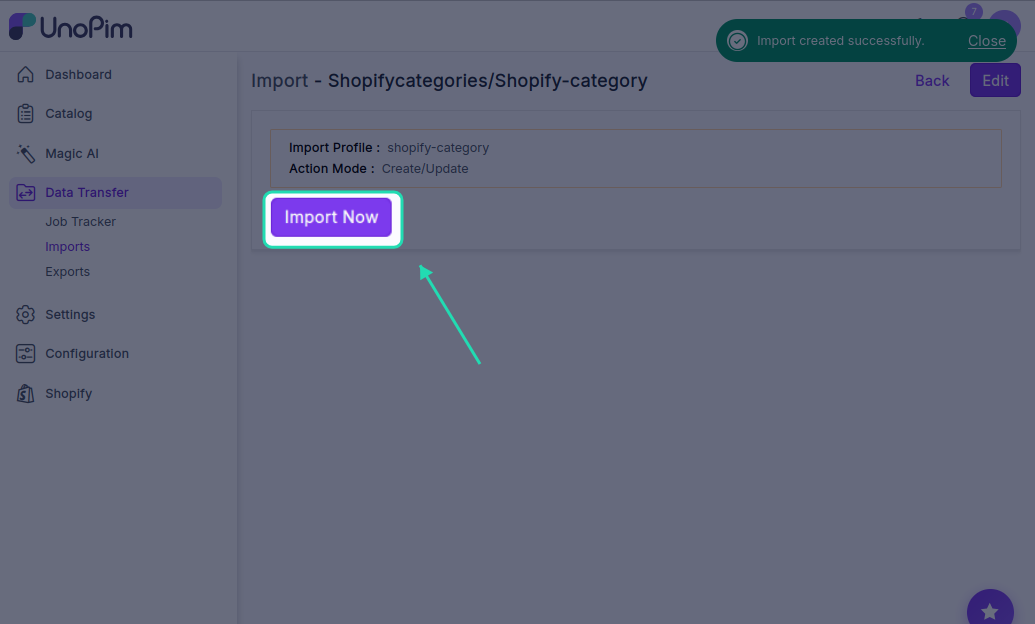
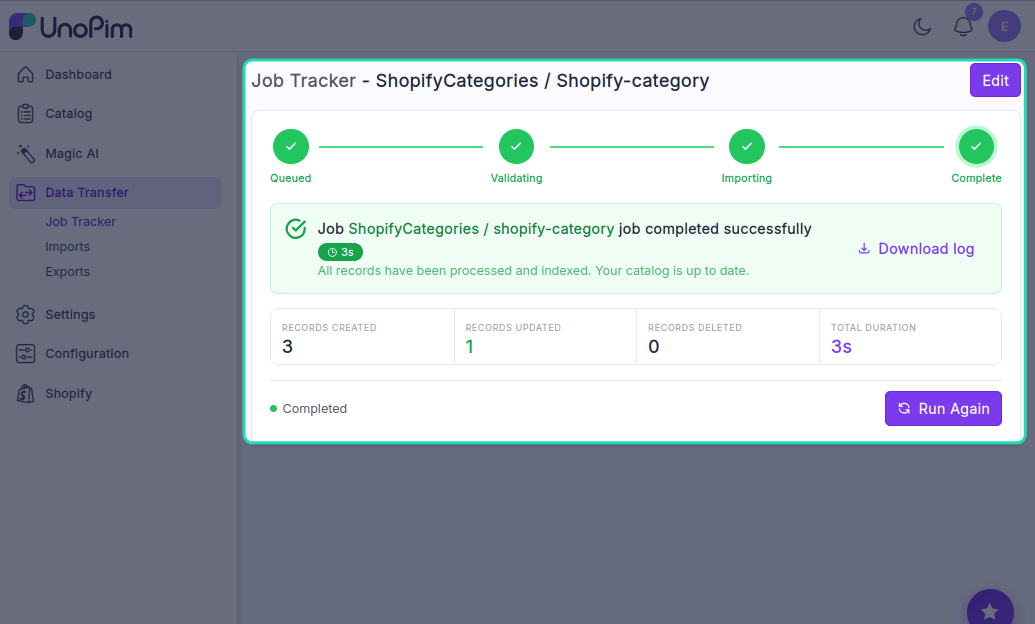
- Click Save Import, then run the job by clicking Import Now.
Shopify Family Variant Attribute Assignment Import
This job maps Shopify variant attributes to the correct product families in UnoPim. It's needed when importing configurable products that have variants like size or colour.
- Enter a unique Code.
- Set Type to
Shopify Family Variant Attribute Assignment Import. - Under Settings, select:
- Shopify Credentials
- Locale
- Attribute Group — choose the group the variant attributes should be assigned to
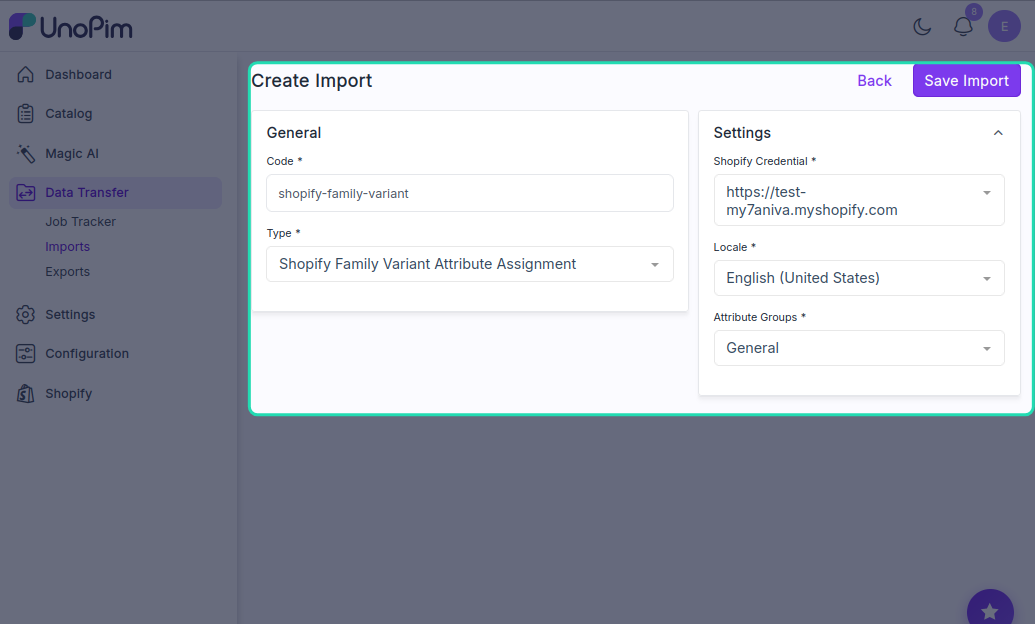
- Click Save Import, then run the job by clicking Import Now.
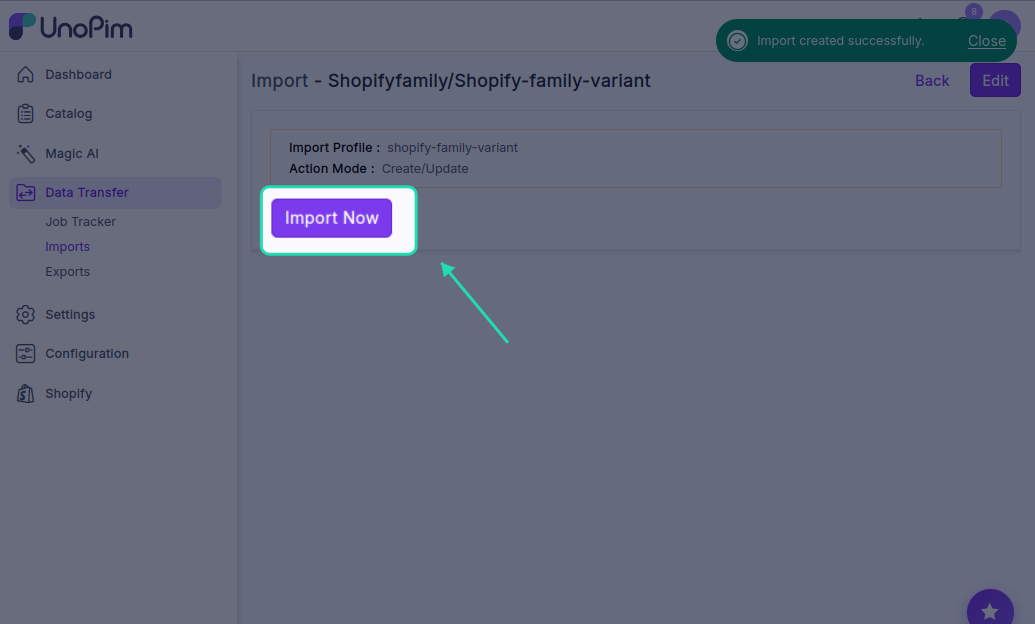
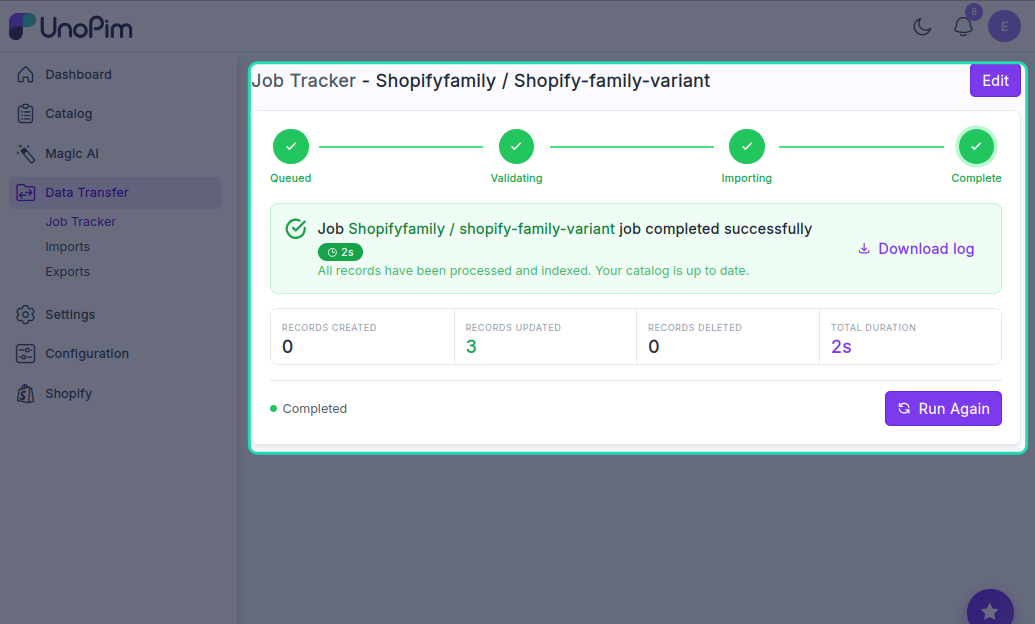
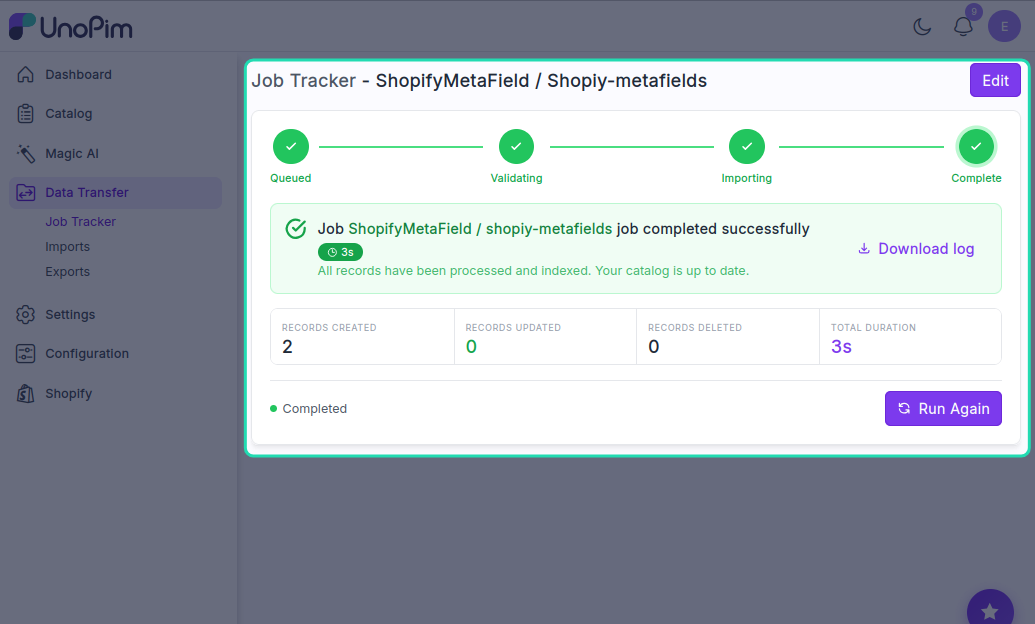
Shopify Metafield Definitions Import
Imports existing Shopify metafield definitions into UnoPim so they can be managed and re-exported from the PIM.
- Enter a unique Code.
- Set Type to
Shopify Metafield Definitions. - Under Settings, select:
- Shopify Credentials
- Locale
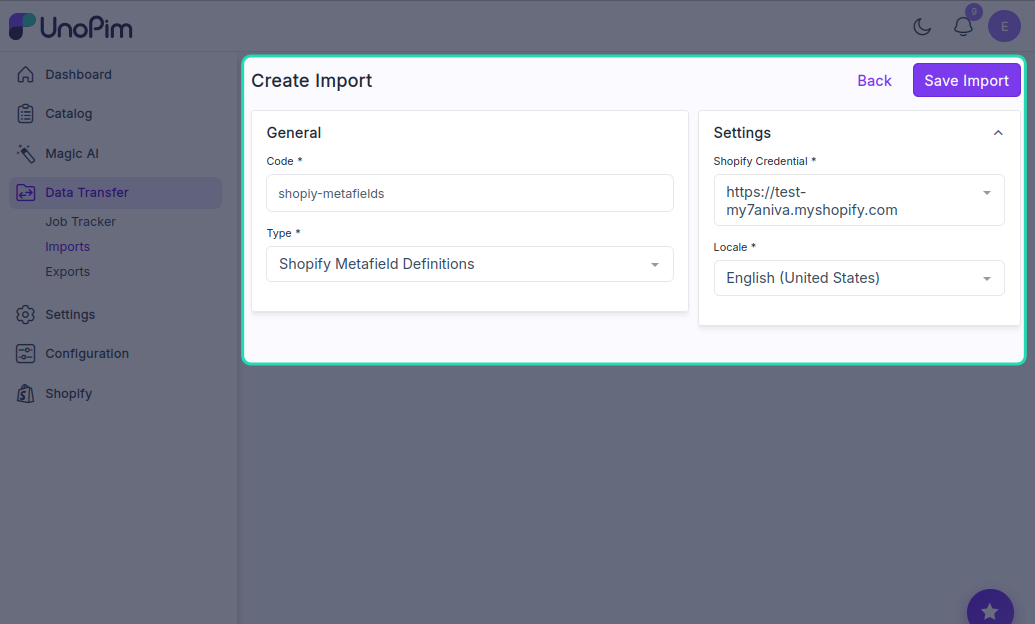
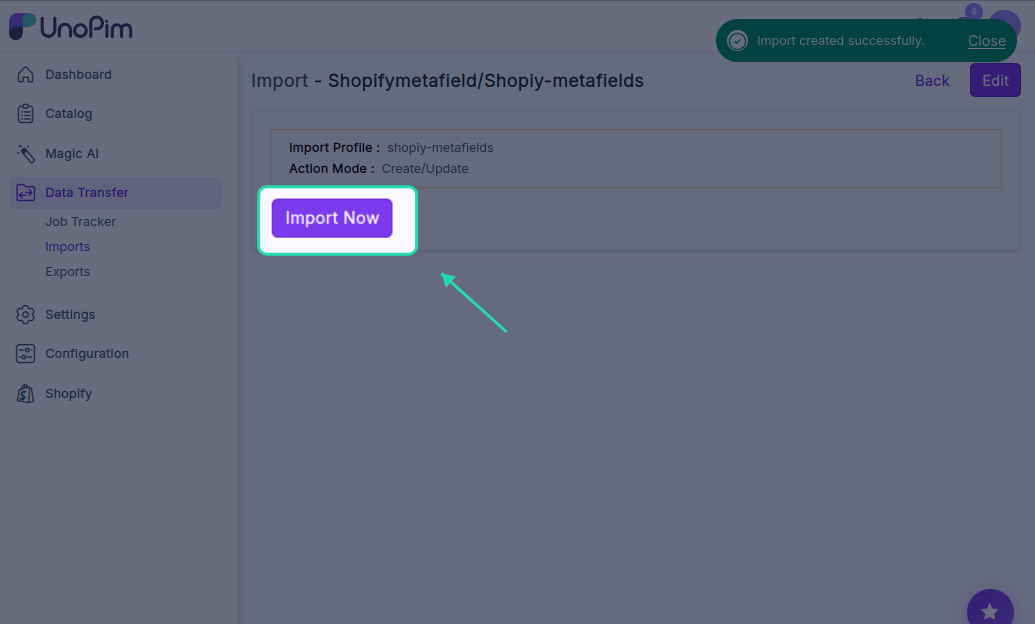
- Click Save Import, then run the job by clicking Import Now.
Tip: If you're setting up imports for the first time, run them in this order for best results: Attributes → Categories → Family Variant Assignment → Products → Metafield Definitions. This ensures all the supporting data is in place before products are imported.